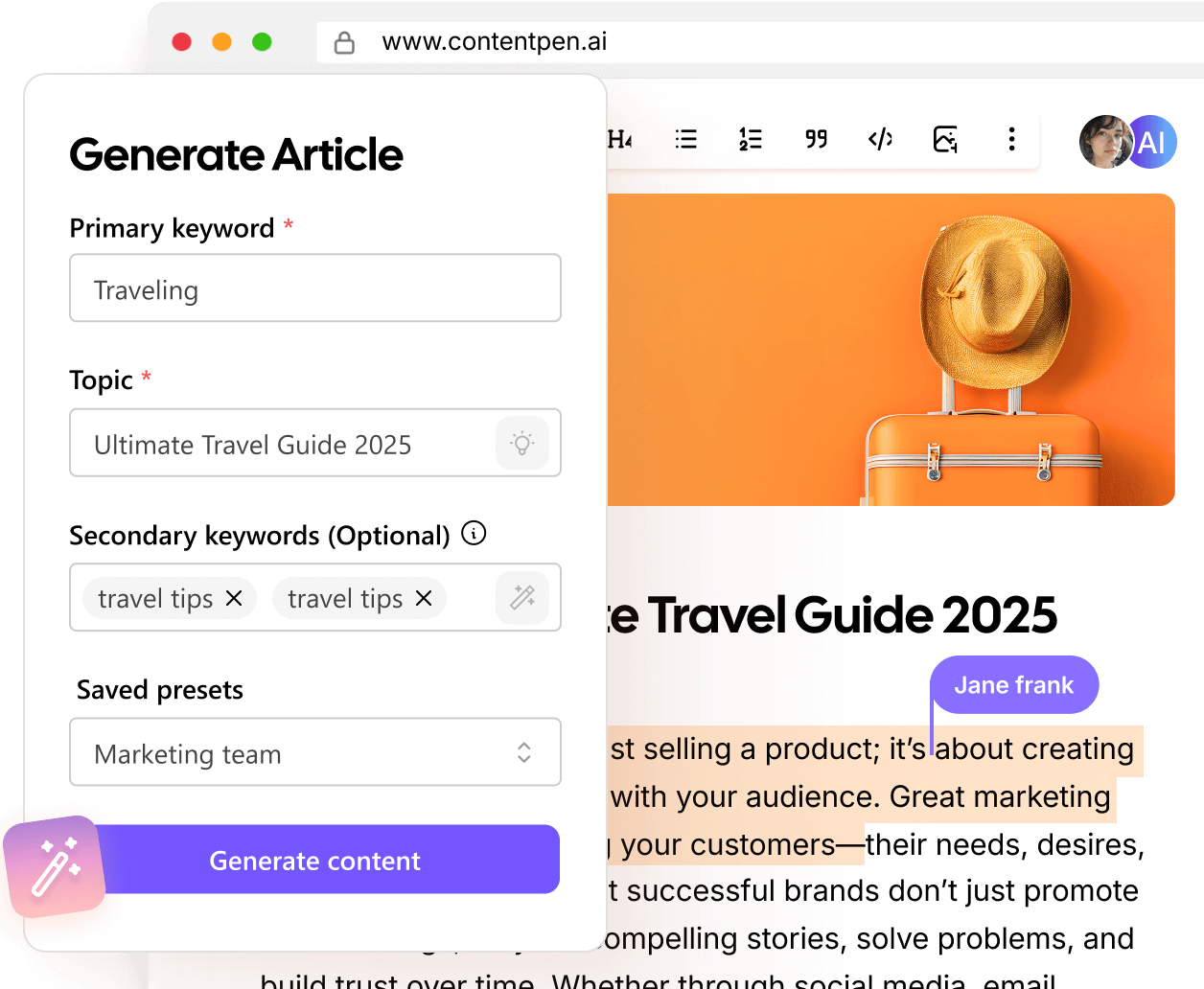
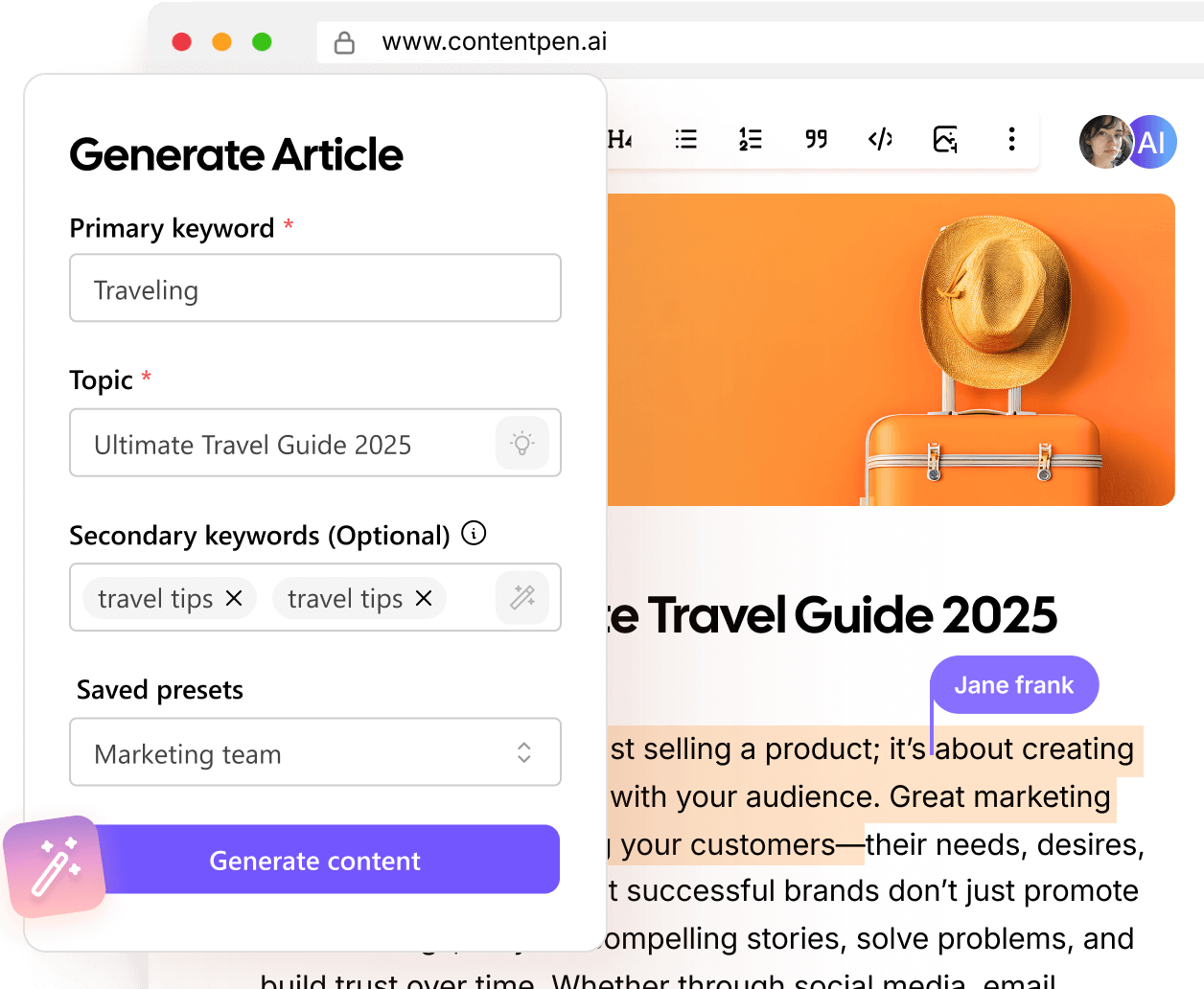
Built-in Media Library

Write, generate, and refine visuals with Contentpen
From featured images to in-article visuals, Contentpen keeps everything in one place so your content stays consistent, polished, and ready to publish.





80K+ blogs generated
Centralize and optimize blog media with Contentpen
Featured and in-article image generation
Centralized asset organization
AI-powered image replacement
See how media management works
Watch how Contentpen handles content creation, media, and optimization in a single workflow, helping you publish faster and stay consistent at scale.
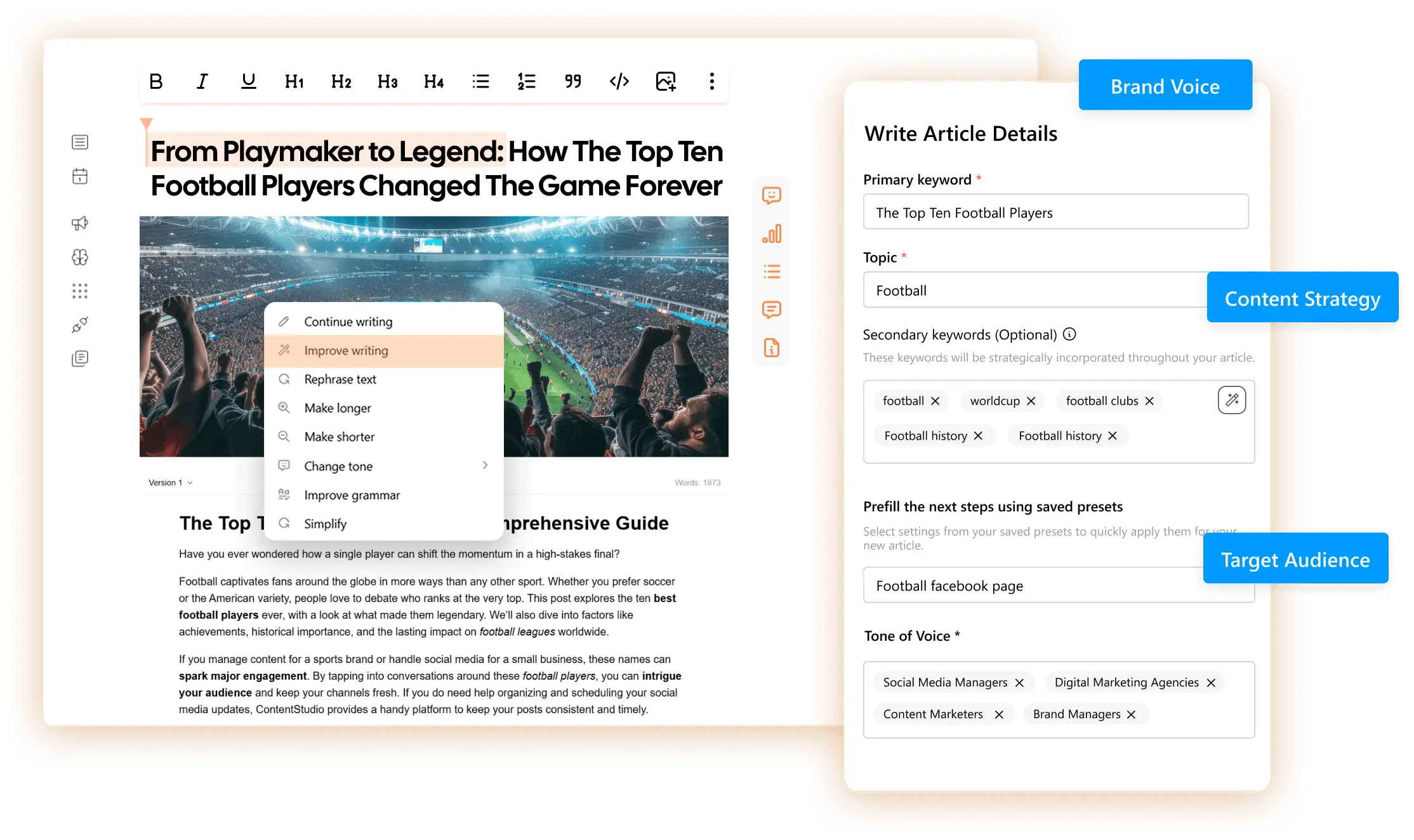
Contextual image creation
Contentpen generates images that align with the topic, section, and intent of your content. Every visual supports the message you’re writing and adds clarity for the readers.
Instant image replacement
Not happy with an image? Swap it instantly without breaking your layout or flow, and keep on track for your publishing schedule.
SEO and GEO optimized
Keep your blogs accessible, indexable, and ready to surface in search results by getting descriptive alt text for images.
Innovative media organization
Create, insert, replace, and manage images without leaving the editor. Contentpen keeps media tightly connected to your content so everything stays fast, consistent, and convenient.
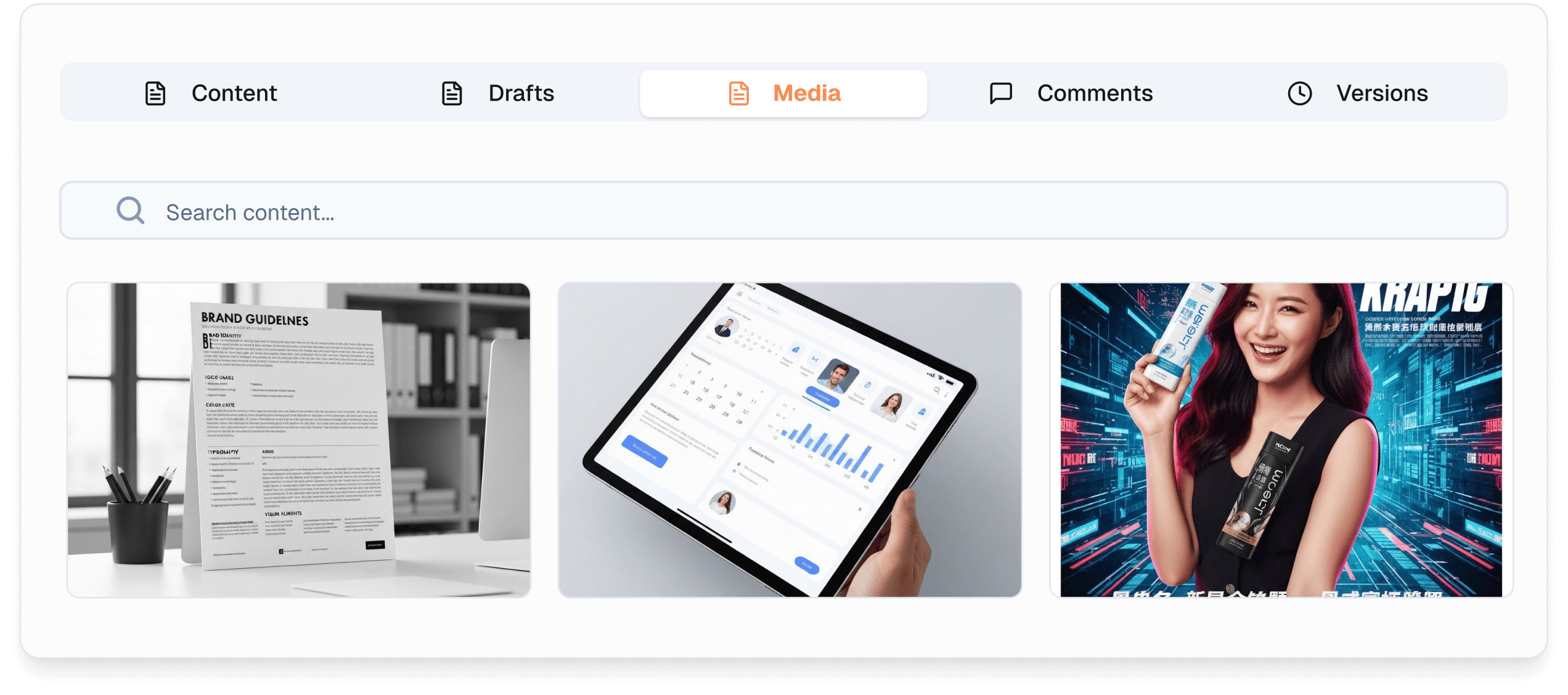
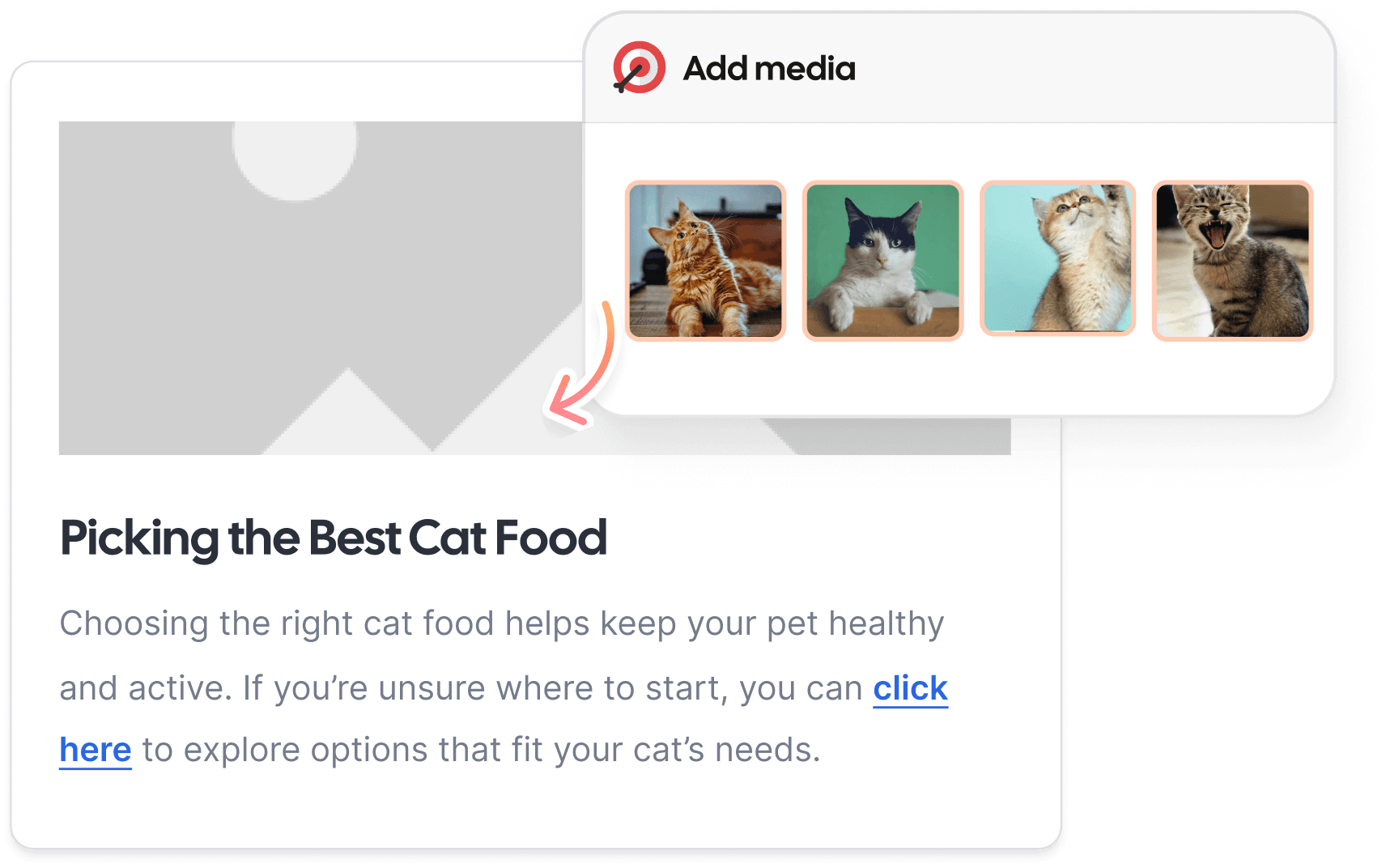
AI content-to-asset matching
Contentpen automatically suggests relevant images from your library or generates new ones as you write to match your ideas.
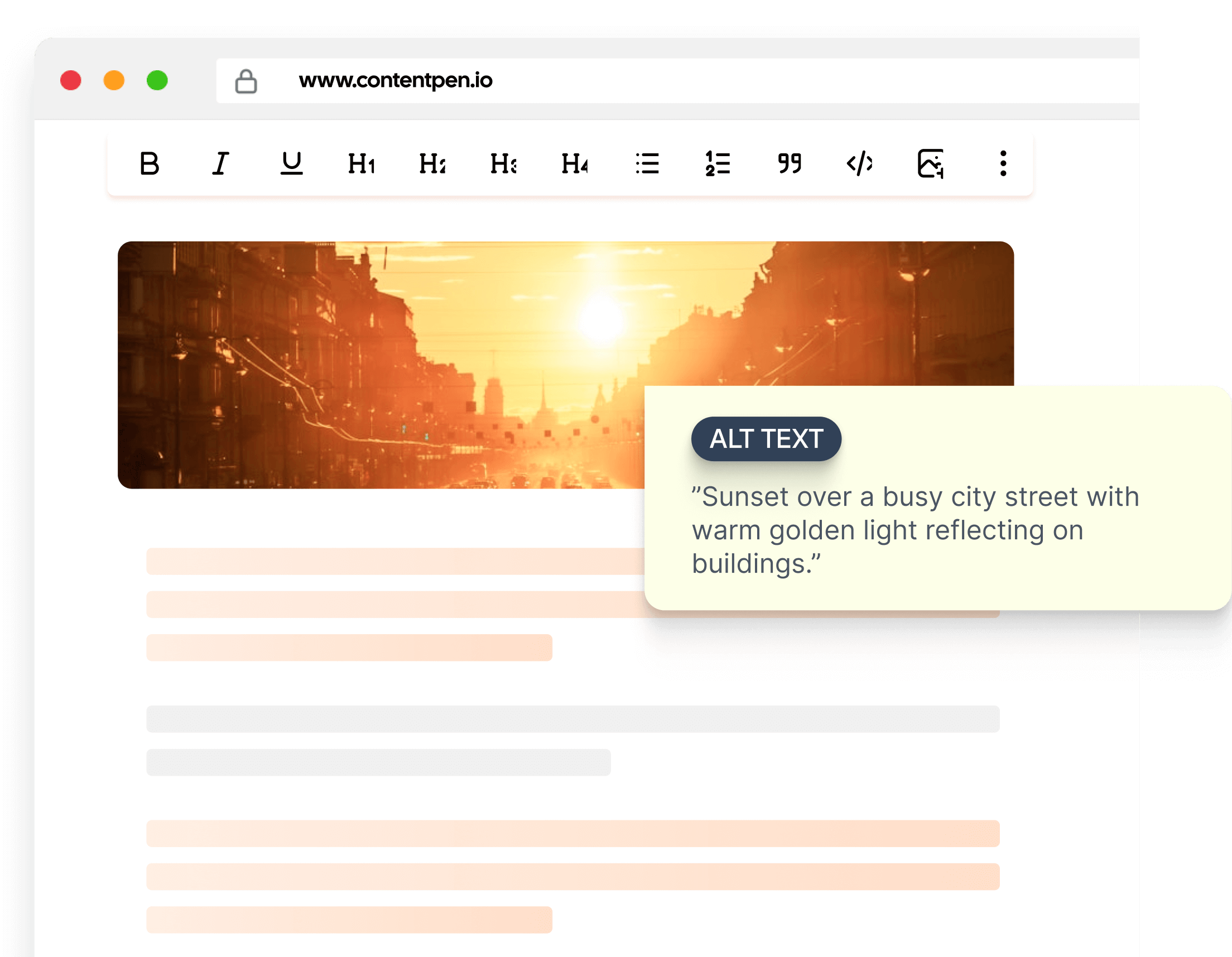
SEO and GEO-ready images
Every image on this SEO platform comes with AI-generated alt text designed for both search engines and generative AI discovery.
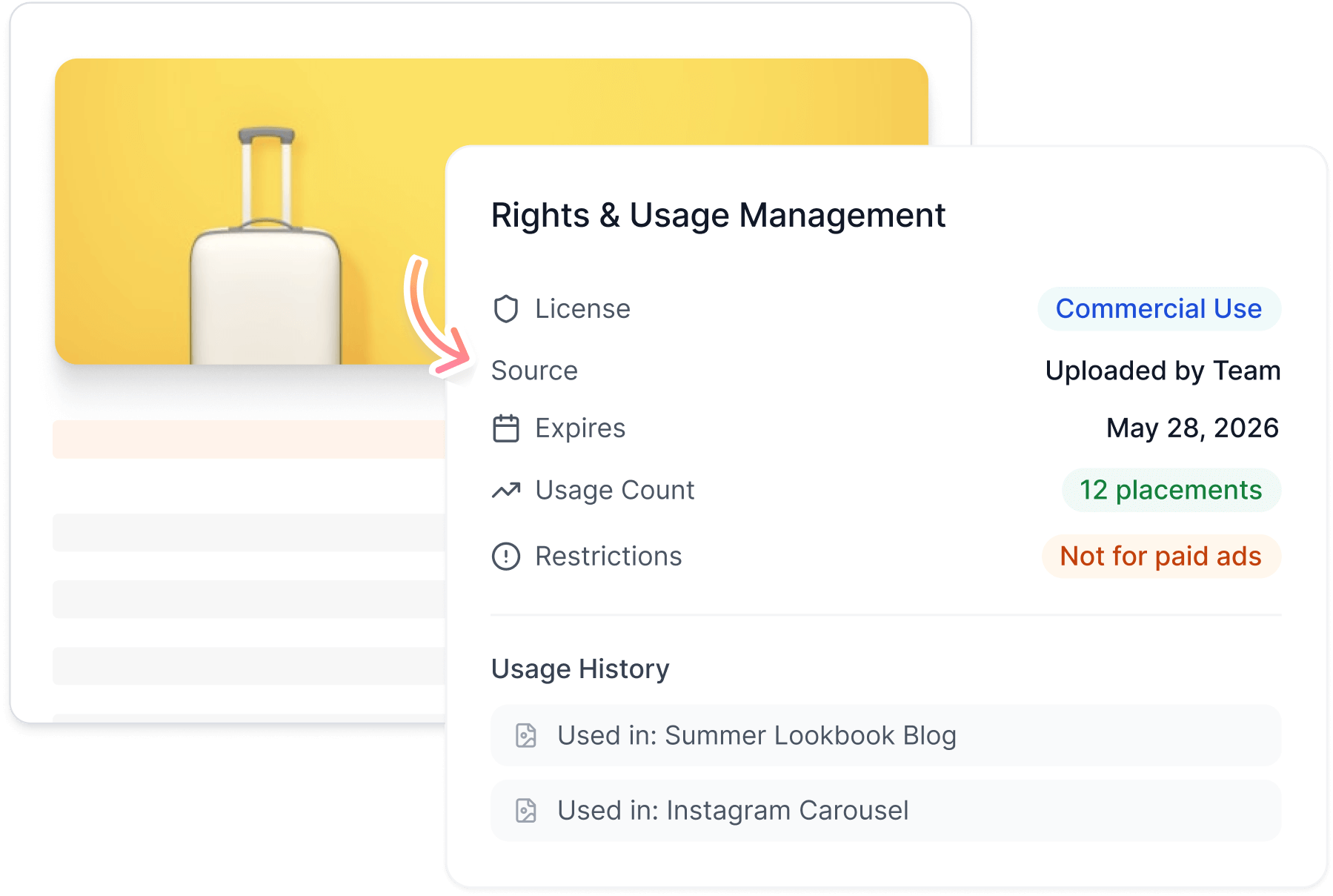
Rights and usage management
Track licensing, permissions, usage history, and asset versions automatically. Stay compliant and confident as you scale content across blogs, pages, and campaigns.
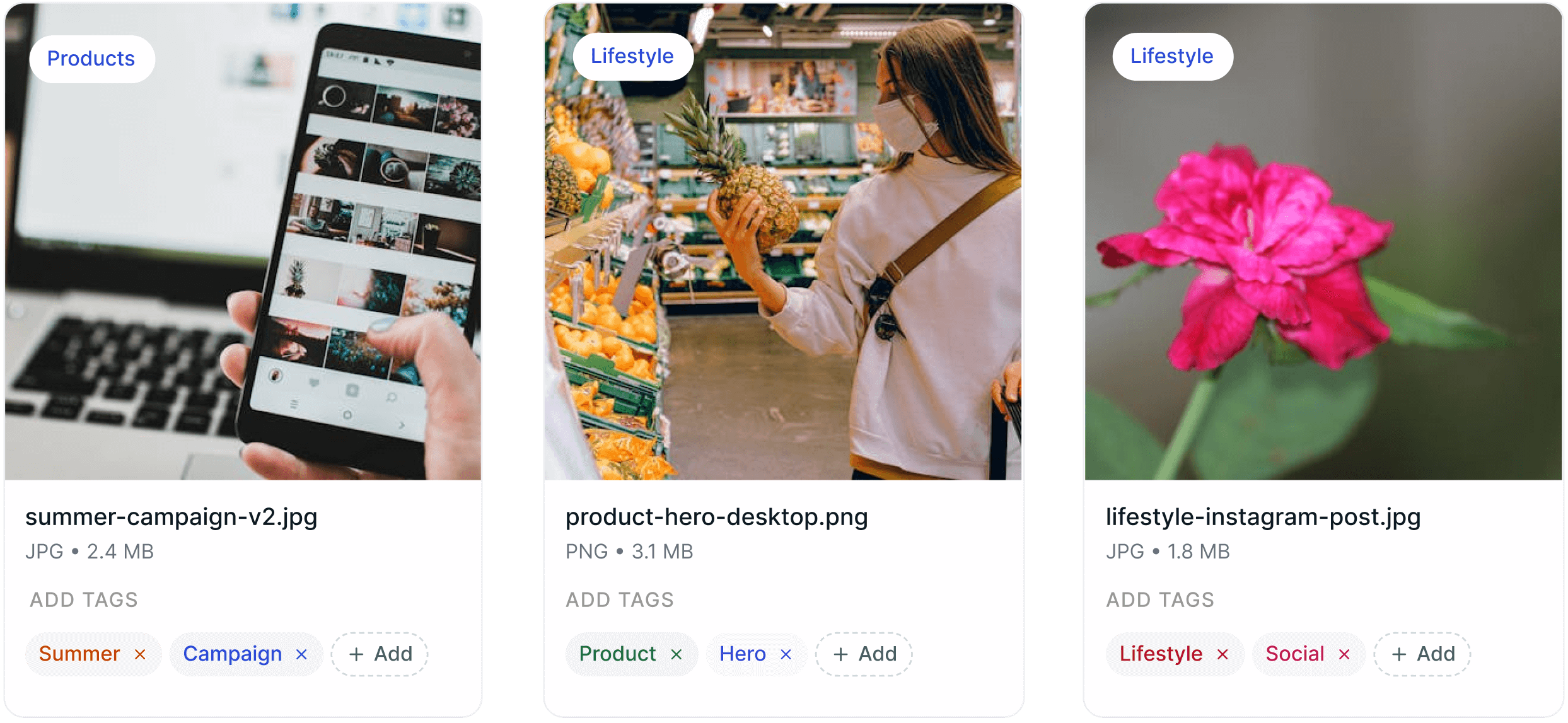
Versioning and tagging
Store, tag, categorize, and version all your media in one clean library. Find the right asset instantly, keep teams aligned, and eliminate duplicate or outdated files.
Direct CMS publishing
Insert and publish images straight to WordPress, Ghost, or other CMS platforms with no downloads or re-uploads. What you create is what goes live.
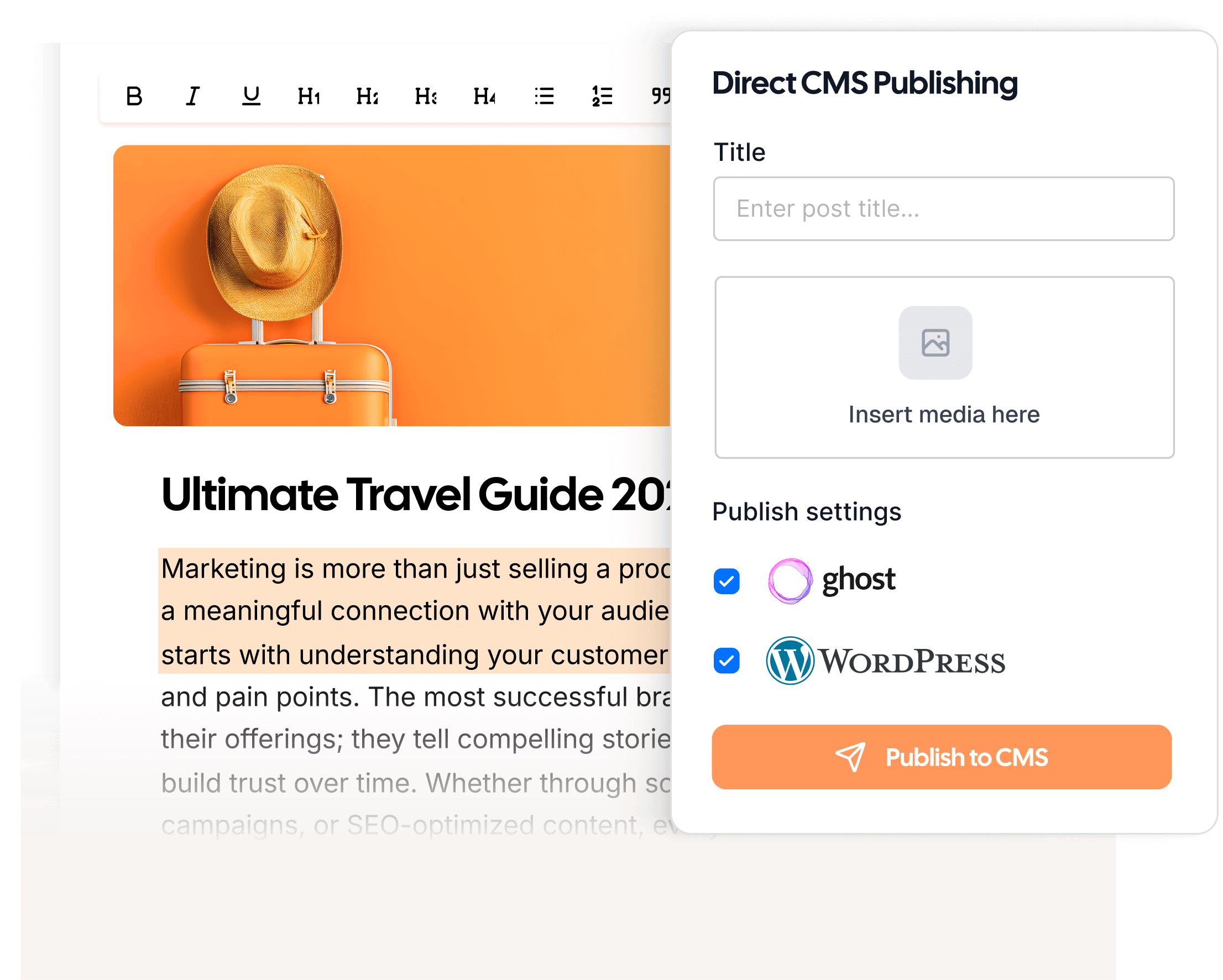
Publish visually rich, optimized content
Contentpen helps you ship polished blogs that boost SEO and GEO performance, without breaking your workflow.
Why teams choose Contentpen
See how creators, marketers, and bloggers use Contentpen to publish user-ready content with less effort.
“I love that images are handled automatically while I write. Featured images, in-article visuals, alt text, Contentpen takes care of everything! ”
 James CarterSEO Content Lead
“Before Contentpen, media was scattered across folders and tools. Now everything is stored, tagged, and ready to reuse exactly where I need it.”
 Aisha RahmanMarketing Manager
“Being able to replace images instantly and keep them organized in one place has saved us hours every week, especially when managing multiple blogs at a time.”
 Ben LawsonAgency Content Director
“I wrote a blog post for one of my hospital clients using Contentpen. Once it got indexed, it started ranking at position 4 on the first page of Google. What's interesting is that I didn't build a single backlink.”
#4position0backlinks Ankit PrajapatiCEO at Consultant Ankit
“Contentpen helped us establish our presence both on SEO and AI search. Top-Quality content at the speed of thought.”
 Alban TaraireGeneral Manager at NETK5 Technology Group
“Contentpen delivers amazing quality blog posts and saves hours of research. It's fast, reliable, and perfect for efficient content creation.”
 Raj KandelMortgage Broker at Everest Home Loans
“I spend my time saved from blog writing and SEO tasks on building relationships with my clients, which actually benefits my business.”
$1000saved3-8h/weeksaved Keith HillPresident at Go Smart Mortgage
 AlaminMarketing content creator
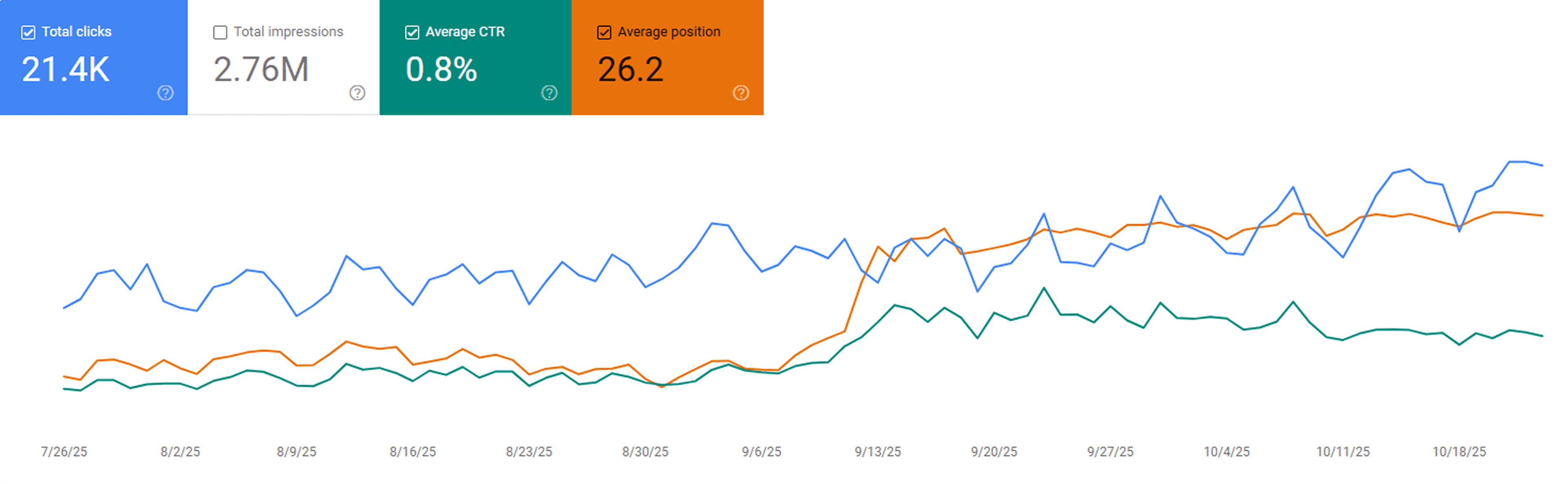
“After publishing our first 23 blogs through Contentpen, we noticed steady keyword growth in Google Search Console within three weeks. Impressions and clicks doubled, and a few articles started ranking on page one without paid promotion.”
 Sarah MalikSEO manager at GrowthHive
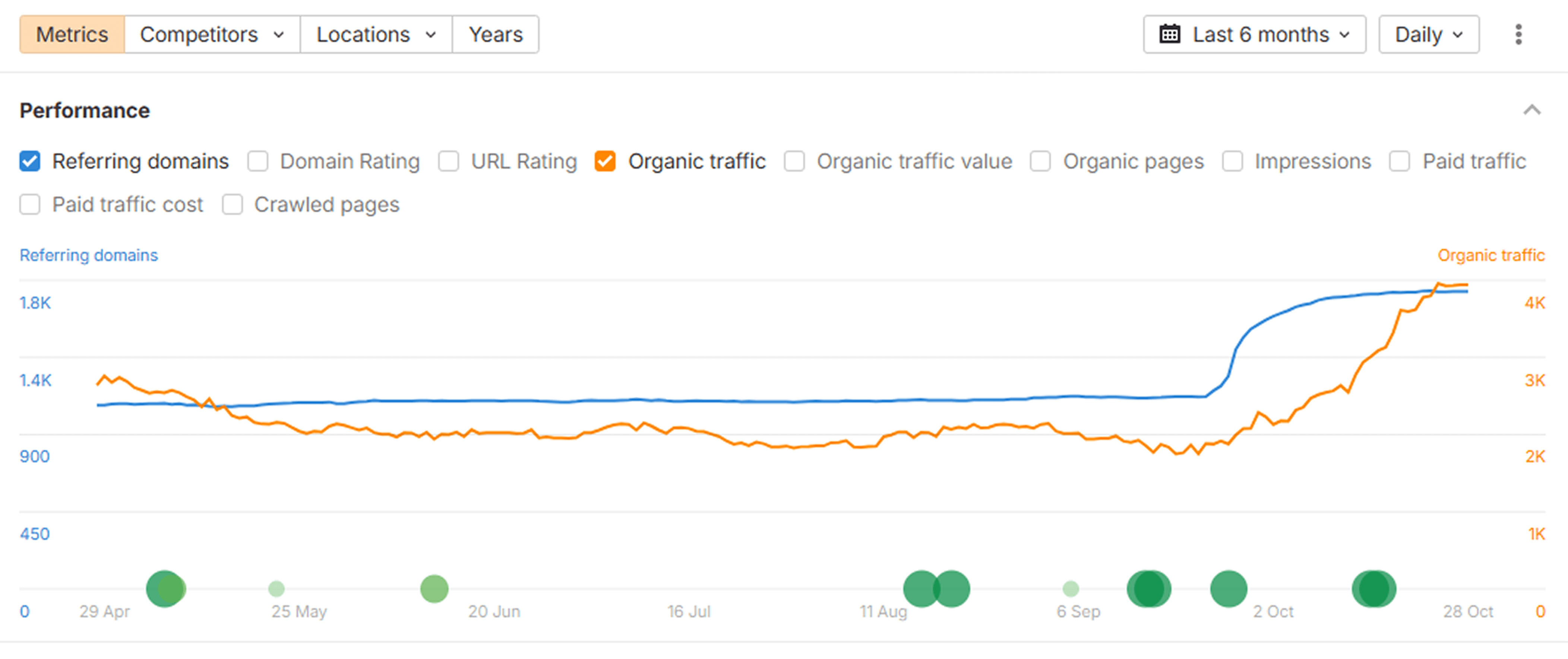
“We analyzed our new posts in Ahrefs and saw a clear lift in organic keywords and referring domains. The internal link suggestions from Contentpen helped us strengthen our site structure, which improved our overall domain visibility.”
 Daniel LeeContent strategist at BrightScale Media
Results you can measure
See real outcomes from teams using Contentpen to publish smarter and grow faster.
Higher organic traffic
Active users
Workflow efficiency
Hours saved per blog
Frequently asked questions
Quick answers to common questions about Contentpen’s built-in media library and how it helps you create polished content quickly and effectively.
Contentpen creates both featured and in-article images in multiple styles, including realistic, minimalist, abstract, illustrated, branded, and more. You can choose a look that matches your content and brand without designing anything manually.
Yes, you can reuse any image from your built-in media library across posts without reuploading it.
Absolutely not. Contentpen selects and formats visuals for you, so everything looks clean and professional without requiring any critical design expertise.
Yes. Contentpen lets your team work from the same workspace and library, keeping assets organized and easy to find.
No. Contentpen automatically optimizes images for fast loading and smooth publishing, so your site performance is unaffected.
Yes, you can update or replace images at any time with the built-in media options without having to rework the entire post.
Build the rest of your content workflow
You've seen this part of the process, here are other features that help you research, plan, write, and improve content on autopilot.
Blog creation
Generate high-quality, SEO-optimized blog articles in minutes using AI trained for ranking content.
Keyword Research
Get high-intent keywords, search trends, and ranking opportunities tailored to your niche.
Organic traffic optimizer
Continuously analyze and optimize content to improve rankings and grow organic search traffic.
SERP & gap analysis
Identify ranking gaps and competitor opportunities to create content that outranks the competition.
SEO scoring
Get audit scores and suggestions for keyword usage, readability, and ranking signals before publishing.
Content planning & scheduling
Build content calendars, automate workflows, and plan topics that drive organic growth.
Integration & publishing
Connect your CMS and publish content directly from Contentpen without switching tools.
Bulk content creation
Produce large volumes of consistent, SEO and GEO-optimized content at scale with batch generation.
AI linking assistant
Turn every article into a traffic network with AI-powered linking.
SEO opportunities
Automatically uncover quick wins, content decay, and CTR gaps, and turn insights into actions with one-click content refreshes.
Website analytics
Track clicks, impressions, CTR, and rankings directly from Google Search Console to understand what's driving your organic performance.
AI search optimization tool
Make your content AI-ready, structured, and easy to surface