 14 minutes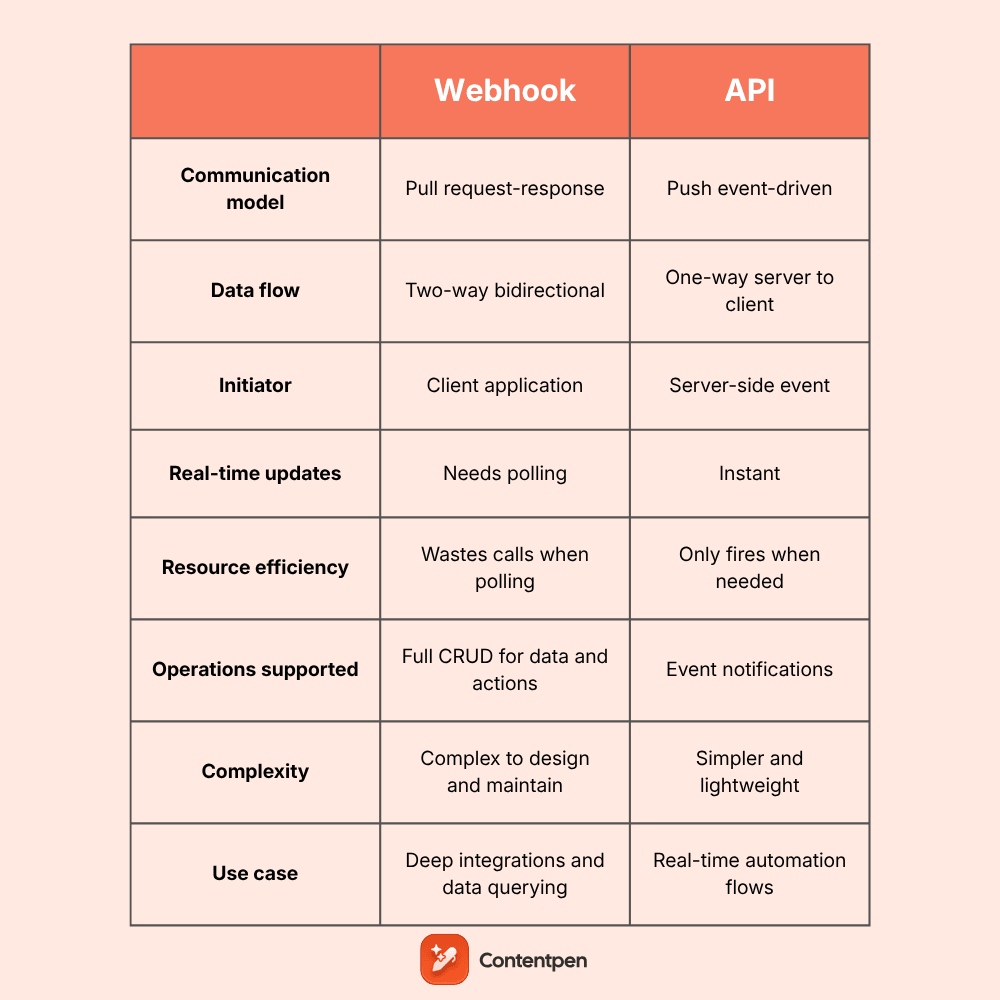
An API enables two-way communication between software driven by requests. On the other hand, a webhook is a lightweight API that provides one-way data sharing triggered by events.
Together, APIs and webhooks enable applications to share data and form the basis of the Internet as we know it today.
Since webhooks and APIs work differently, developers and creators must know when to use each.
With this post, we aim to highlight the key difference between webhooks and APIs. We will also explain how each data transfer method works and when to combine them for maximum benefit.
So, let’s get to it, shall we?
Table of contents
- What is an API?
- What is a webhook?
- Comparison table: Webhook vs API at a glance
- Real-life examples where APIs excel
- When to use a webhook? Scenarios where webhooks win
- Choosing the right integration method: A practical framework
- Webhooks with API: The mixed integration approach
- Common webhook and API challenges and how to overcome them
- Webhook vs. API: The bottom line
- Frequently asked questions
What is an API?
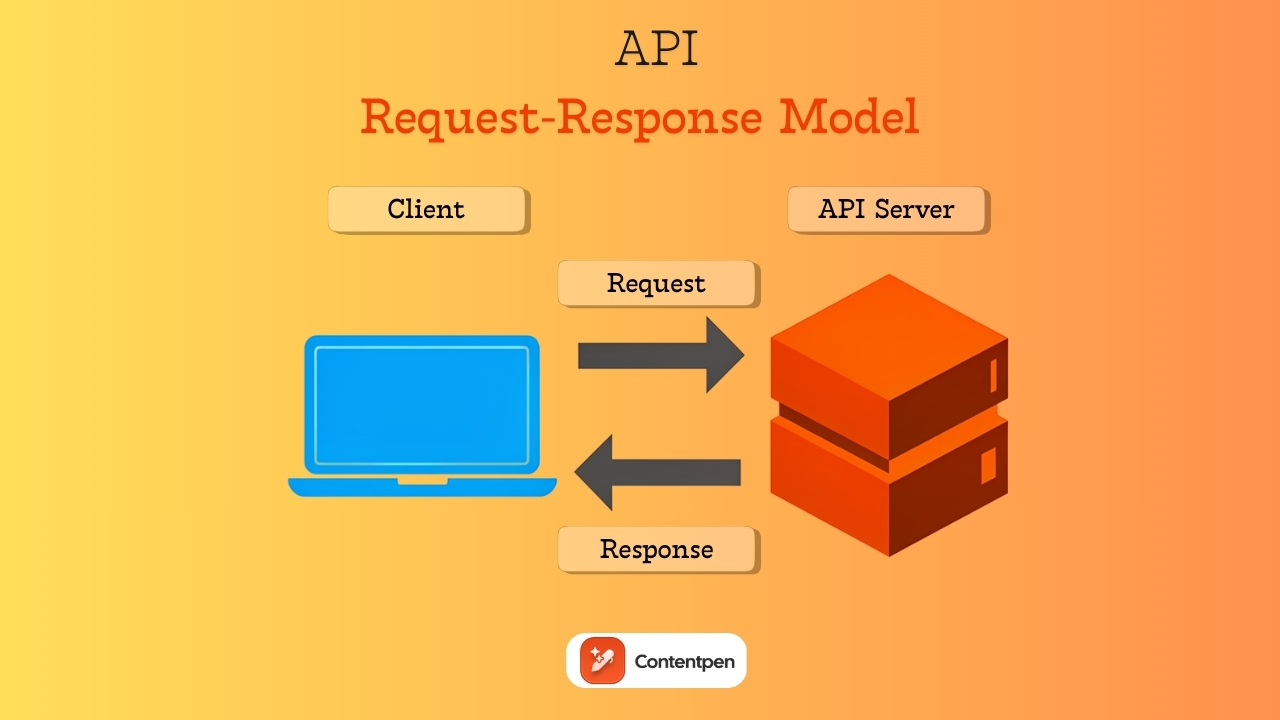
An API (Application Programming Interface) is a set of rules that lets one app talk to another.
In simple terms, your app sends a request to an application, the server does some work, and then sends back a response.
Most web APIs follow a request-response model, also called a pull model. In your app, the client always starts the conversation. It calls an API endpoint (a specific URL); the server receives the call, looks up or updates data, and then returns a reply.
This pattern supports full CRUD (create, read, update, and delete) behavior for applications.
For instance, you can:
- Create a new blog post
- Read a list of posts
- Update a customer record
- Delete an item from a cart
That two-way interaction makes APIs the base layer for most API integration methods in modern apps.
APIs usually send data in JSON or XML format. JSON is more common because it is lighter and easier to handle in JavaScript-heavy frontends.
Different API communication patterns exist, but for many content and marketing tools, REST (Representational State Transfer) APIs are the standard.
REST is just one way to design APIs, and you will see later how REST APIs and webhooks fit into the bigger picture.
The anatomy of an API call
To see what happens in an API call, imagine your app wants a user’s profile from a social network.
First, it sends a request to a specific endpoint URL, such as https://example.com/api/users/123. That URL points to the exact resource the server should handle.
Next, the request includes an HTTP method. Common methods are:
- GET for reading data
- POST for creating
- PUT for updating
- DELETE for removing
Headers travel with the request. They often hold an API key or token that proves your app is authorized to request this data, along with metadata about the formats or language.
Sometimes the call includes query parameters in the URL or a body payload with filters and fields. The server checks the credentials, reads or changes the requested resource, and builds a response
Along with the data, the server adds a status code:
- 200 – Signals success
- 404 – Means the resource was not found
- 500 – Reports a server error
You can think of this whole flow as filling in a form with exact fields, sending it in, and then reading a stamped result letter that explains what happened.
What is a webhook?
A webhook is an automated HTTP message that a server sends when a specific event happens. Instead of your app asking for updates, the other system pushes data to you.
That is why people often call webhooks a reverse API.
The core idea behind webhook functionality is the push-based model. Your app sets up a special URL, often called a webhook endpoint, that listens for incoming messages.
In the sender app, you paste that URL and choose which events you care about, such as “new lead created” or “payment completed.” From that moment, whenever the event fires, the provider sends an HTTP POST request to your URL with a small JSON payload.
Webhooks are used for one-way communication. The provider sends the notification, your app receives it, and that is the end of that interaction.
A webhook cannot request additional data or update records on the provider. If you need more detail, you often combine the webhook with a follow-up API call.
From an implementation perspective, webhooks are pretty simple. You:
- Set up an HTTP endpoint that accepts POST requests
- Parse the JSON
- Verify it is valid and trusted
- Trigger your own logic
After you process it, return an HTTP 200 OK to indicate you received the message.
How webhooks save computing resources
Imagine an app that checks for new email every 60 seconds through an API. That is 1,440 requests per day. If only 10 actual emails arrive, then 1,430 of those calls do no practical work at all.
With a webhook, the email server sends a message only when a new email arrives. In this case, you get 10 webhook calls instead of 1,440 API polls.
This difference in network traffic, CPU time, and logs can be huge at scale. For large apps, the gap shows up directly on the cloud bill.
Comparison table: Webhook vs API at a glance
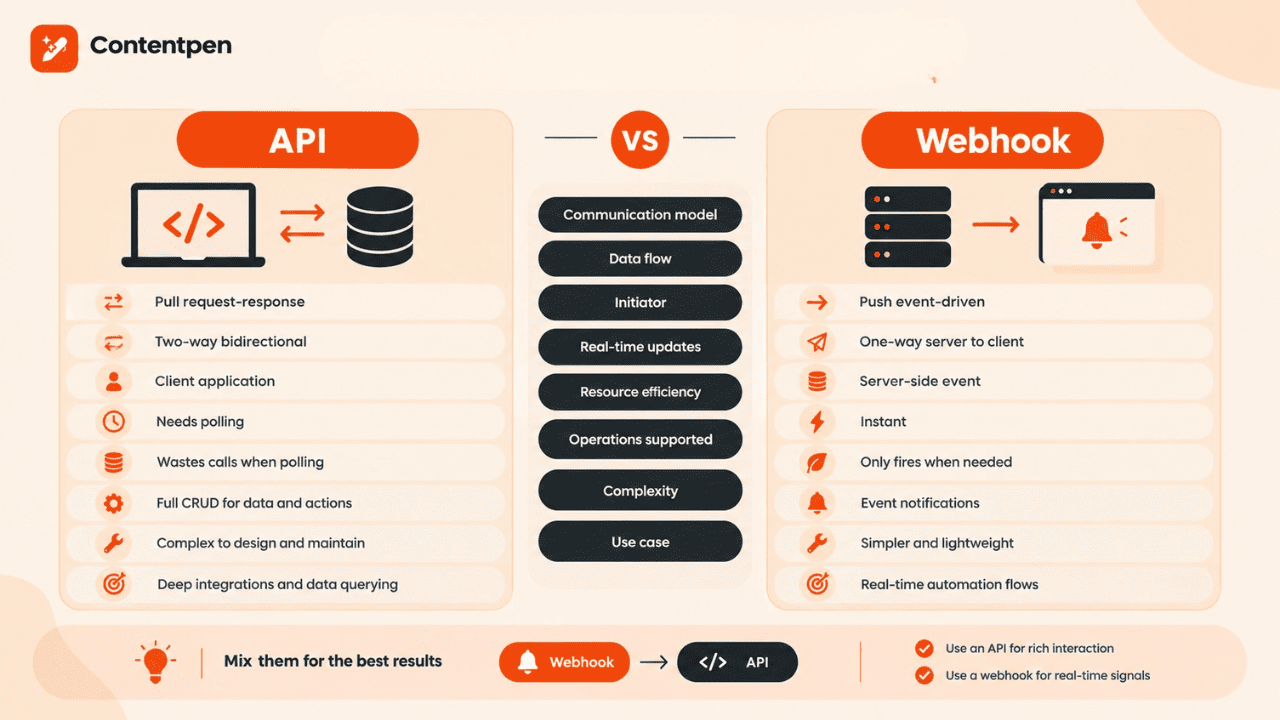
Now that you understand each method on its own, you can easily compare the webhook vs API difference. Both move data between systems, but they do it in very different styles. That style choice affects performance, cost, and how your workflows behave.
Here is a quick webhook vs API summary you can scan when you plan your new integration.
| Feature | API | Webhook |
| Communication model | Pull request-response | Push event-driven |
| Data flow | Two-way bidirectional | One-way server to client |
| Initiator | Client application | Server-side event |
| Real-time updates | Needs polling | Instant |
| Resource efficiency | Wastes calls when polling | Only fires when needed |
| Operations supported | Full CRUD for data and actions | Event notifications |
| Complexity | Complex to design and maintain | Simpler and lightweight |
| Use case | Deep integrations and data querying | Real-time automation flows |
Both integration approaches are not wrong to use. Many intelligent systems mix them.
For example, you can let a webhook tell you that something changed, then call the API to pull detailed data or to trigger more actions. That gives you a balanced webhook vs API integration pattern.
In short:
- Use an API when you need rich interaction and control over timing
- Use a webhook when you need real-time signals without noisy traffic
Real-life examples where APIs excel
Below are some examples where you should use APIs rather than webhooks for your business use cases or applications.
Messaging at scale
APIs are useful for businesses that need reliable customer messaging at scale, including OTPs, delivery updates, and appointment reminders.
Reviewing SMS API pricing can help teams compare providers and estimate costs before integration.
Accessing constantly changing data
Accessing frequently updated data is a classic case for APIs. Think of weather apps that need the latest forecast whenever someone opens the screen. The AccuWeather API does this brilliantly, providing users with up-to-date forecast data.
Performing complex data operations
Performing multi-step data operations works best with APIs. An e-commerce backend, like WooCommerce, can use an API to create, update, and delete items in a product catalog.
An SEO platform, such as Contentpen, uses APIs so editors can search, filter, and refresh articles inside user dashboards without switching tabs.
Building deep integrations
Building deep integrations often requires APIs. Payment gateways connect with banking systems through APIs to process charges, refunds, and payouts.
Authentication services check logins, manage sessions, and handle multi-factor prompts through structured API calls.
Businesses without an in-house engineering team may work with a software development company to design, implement, and securely maintain these integrations.
On-demand data retrieval
On-demand data retrieval fits the request-response style. Search boxes send API calls when users type a query.
Reporting tools, like Tableau AI, call REST APIs when someone wants a fresh analytics view for their dashboards.
Exposing functionality to many clients
Exposing functionality to many clients also calls for APIs. Providers such as email senders or messaging services offer public APIs so other apps can hook in.
A prime example of this is Contentpen, which provides API integration with powerful CMS platforms such as WordPress, Ghost, Wix, and Webflow.

Publish content directly to your CMS, without copy-pasting
Move from draft to live post in a single step. No hassle, no errors!
Try One-click Publishing →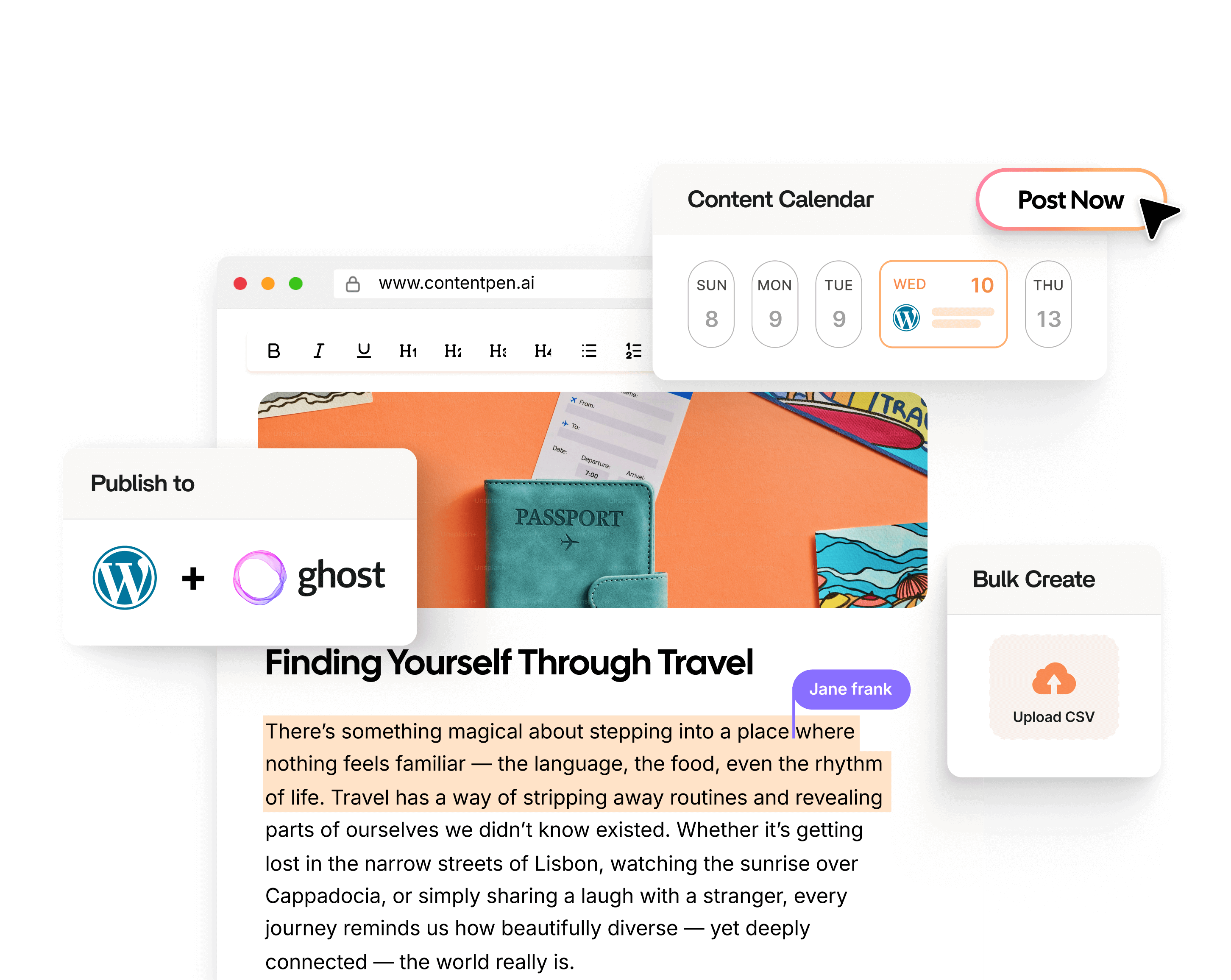
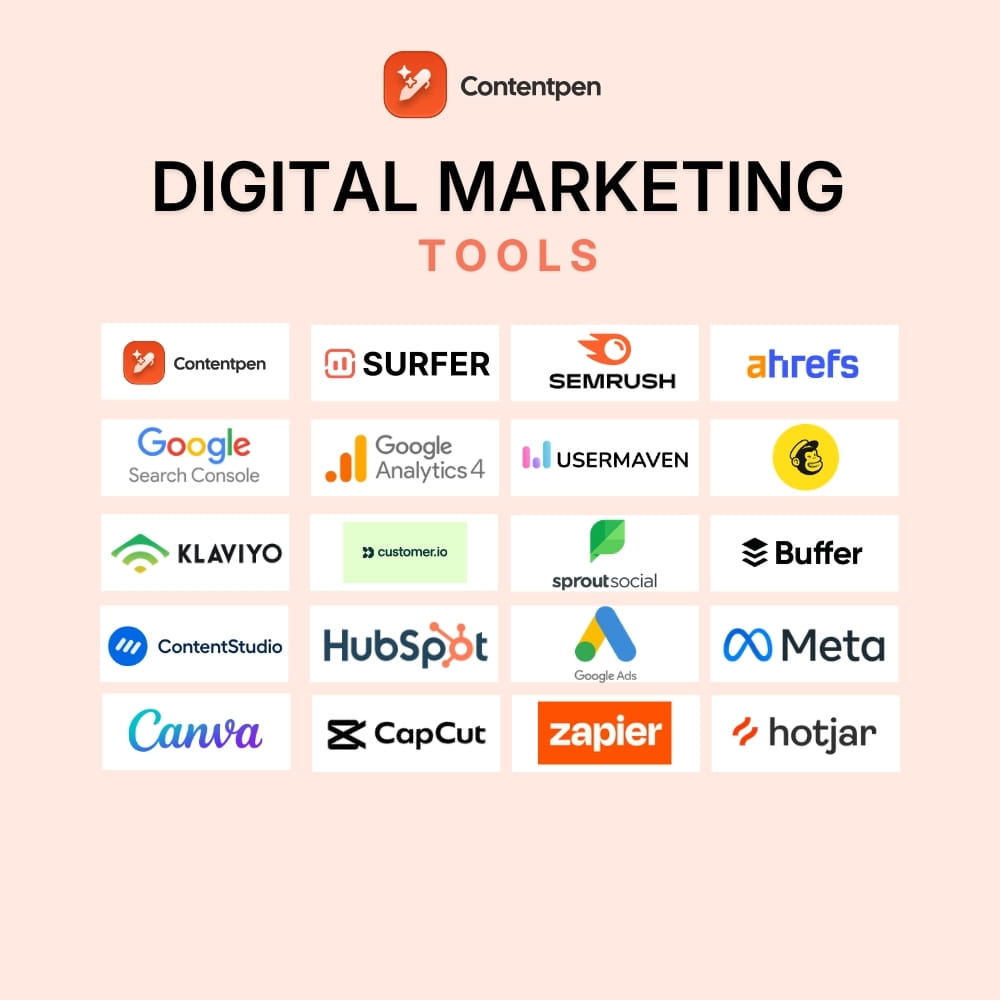
You can also directly integrate with Shopify to publish articles, ContentStudio for social publishing, or Google Search Console to analyze search performance.
The trade-off with APIs is that they take longer to design well and update safely. Changes in your API can affect every client that calls it, so versioning and clear deprecation policies matter a lot.
When to use a webhook? Scenarios where webhooks win
Webhooks shine when a state change matters right away, but you do not need constant two-way traffic. For busy content and digital marketing setups, this is where you save effort and money.
Real-time notifications and alerts
Real-time notifications and alerts are a perfect job for webhooks. When a payment succeeds during checkout, a webhook can trigger your backend to mark the order as paid within seconds.
For example, Slack incoming webhooks let outside tools post messages into channels without hassle.
Workflow automation
Workflow automation benefits a lot from webhooks. When someone submits a form on your site, a webhook can tell your CRM to add a new lead.
Similarly, when code hits the main branch in GitHub, a webhook can trigger your CI or CD pipeline to run tests and deploy.
Cross-platform synchronization
Cross-platform synchronization works nicely with event-driven updates. A user profile change in one app can trigger a webhook to other apps, keeping the name, email, and other information in sync.
Another example of this can be warehouse stock changes. These can trigger webhooks to your storefront, keeping inventory accurate and up to date without manual intervention.
Event-driven application architecture
Event-driven application architecture often uses webhooks. Serverless functions such as AWS Lambda or Azure Functions usually respond to webhook-style triggers from external services.
Microservices can send HTTP callbacks to each other when their internal state changes. This pattern builds reactive systems in which parts of your app respond to events rather than polling continuously.
Third-party integration platforms
Third-party integration platforms rely heavily on webhooks. Tools like Zapier or Make sit in the middle of dozens of SaaS applications.
When something happens in App A, a webhook tells the platform, which then runs a flow and calls an API in App B. That model makes no-code automation possible without a custom webhook implementation in every small app.
Webhooks are quick to set up for simple notifications, though you must pay close attention to security and logging.
Choosing the right integration method: A practical framework
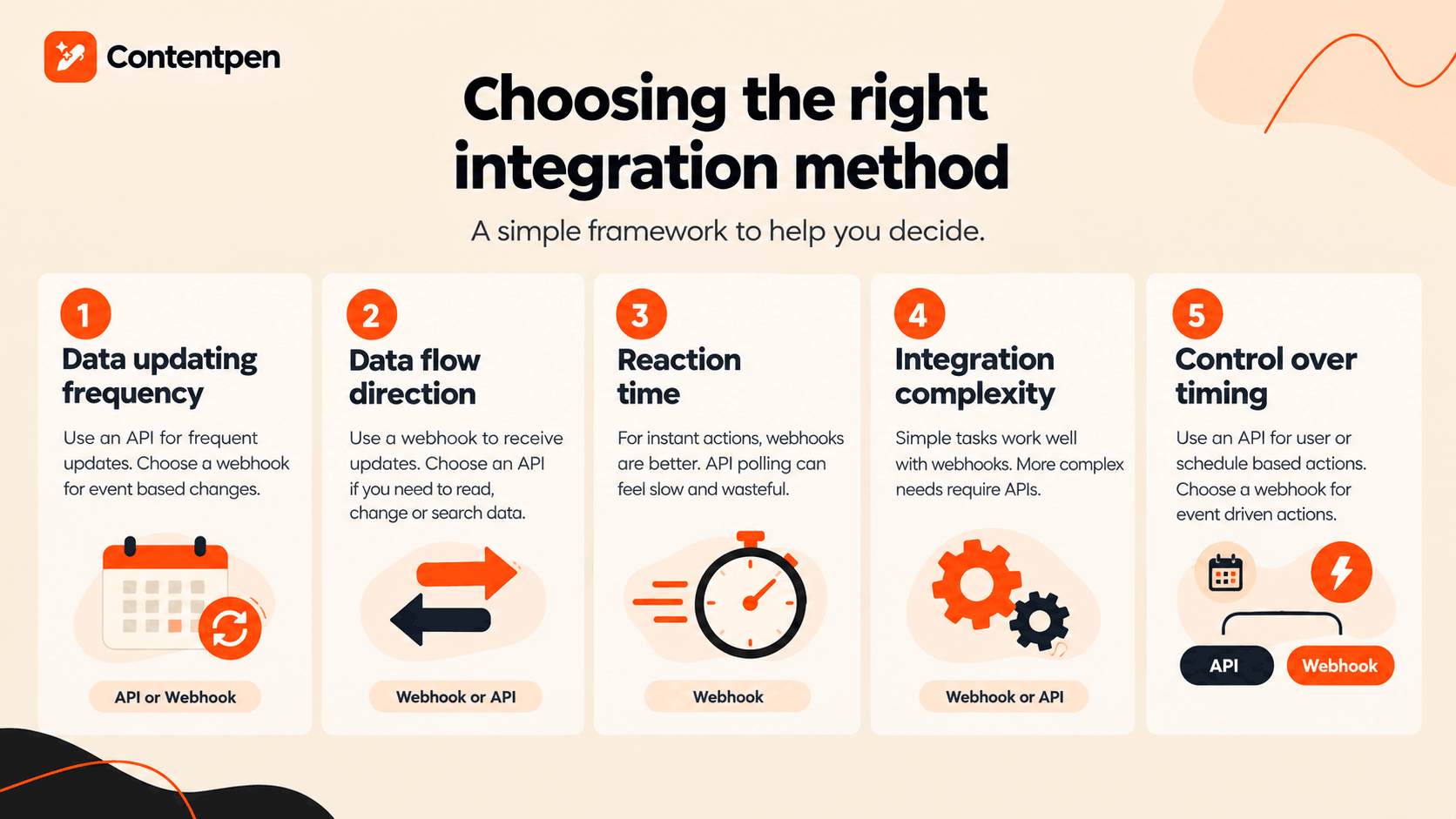
Now that we’ve highlighted all the key differences between webhooks and APIs, it is time to discuss a thorough decision framework. This will help you decide which integration method to use for your projects and business applications.
Step #1: Decide the data updating frequency
First, decide how often the data changes for your use case. If data updates frequently and users need the latest view when they open a screen, an API makes sense.
If data changes only when an event occurs, and you care about speed at that moment, a webhook notification is a better fit.
Step #2: Determine the direction of data flow
The second step in developing an integration framework is to determine the direction of data flow.
When you only need to receive updates, such as “a lead was created” or “an order shipped,” a webhook is enough.
But when you need to both read and change data, or run searches and filters, then an API integration is the right choice.
Step #3: Analyze the required reaction time
Each application or use case may have different requirements for data reaction time, so choose wisely.
If your process must fire within seconds of an event, API polling can feel slow and wasteful. In this case, webhooks are better for alerts, tool sync, and many marketing actions.
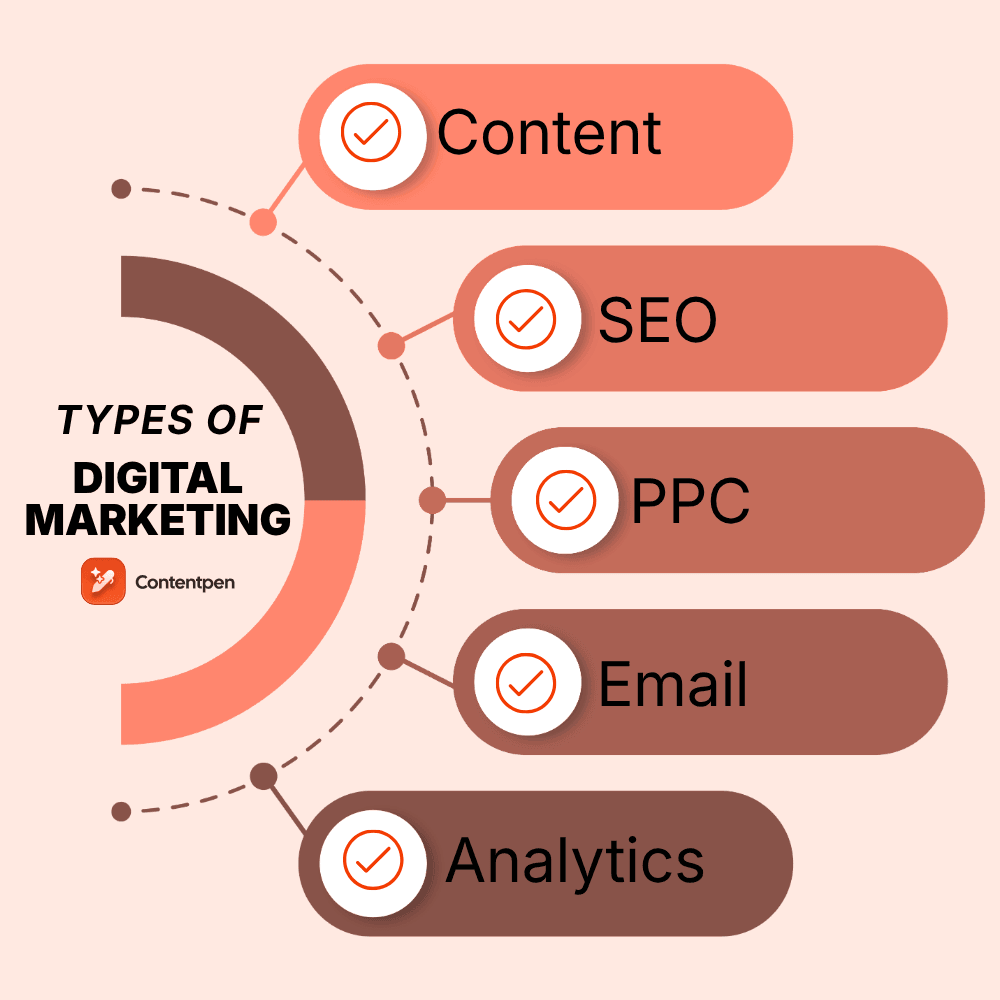
Also read: Types of digital marketing.
Step #4: Consider the complexity of the integration
Simple notifications, such as posting a message or updating a single field, fit nicely in webhook flows.
On the other hand, more involved tasks with many filters, joins, and actions require APIs that give you wide control over requests.
Step #5: Choose who should control action timing
If users or schedules define actions, then your integration framework should be based on APIs.
However, if actions should follow events in other systems without your direct trigger, then webhooks are a better match.
Webhooks with API: The mixed integration approach
Today, many mature platforms combine webhooks and APIs to provide a mixed integration framework.
This approach is better suited to modern-day workflows, where push-pull requests run in parallel to produce clean outputs.
Let’s take Contentpen as an example, which provides both API and webhook integrations for publishing content. It gives you more control over your content while discouraging polling for simpler tasks.
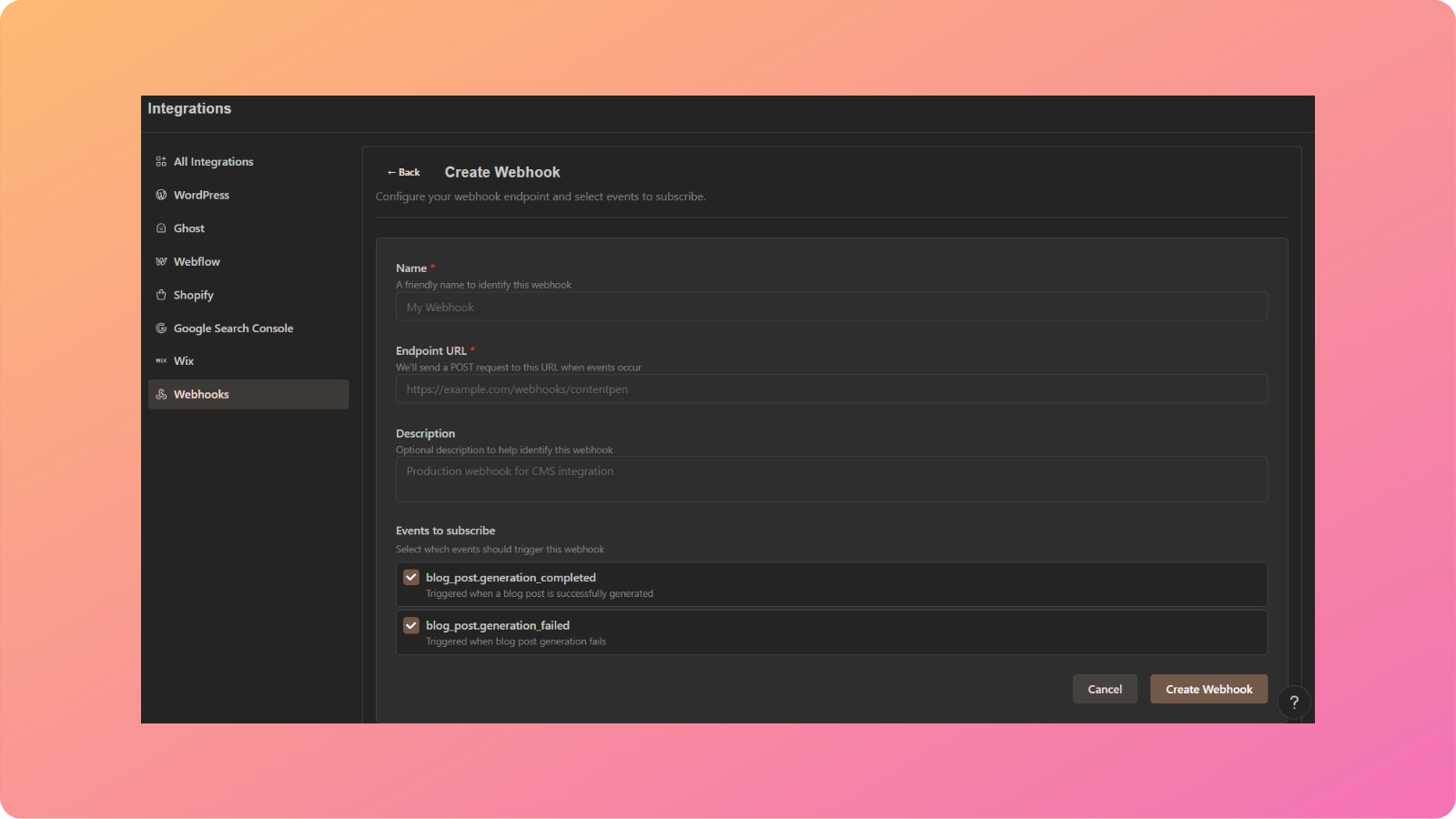
In Contentpen, the API integrations let you work directly with the top CMS and SEO tools, while webhooks provide notifications, such as status updates for a blog post.
Although mixed integrations are standard in many industries, you can still choose only one approach, given the nature and niche of your work.
Common webhook and API challenges and how to overcome them
API and webhook setups come with their own set of hurdles, especially as the business scales. Knowing the common traps before they cause problems helps you create integrations that stay stable and are easier to run.
Challenges with API-based systems
Rate limits are a huge API pain point. Many providers cap the number of calls you can make per minute or per hour to reduce resource waste, but this can affect your business’s functionality.
To avoid hitting those caps:
- Cache common responses
- Queue non-urgent requests
- Line up API calls so they respect rate limit headers
Version changes are another problem to handle with APIs.
When an API introduces new fields, removes old ones, or changes behavior, apps that depend on it can fail.
To handle this, you can:
- Use versioned endpoints
- Keep backward compatibility as long as possible
- Watch for deprecation notices from providers
- Test key flows after each change
Problems to tackle with webhooks
Webhooks have their own trouble spots. Your receiving endpoint must remain available, or the messages will fail.
In this regard, queue systems and serverless functions can be helpful as they can buffer and process events even during short spikes.
Security is another big concern for webhooks. Since endpoints are public URLs, you need to verify that each incoming request is genuinely from the sender.
Best practices include:
- Utilizing HTTPS for all webhook traffic
- Validating signatures or shared secrets
- Checking that payloads match the expected format before acting
- Adding IP allowlists when the provider gives clear address ranges
Debugging webhooks can feel harder than debugging APIs because you do not see the request as easily. To make this easier:
- Log incoming headers and payloads
- Return detailed status codes so you can spot issues
- Implement tools such as Webhook.site or RequestBin to inspect webhook messages
In both API and webhook setups, you must add monitoring and alerts so you know when something fails before your users do.
Webhook vs. API: The bottom line
The choice between webhooks and APIs is not a battle between rivals. It is more like choosing between email and text messages. Both send information, but they serve different purposes and styles of communication.
There is no single correct answer that fits every case. The right pick depends on how fast data needs to flow, who should start the action, and how complex the interaction must be.
With a clear understanding of webhooks and APIs, you can design integration plans that save developers time, cut infrastructure costs, and keep users happy with faster, more reliable features.