 32 minutes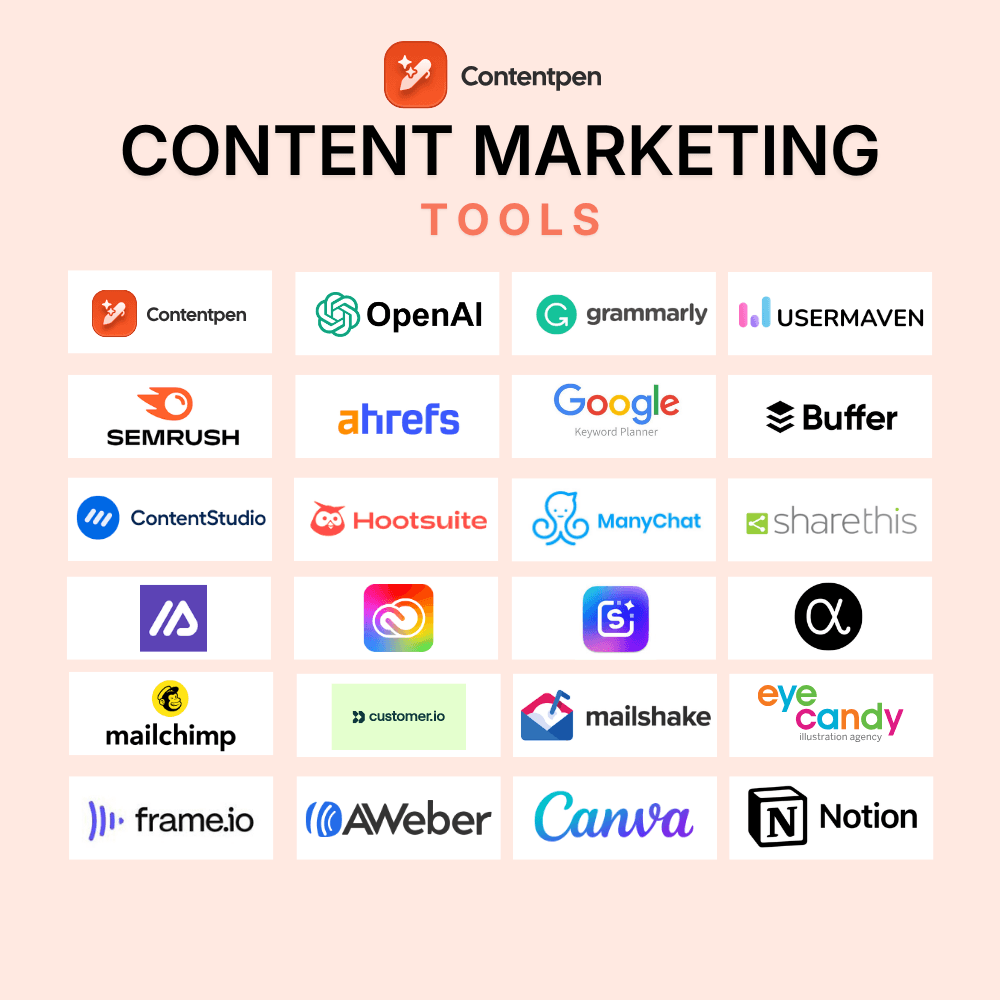
Wondering which tools to use for content marketing in 2026? Read this guide to help you decide!
Achieving success in your content marketing efforts depends heavily on the type of tools you use. With the proper support, you can streamline your writing process, enabling you to deliver content quickly and effectively.
That said, choosing from the available tools is becoming challenging. There are too many options right now, and content marketers need clarity to decide on the right tech stack.
This guide provides you with 27 tools that real content teams, agencies, startups, and solo creators use in 2026. Each tool was chosen for its ability to save time, fit into a day‑to‑day workflow, give measurable results, and integrate with existing systems.
So, let’s get to the list now, shall we?
What are content marketing tools, and why are they used?
Content marketing tools are software or platforms that help you create, manage, and analyze your marketing efforts. These can include, but are not limited to, content creation, SEO research, visual design, social media management, and performance tracking.
These apps can be used for:
- Brainstorming ideas: Keyword research, caption generators, email writers, and content planners help you discover new ideas and stay on schedule with content publication.
- Editing content: Tools process and analyze text much faster than humans do, giving you opportunities to edit and polish your content before going live.
- Optimizing posts: Content marketing tools help you create SEO- and GEO-optimized content, boosting organic traffic for your sites.
- Enhancing visuals: Powerful SaaS software can assist content marketers, freelancers, and small business owners in adding appealing, engaging visuals to their content.
- Communicating better: Online tools help you write clear, readable messages, making it easier to get your ideas across.
- Making data-driven decisions: No more guesswork. Content marketing tools provide valuable, data-backed insights to define the next steps clearly.
While these are some benefits of content marketing and project management tools, their applications are practically endless.
Related read: The complete B2B content marketing guide: Strategy, funnel & examples.
27 must-have content marketing tools by category
Let’s take a look at the best content marketing tools in 2026.
- Content creation and optimization
- SEO and analytics
- Social media
- Visual content and design
- Email marketing
- Video content creation
- Project management and collaboration
Let’s see each of these tool categories and options in more detail.
Content creation and optimization tools
Writing is a big part of any content marketing strategy. These tools will help you create content at scale while being true to your brand voice.
1. Contentpen: All-in-one solution for blog writing and optimizing
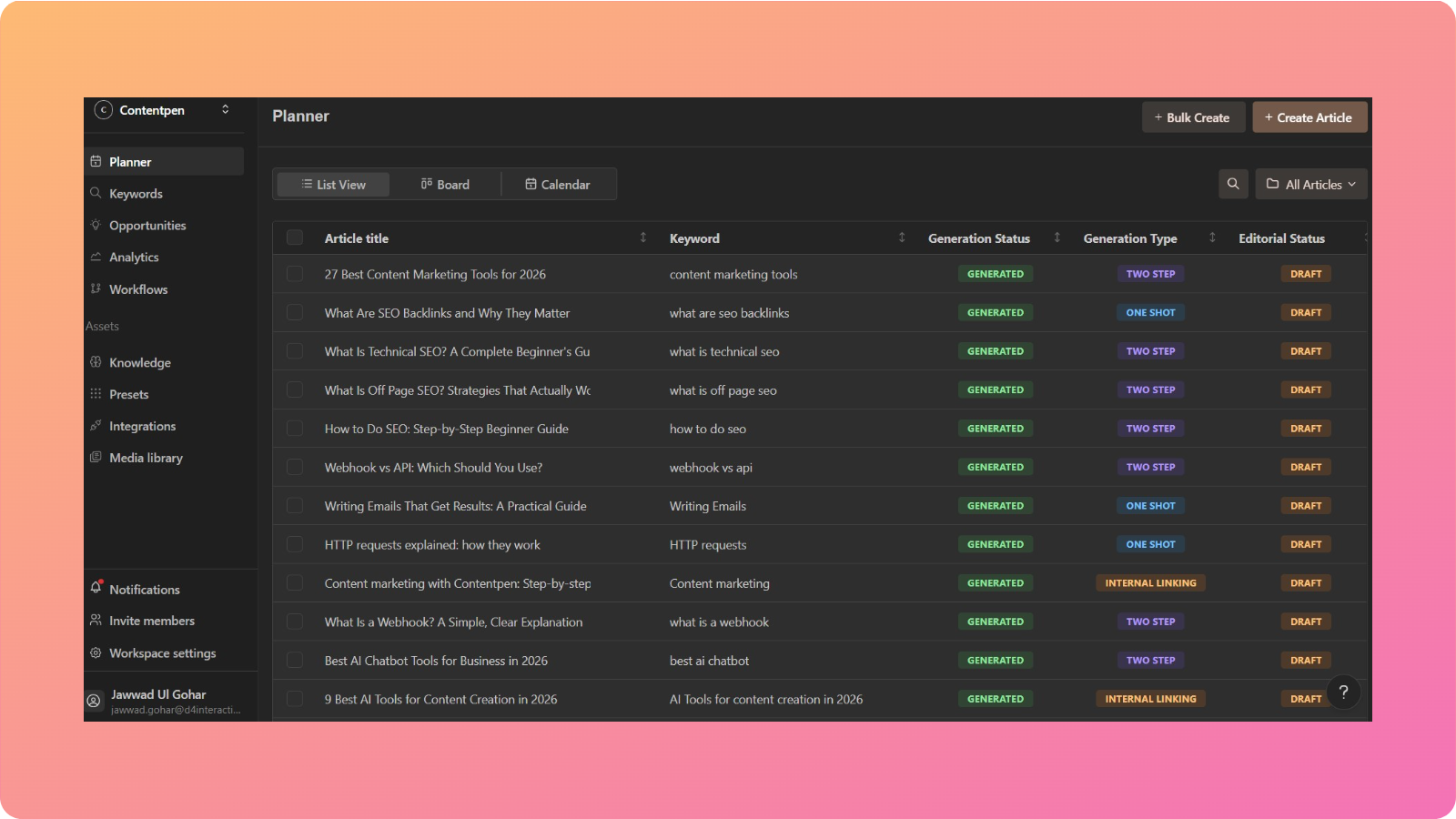
Contentpen creates SEO- and GEO-optimized blogs and articles for you, then tracks whether AI engines like ChatGPT, Gemini, and Perplexity mention your brand. Use it to rank on SERPs, get cited in AI answers, and improve your organic reach.
This content marketing tool helps you create content using different modes: one-shot, two-step, refresh existing text, add internal and external links, or create from scratch.
How we use Contentpen:
Our marketing team uses Contentpen to get publishable content efficiently. The tool handles keyword research, SERP and gap analysis, SEO scoring, and content scheduling with ease, and we use its AI visibility tracking to see which prompts mention us and which sources AI engines cite for competitors instead.
What we like about the tool:
With Contentpen, you can set custom brand knowledge and guidelines to help you write content in your preferred tone and style.
You can also edit the generated content directly in the interface using the ‘Ask AI’ feature without switching windows.
The AI assistant will help you replace any written text or create visuals in the blog to support your ideas.
Cons we found:
Contentpen is excellent at creating high-quality, SEO-optimized content. But it does take a while to write blogs, especially for more demanding topics.
Pricing:
The tool offers a 7-day free trial, and pricing plans start at $49/month, or $39/month billed annually, with AI visibility tracking included in every plan.
Also read: What is AI-generated content?
2. ChatGPT: Versatile AI assistant
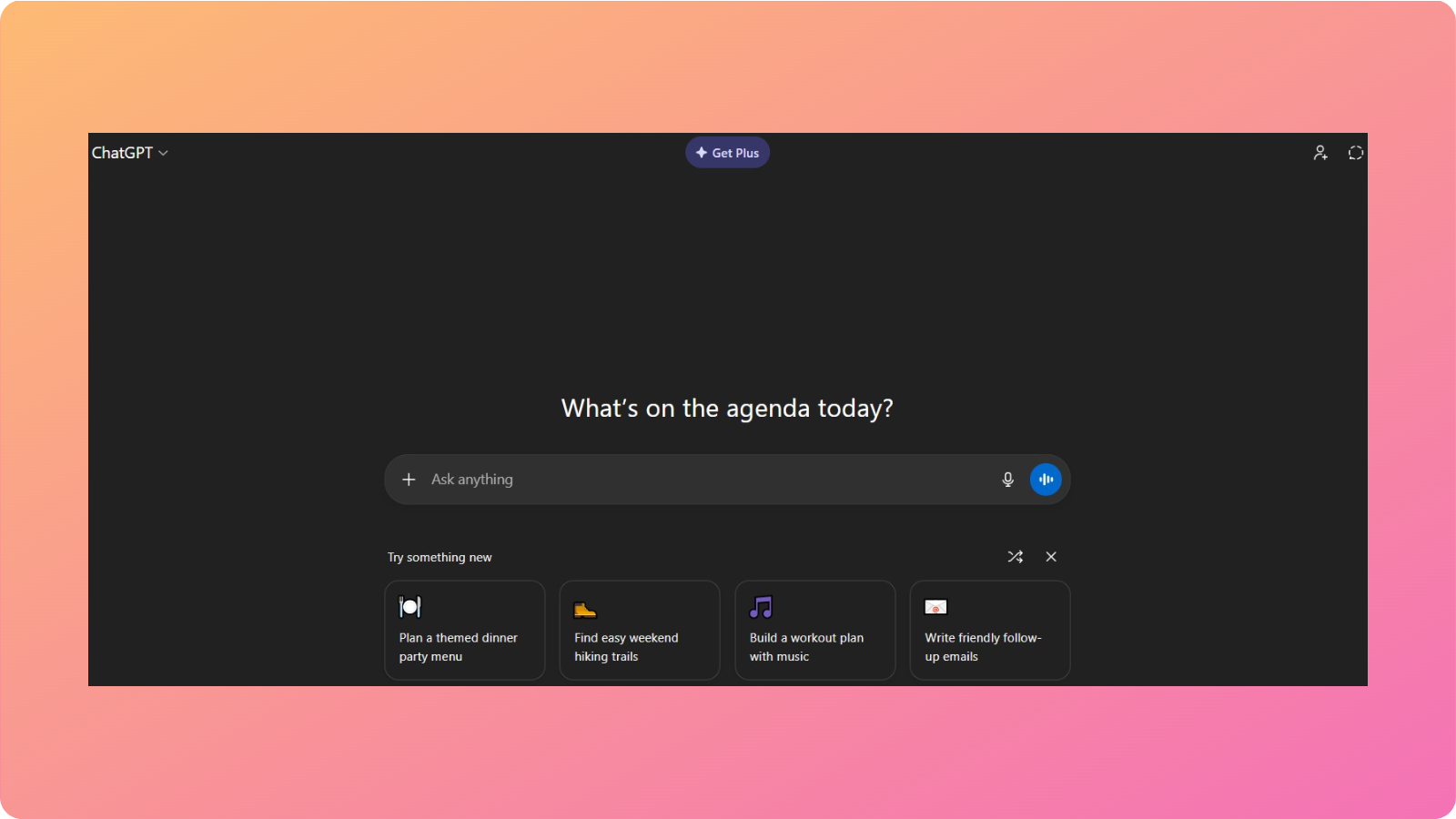
ChatGPT has evolved far beyond a simple AI chatbot. In 2026, it’s one of the most flexible AI tools for content creation and optimization available for teams that need speed, adaptability, and creative support across different content formats.
The tool generates text from prompts and answers questions to deliver the best content for your needs.
How we use ChatGPT:
Our team uses ChatGPT as a daily writing and thinking partner. We use it to get evergreen content ideas, generate multiple CTA variations, or expand some sections in our blogs and articles.
What we like about the tool:
ChatGPT is handy when you already have a clear idea but need help executing it faster. Instead of staring at a blank page, you can start with rough thoughts and refine them as you go.
Cons we found:
ChatGPT doesn’t replace dedicated SEO tools. While it can write optimized content, it doesn’t perform real-time SERP analysis or keyword tracking on its own.
It also requires good prompting. Without clear instructions, the output can feel surface-level or overly broad, leaving inexperienced users hanging.
Pricing:
You can get free access to the GPT -5 model with some limitations. Pricing starts at $8/month.
Also read: AI blogs vs human blogs.
3. Grammarly: Top-notch content refinement
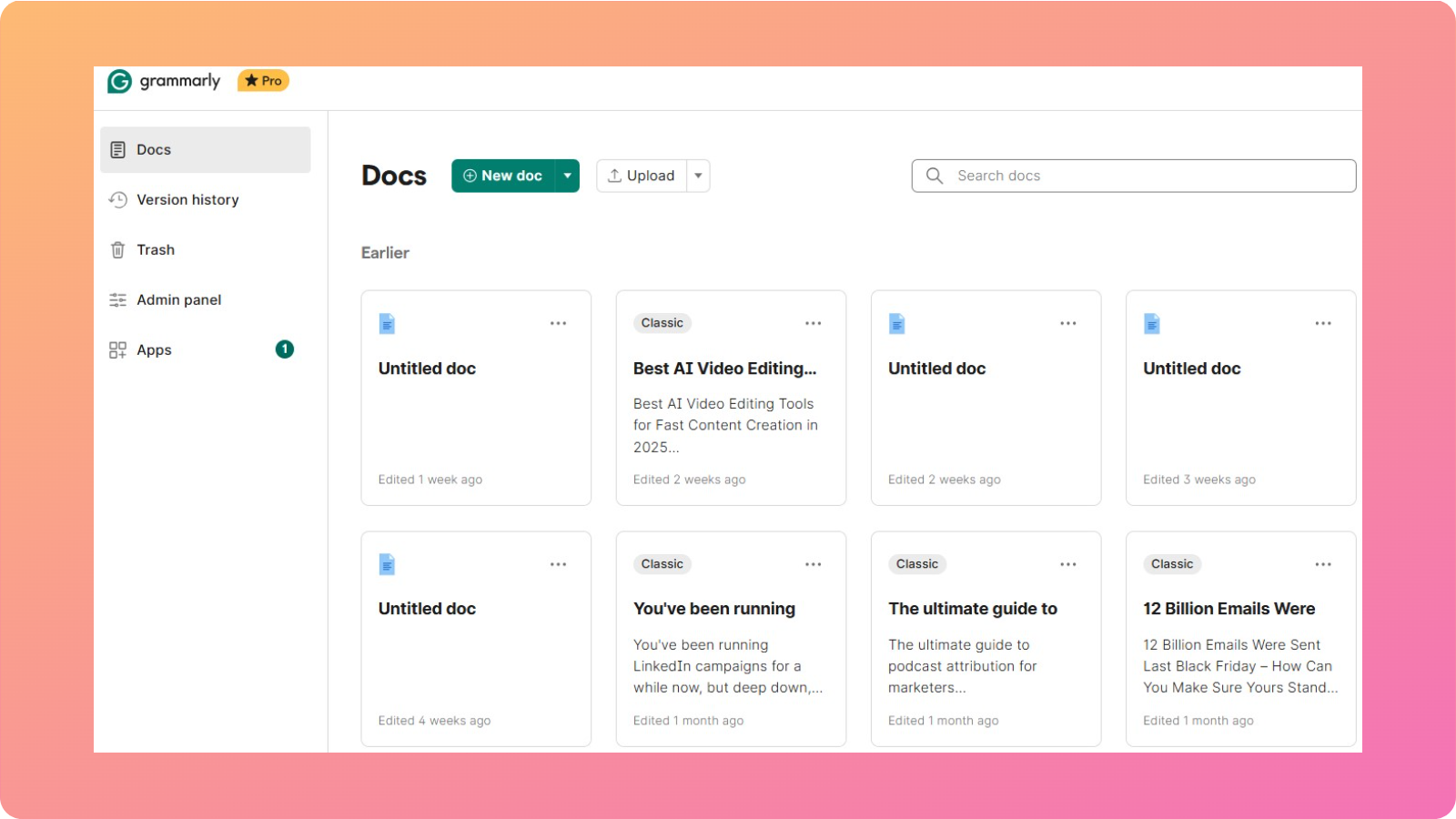
Grammarly is more than just a grammar-refinement tool. It also provides suggestions for writing sentences, simplifying language, and using the right tone.
How we use Grammarly:
Our team uses Grammarly to produce polished copies for web content, emails, articles, and blog posts. We turn on the Google Docs browser extension to check for typos, grammatical mistakes, and clarity issues before publishing.
What we like about the tool:
This content marketing tool excels at subtle improvements that are easy to miss during manual editing. Grammarly doesn’t just flag errors; it explains why a change is suggested, which helps writers improve over time.
Cons we found:
Occasionally, Grammarly’s suggestions can feel overly cautious or formal, especially for creative or conversational content. Therefore, human judgment is still necessary while using this tool.
Pricing:
You can use this tool for free. Pricing plans start at $30/user/month.
SEO and analytics tools
SEO tools are essential for ranking highly in search engines and capturing the extra value that traffic brings. If you want to boost your organic reach, these tools should be under consideration.
4. Usermaven: AI-powered SEO analytics
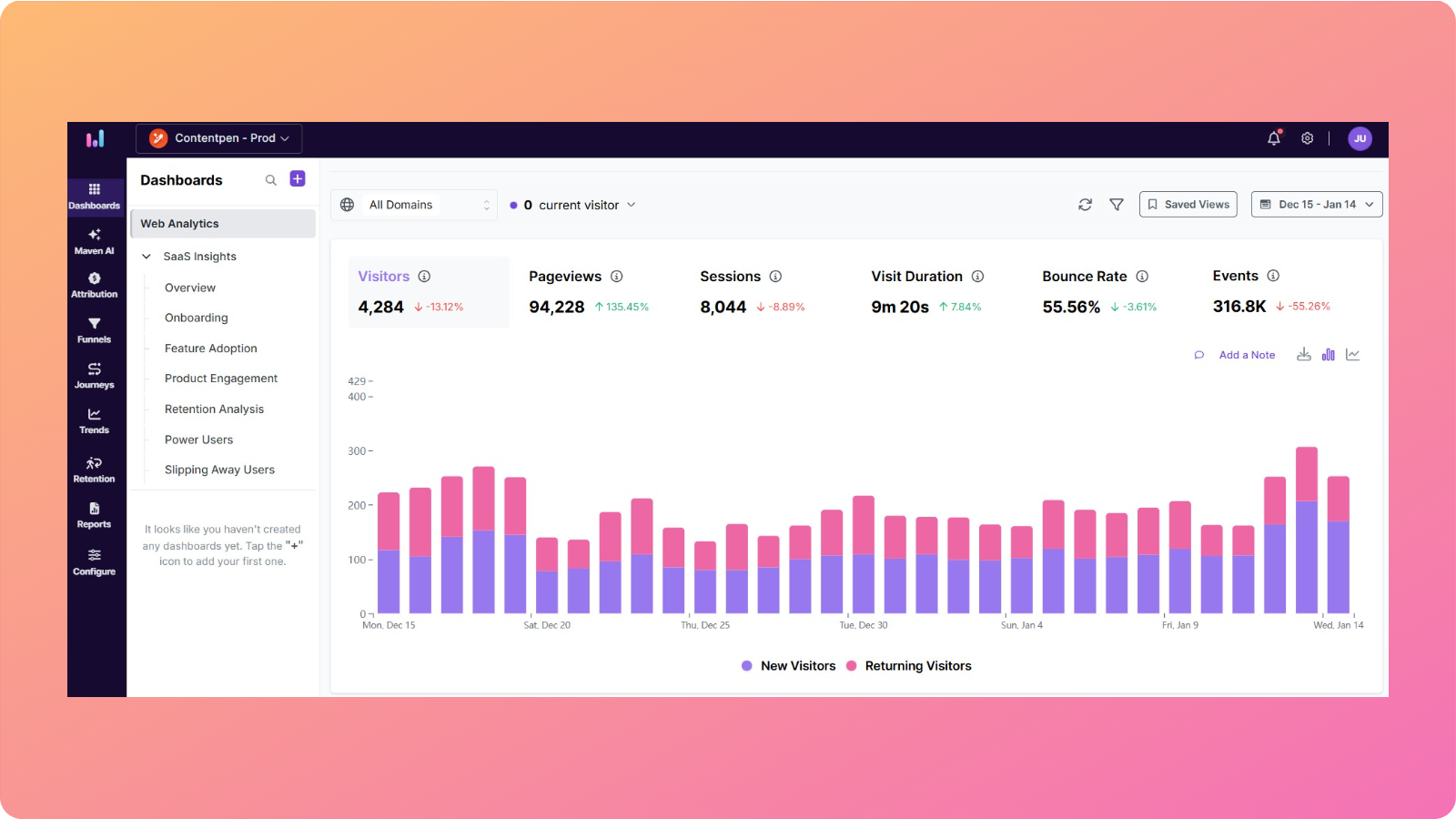
Usermaven is one of the most innovative AI-powered SEO tools on the market in 2026. It is built for teams that want clear, actionable insights without relying on complex dashboards.
How we use Usermaven:
We use Usermaven regularly in our workflow to check organic traffic routes to our domains. Our team also uses it to track key metrics, such as visit duration for specific pages, bounce rate, pageviews, and total visitors (recurring and new).
What we like about the tool:
Usermaven’s biggest strength is its clarity. The platform turns analytics into insights that are easy to understand and act on, even for non-technical users.
The AI-powered analytics and summaries help surface trends, saving time on manual analysis. Its privacy-first approach also makes it a strong alternative to traditional analytics platforms.
Cons we found:
Usermaven doesn’t offer the depth of technical SEO insights you’d get from tools like Semrush or Ahrefs. It’s best used alongside other SEO tools rather than as a replacement for them.
Pricing:
The tool provides a 14-day free trial. Pricing plans start at $84/month.
Also read: Marketing fundamentals 101: Everything you need to know.
5. Semrush: The SEO powerhouse

Semrush is one of the most comprehensive SEO and analytics platforms available in 2026.
It offers several features for content marketers looking to perform detailed competitor or backlink analysis for their domains.
How we use Semrush:
Although we don’t use Semrush currently, our SEO and analytics team does go back to it from time to time. We use it to track our Google ranking and monitor site health with SEO audits.
What we like about the tool:
Semrush provides a lot of options for search engine optimization. It even offers capabilities for social media and PPC, making it a suitable choice for content marketers in 2026.
Cons we found:
The tool’s keyword volume, difficulty, and CPC estimates can be a bit less accurate than those from other options on the market, like Ahrefs.
We also found its UI to be more complex and challenging for beginners to understand.
Semrush’s price is also higher than Ahrefs’. That said, they’re both great tools, and you can’t go wrong choosing either one of them.
Pricing:
Get a 7-day free trial for Semrush. Pricing starts at $199/month.
6. Ahrefs: Best for planning your SEO strategy

Ahrefs is an excellent tool for marketing specialists who want accurate data for backlink analysis, keyword difficulty assessment, and long-term SEO planning.
How we use Ahrefs:
Our team uses Ahrefs to plan content clusters and pillar pages. Ahrefs helps us assess whether a keyword is realistically achievable based on domain strength and backlink profiles.
What we like about the tool:
Ahrefs keeps the interface relatively clean despite the amount of data it provides, making it easier to focus on strategy rather than dashboards.
Cons we found:
Ahrefs doesn’t offer a free plan, which limits access for beginners. It does have its free tools to offer, but these don’t provide accurate data.
Besides that, Ahrefs is also more focused on analysis than execution. You’ll still need content creation tools to act on the insights Ahrefs provides.
Pricing:
Pricing starts at $129/month.
7. Google Keyword Planner: A free keyword tool

Google Keyword Planner is a great option that provides free keyword trends and ideas. It is best used to find keywords for businesses that want to run paid ads.
How we use Google Keyword Planner:
We use Google Keyword Planner mainly during the early ideation phase. It helps us discover new keyword variations, understand approximate search volumes, and identify seasonal trends.
What we like about the tool:
The most significant advantage is that it’s free and powered by Google’s own data.
It’s simple to use, doesn’t overwhelm you with metrics, and works well for identifying broad keyword opportunities. For beginners, it’s often the easiest way to understand keyword demand without investing in premium tools.
Cons we found:
The data lacks precision. Search volumes are often grouped into ranges, making it difficult to accurately prioritize keywords.
It also doesn’t provide insights into competition strength, content gaps, or ranking difficulty, limiting its usefulness for advanced SEO strategies.
Pricing:
Free to use with a Google Ads account.
Social media marketing tools
Today, we have many social media management (SMM) tools available. Below are the ones we recommend using in 2026.
8. ContentStudio: The best overall SMM tool

ContentStudio is one of the most powerful social media management tools in 2026. It’s built for content teams that want to plan, publish, analyze, and repurpose content across multiple social platforms from a single dashboard.
How we use ContentStudio:
Our team uses ContentStudio daily to manage social publishing across multiple channels.
We rely on it to discover trending content ideas in our niche, polish our posts with AI assistance, and schedule content for LinkedIn, Facebook, Instagram, X, and TikTok.
What we like about the tool:
ContentStudio is great at content repurposing. You can take a single blog or announcement and turn it into multiple platform-specific posts without rewriting everything manually.
The automation workflows are another highlight. Once set up, they help keep feeds active while reducing manual effort.
Cons we found:
During our time of using the tool, we found that some advanced automation features take time to configure properly. Also, the tool offers many options, which may confuse beginners.
Pricing:
ContentStudio offers a 7-day free trial to test the tool before purchasing. Paid plans start at $19/month.
9. Buffer: Powerful social scheduling
Buffer is a lightweight and reliable social media scheduling tool designed for simplicity and speed. In 2026, it remains one of our favorite tools for content marketing, which we use occasionally for certain features.
How we use Buffer:
Although Buffer isn’t our daily driver, we do use it for maintaining a consistent social presence by managing posting frequency and scheduling posts in advance.
What we like about the tool:
One of Buffer’s highlights is its hashtag performance-tracking feature. It shows the hashtags that drove the most visibility, helping you plan your next post strategically.
Cons we found:
Buffer lacks the in-depth analytics that other tools like ContentStudio offer. It’s also not ideal for beginners who don’t know much about performance metrics and audience insights.
Pricing:
The tool offers a free plan with channel restrictions. Pricing plans start at $6/month.
10. Hootsuite: Enterprise SMM tool

Hootsuite is built for organizations managing high volumes of social media content at scale. It is a strong choice for enterprise teams that need advanced control, permissions, and reporting.
How we use Hootsuite:
We use Hootsuite to monitor and compare content with our competitors. We also use it for social listening and managing our social communities.
What we like about the tool:
Our team at Contentpen has reported on Hootsuite’s strengths, particularly its role-based permissions and approval workflows. Its social listening and monitoring capabilities have helped us stay on top of conversations that happen for our brand.
Cons we found:
Hootsuite wasn’t built for smaller teams or startups, and it shows through its pricing. The feature set is also way too much for newcomers to handle, setting the entry barrier relatively high.
Pricing:
The tool comes with a 30-day trial. The pricing plans start at $149/user/month.
11. Manychat: Best for chatbot automation

Manychat is a chatbot automation platform designed to help brands engage with their audience through messaging apps like Instagram, WhatsApp, TikTok, and Messenger.
How we use Manychat:
We use ManyChat to automate customer interactions, capture leads through chat flows, and run interactive social campaigns.
What we like about the tool:
Manychat’s visual flow builder makes chatbot creation accessible to even non-technical users. The automation saves time while keeping conversations personalized and responsive.
We also like the integration with CRMs and email tools, which makes it relatively easy to move leads through the funnel.
Cons we found:
Manychat requires free plan users to create a new automation for each post they share, which can be time-consuming and tiresome.
That’s why we believe that most people will benefit only from a paid plan.
Pricing:
Free access for up to 1000 contacts. Pricing starts at $15/month.
12. ShareThis: Innovative social sharing buttons
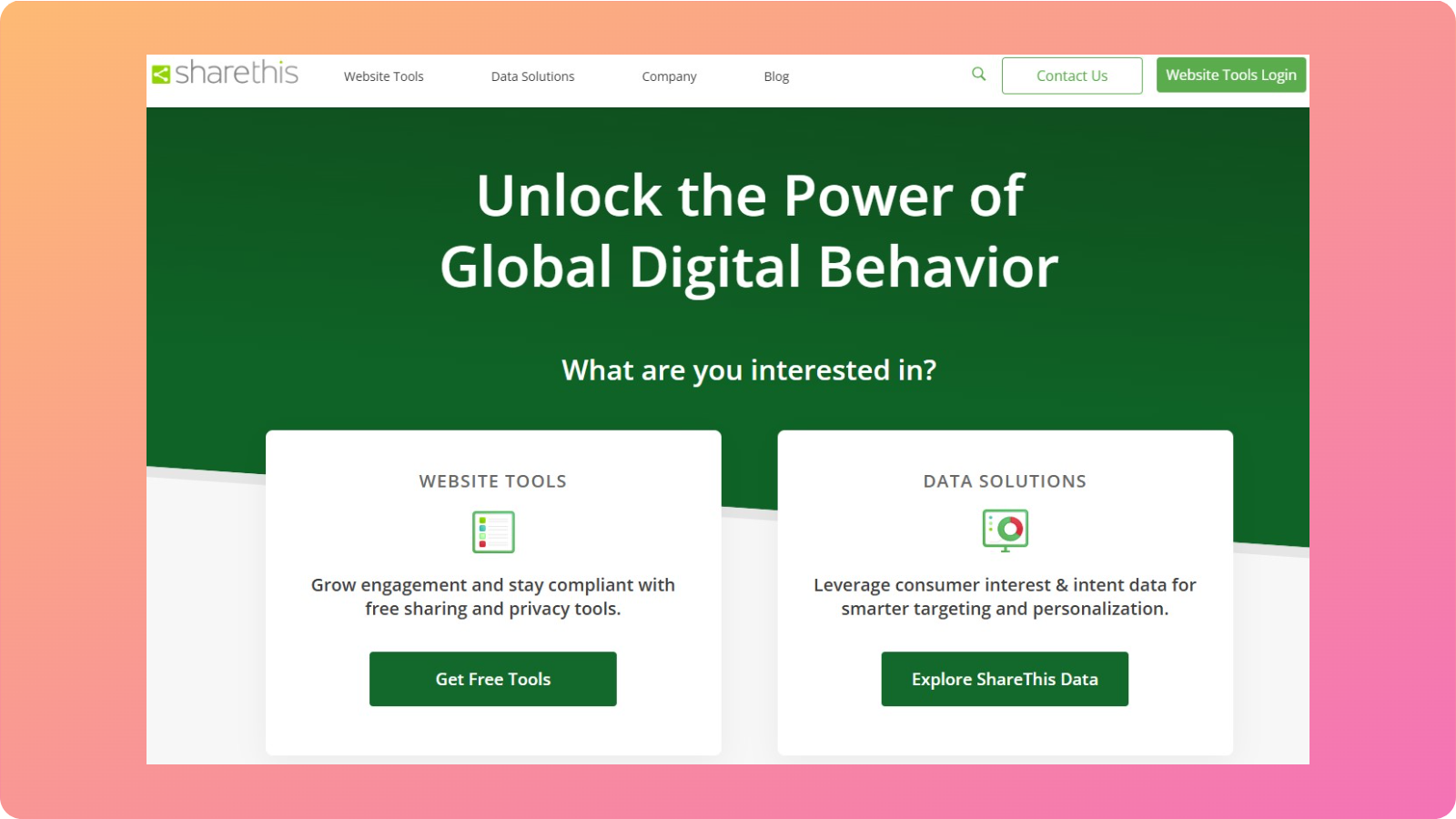
ShareThis provides attractive social sharing buttons for blog posts and landing pages. By making sharing easy, it increases the chance that good content reaches broader audiences through personal networks.
How we use ShareThis:
We use the ShareThis plugin in our WordPress workflow to create social sharing buttons for our website. The tool lets us match the button colors to our site and layout styles, keeping the aesthetic clean and appealing.
What we like about the tool:
Since the tool is free, it is a low‑effort way to support natural promotion across networks such as X, LinkedIn, Facebook, and others, directly from content pages.
The tool is easy to set up and provides valuable analytical insights into what content gets shared the most.
Cons we found:
ShareThis does not offer advanced social media management features compared to other tools in the space, such as ContentStudio.
Pricing:
Free to use.
Visual content and design tools
Visuals play a significant role in how content is consumed and remembered. The right design tools help you communicate ideas faster and more effectively.
Below are the visual content and design tools our team recommends using in 2026.
13. Canva: Simplified visual content
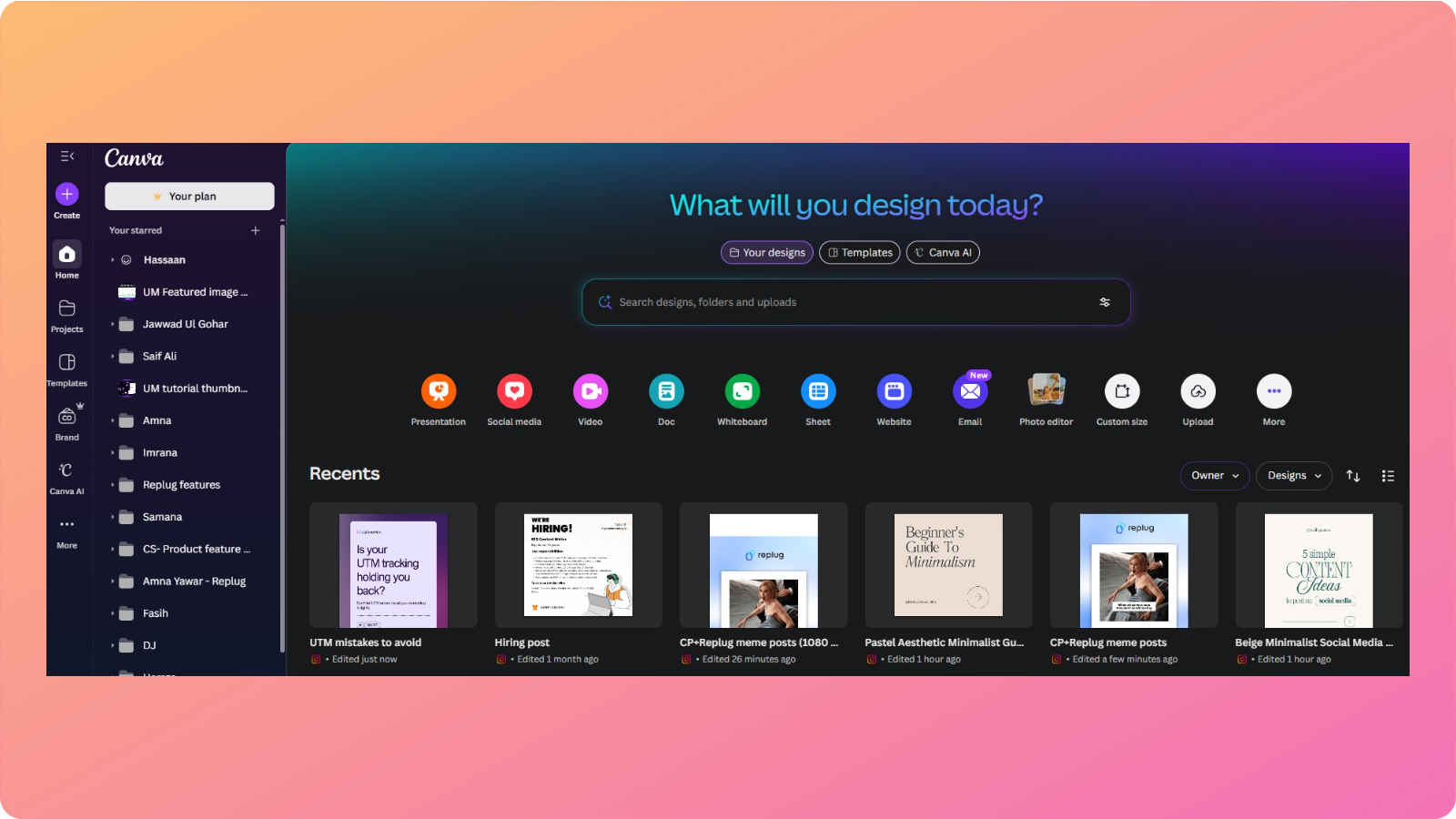
Canva is one of the most popular tools for visual content creation and design.
Many content marketers utilize Canva’s simplified design tools and smart AI features to create compelling social media posts, presentations, ads, and more.
How we use Canva:
We use Canva to create blog graphics, social media carousels, and newsletter images.
The Canva AI isn’t too great, but it can occasionally help us input our thoughts in text form to create engaging visuals (or at least some part of them).
What we like about the tool:
Canva’s biggest strength is accessibility. The drag-and-drop editor makes it easy for anyone on the team to create consistent, on-brand visuals.
The brand kit feature is another plus point. It helps maintain colors, fonts, and logos and keeps your branding consistent across designs.
Cons we found:
Although Canva is very convenient for beginners, it falls short in advanced image manipulation.
The content templates are also quite limited, which can hamper productivity and restrict creativity to some extent.
Pricing:
Canva is free to use, but there are restrictions on templates, fonts, and graphics. Paid plans start at $15/user/month.
14. Adobe Creative Cloud: Professional design software
Adobe Creative Cloud is the professional choice for visual content creation and design.
The CC package includes tools, such as Photoshop, Illustrator, InDesign, Premiere Pro, After Effects, and more.
How we use Adobe Creative Cloud:
Our designers use Adobe Photoshop to edit feature images for our webpages. They also use Adobe Illustrator to create vector images if needed.
What we like about the tool:
Adobe’s tools offer unmatched precision and flexibility. You can create exactly what you envision without template limitations.
Also, the Adobe ecosystem works well together, allowing seamless movement between different tools for complex projects.
Cons we found:
The tradeoff with Adobe Creative Cloud is learning time and cost. It costs more per month than tools like Canva, and new users need ample training before producing anything worthwhile.
That said, Creative Cloud remains a core part of the tech stack for leading brands that rely on standout design and rich multimedia creation.
Pricing:
Adobe offers a 30-day free trial period for new users. Paid plans start at $69.99/month.
15. CleanSnap: Best for snapshot optimization

CleanSnap is one of the leanest and sleekest snapshot-optimizing tools you’ll see on the market.
With CleanSnap, you can easily edit your screenshots for blogs, how-to guides, guest posts, social media posts, and much more.
How we use CleanSnap:
Our marketers use CleanSnap to add screenshots to how-to guides, guest posts, or posts on social community channels.
What we like about the tool:
The tool enables us to produce much crisper, sharper-looking snapshots effortlessly with a single click.
Unlike other tools, we don’t need to navigate through several settings and options to produce publish-ready snaps.
Cons we found:
CleanSnap cannot fulfill all your visual content creation and design needs. It is merely a supplemental tool that you can use alongside other apps, such as Canva or Adobe Creative Cloud.
Pricing:
Free to use.
Email marketing tools
Email remains one of the strongest channels for nurturing readers into customers. These tools handle newsletters, automated sequences, and cold outreach for promotion and to gain external links.
16. AWeber: Super simple email marketing
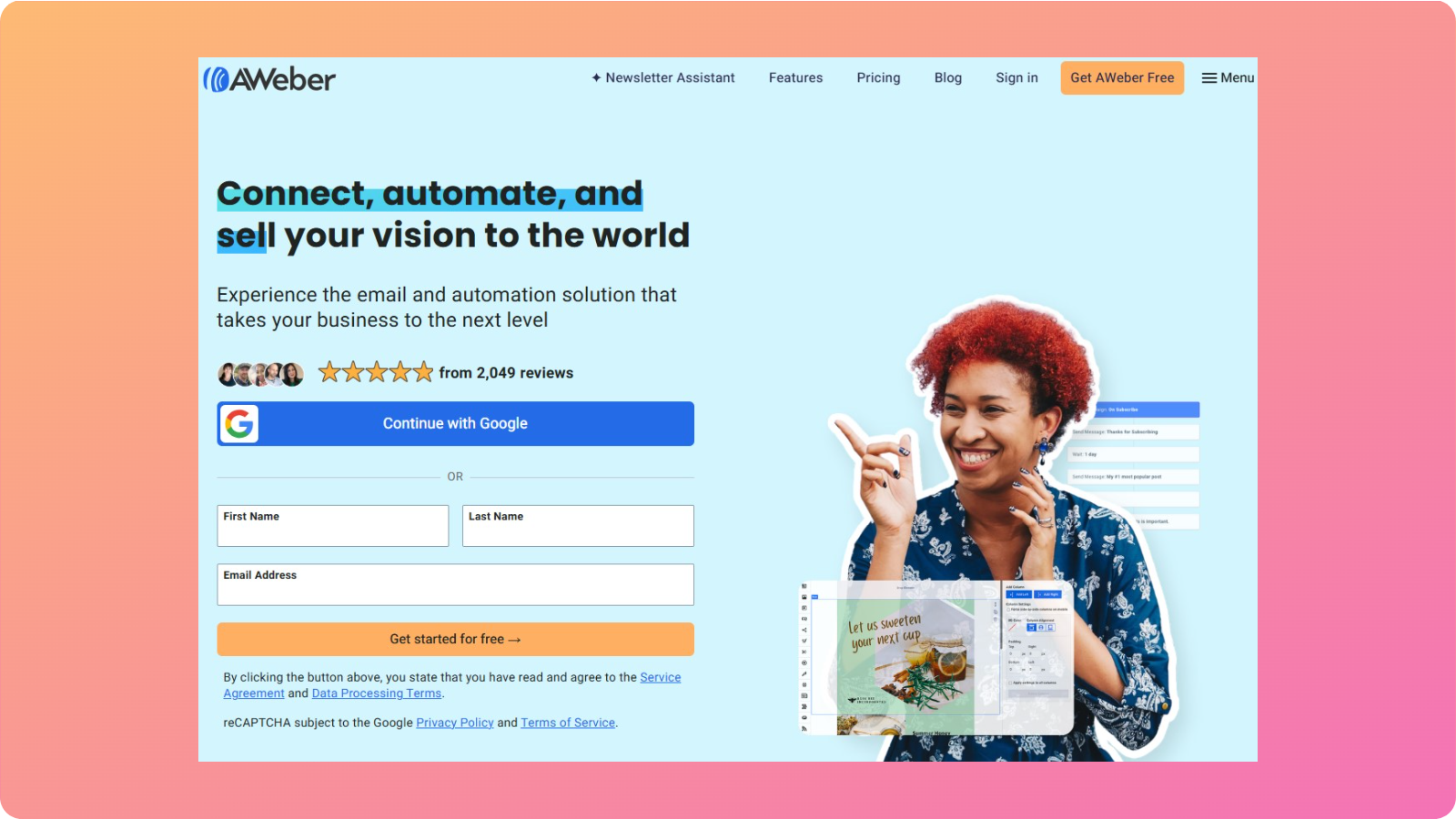
AWeber has been in the email space for a long time and is known for strong deliverability. Its interface focuses on core tasks such as building lists, sending broadcasts, and setting up simple automations.
It’s a solid choice for marketers who want reliability and ease of use over advanced experimentation.
How we use AWeber:
Our teams use AWeber to track open and click-through rates for our emails.
We also use AWeber and prefer it when we need to set up a simple content promotion campaign without features overwhelming our interface.
What we like about the tool:
AWeber’s simplicity is one of the things we like about it. There aren’t many complicated pipelines or visibility channels we have to worry about.
It is simple, efficient, and reliable as an email service provider.
Cons we found:
Due to the nature of this platform, you are unlikely to find extensive automation options compared to more advanced platforms.
Also, the design flexibility is basic, which may not suit highly customized campaigns or newsletters.
Pricing:
The paid plans start at $30/month.
17. Mailchimp: Best for email design and creation
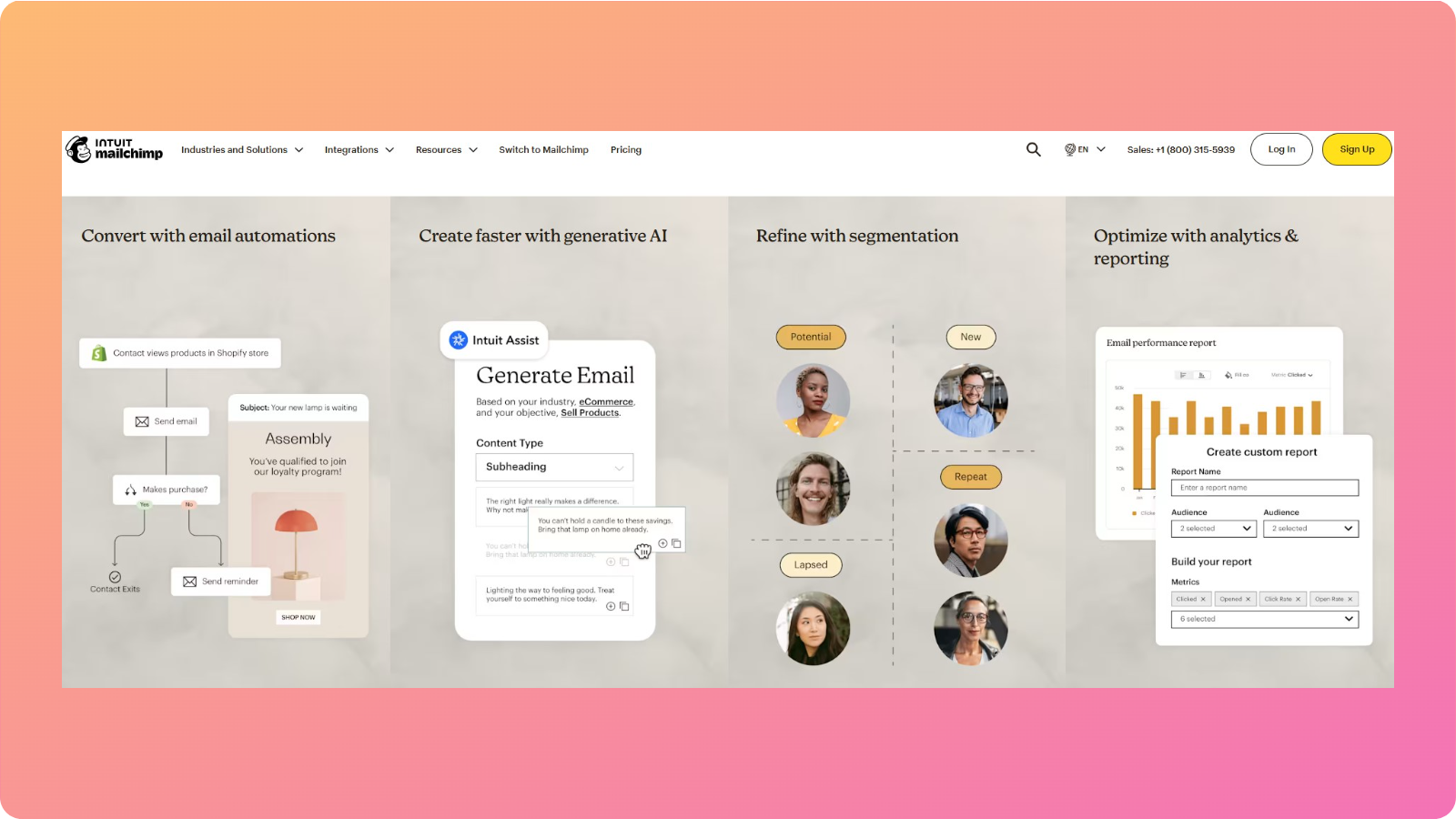
Mailchimp is one of the most widely used email marketing platforms, primarily known for its polished email design and templates.
In 2026, it remains a strong option for teams that prioritize visual appeal for their messages and ease of campaign creation.
How we use Mailchimp:
The Contentpen marketing team does not use Mailchimp regularly, but we do use it when we need to manage our segmented lists. It’s often our go-to when email presentation matters.
What we like about the tool:
Mailchimp’s drag-and-drop editor makes email design easy, making it ideal for newcomers on our team who need some adjustment time.
Secondly, the template library helps speed up campaign creation, especially for product announcements or content launches.
Cons we found:
The biggest con we found was that the price increases as your list grows.
Enterprises with extensive subscriber lists may not find Mailchimp particularly helpful unless they upgrade to higher-tier plans.
Pricing:
Pricing starts at $20/month for 0-500 contacts.
18. Customer.io: Automated email outreach and segmentation

Customer.io is built for data-driven email marketing. It’s designed for teams that want to send highly targeted, behavior-based messages rather than generic broadcasts.
How we use Customer.io:
Our team uses Customer.io to send weekly newsletters, product feature updates, and promotional campaigns to our subscribers. It is our daily driver for email marketing and automated customer outreach.
What we like about the tool:
Customer.io excels at segmentation and automation. You can build detailed workflows based on user behavior, making campaigns more relevant and effective.
Additionally, the platform integrates well with analytics and product data, which enhances personalization.
Cons we found:
The tool’s level of detail may not be suitable for non-technical users. There’s also a hefty price tag for the content marketing software, which makes it less suitable for small businesses.
Pricing:
Paid plans start at $100/month.
19. Mailshake: Best for cold emails
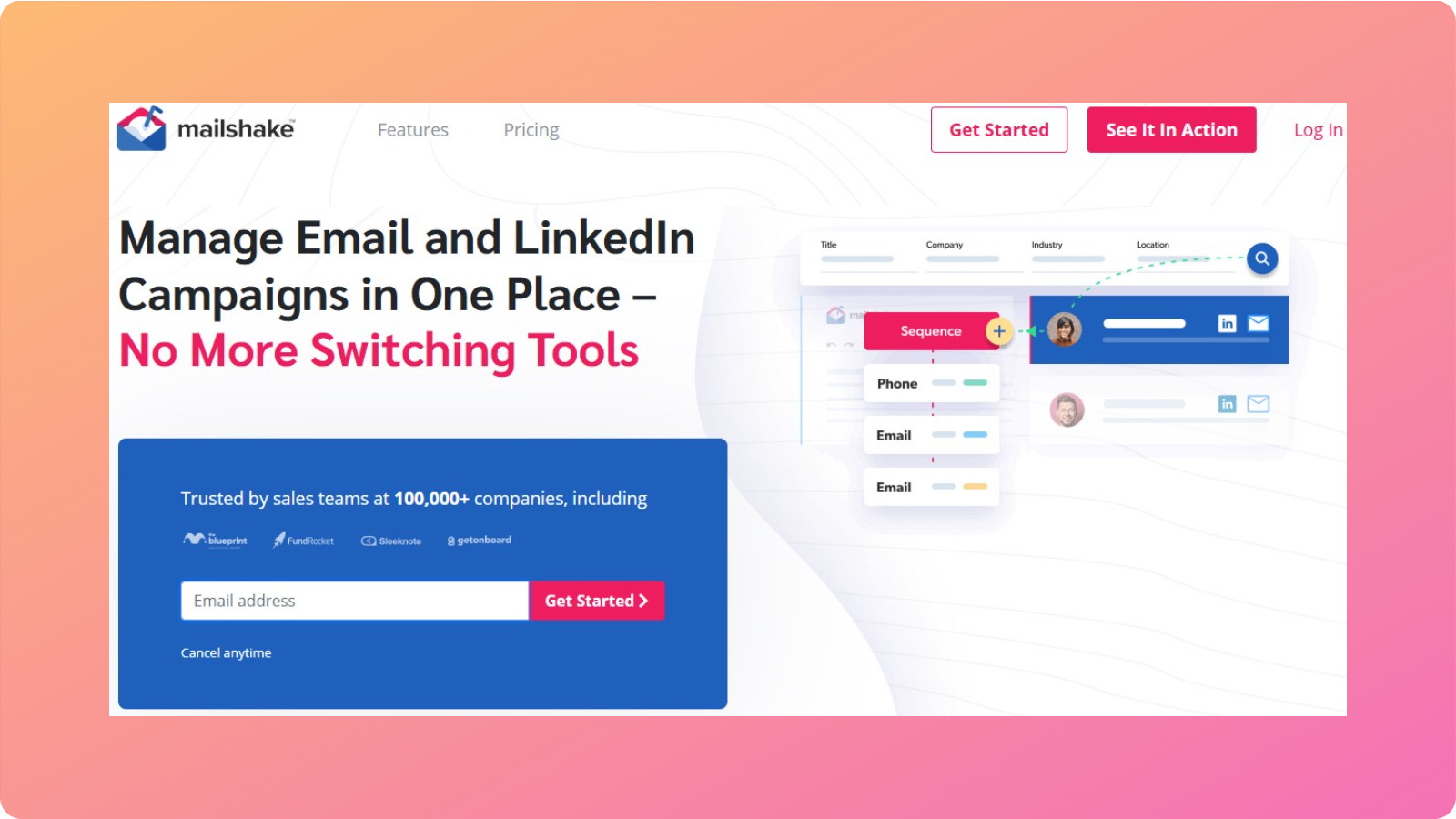
Mailshake is explicitly designed for cold email outreach. It’s commonly used for partnerships, PR outreach, and sales campaigns.
How we use Mailshake:
Our team uses Mailshake to follow up on leads, track replies and engagement, and ensure success for our link-building activities.
What we like about the tool:
Mailshake makes it easy to personalize outreach without manual work.
The automated follow-ups help increase response rates while saving time and effort. It also integrates with CRMs and other tools, improving workflow efficiency.
Cons we found:
Mailshake is only focused on cold outreach. If you want functionality for newsletters or long-term email marketing, then you should be better off with tools like Customer.io or AWeber.
Pricing:
The starting price for Mailshake is $29/month.
Many modern platforms also integrate with CCaaS (Contact Center as a Service) solutions to streamline customer communication across email, chat, and support channels, making marketing and customer experience more connected.
However, these email marketing tools still remain a go-to choice for millions of marketers globally.
Video content creation tools
What good is content marketing without videos? These video content creation and ideation tools help you get started on your marketing strategy without any delays.
20. Eyecandy: Best for video inspiration

Eyecandy is a platform designed to help creators and marketers discover high-performing video ideas.
Instead of guessing what might work, Eyecandy shows real examples of videos that are already gaining traction, making it easier to spot patterns and trends.
How we use Eyecandy:
We rely on Eyecandy to discover trending video ideas in our niche. We also use this content marketing tool to get inspiration for short-form video content on TikTok, Meta, and YouTube.
What we like about the tool:
Eyecandy shows real, high-performing videos to help validate ideas before production. Also, the interface is quite intuitive, making it easy to browse and save video inspirations for later use.
Cons we found:
You still need video editing tools to execute your ideas, as Eyecandy is only suitable for content ideation.
Pricing:
Free to use.
21. Frame.io: Easy video review and collaboration

Frame.io is a collaboration tool built specifically for video teams. It simplifies the review and feedback process, making it easier to share videos, collect comments, and manage revisions for visual content.
How we use Frame.io:
We use Frame.io when working on a new feature video release and want to get timestamped feedback from other members.
Our marketing team also finds the platform useful for sharing and centralizing video content.
What we like about the tool:
Frame.io cuts down our time on revisions, helping us move forward with our projects without the constant back-and-forth.
This video marketing tool helps boost productivity for all team members involved.
Cons we found:
One of the biggest drawbacks of Frame.io is that it is only a collaboration platform. The tool does not provide dedicated video editing or creation features.
Pricing:
Free to use with limited resources. Paid plans start at $15/member/month + tax.
22. Alphana: Repurpose videos quickly

Alphana is an AI content manager and video repurposing tool. It is designed to help marketers turn long-form videos into short, shareable clips with ease.
How we use Alphana:
Content marketers at Contentpen use Alphana to extract highlights from long-form videos, automate video captions, and create short-form clips for social platforms.
What we like about the tool:
The tool reduces time spent on manually editing clips. It is very easy to use, so you don’t need dedicated motion graphic skills to get your work done.
Cons we found:
While this tool does include AI-powered features, the outputs still require editing and human supervision before publication.
Pricing:
Paid plans start at $25/month.
23. Maekersuite: Efficient video research and planning
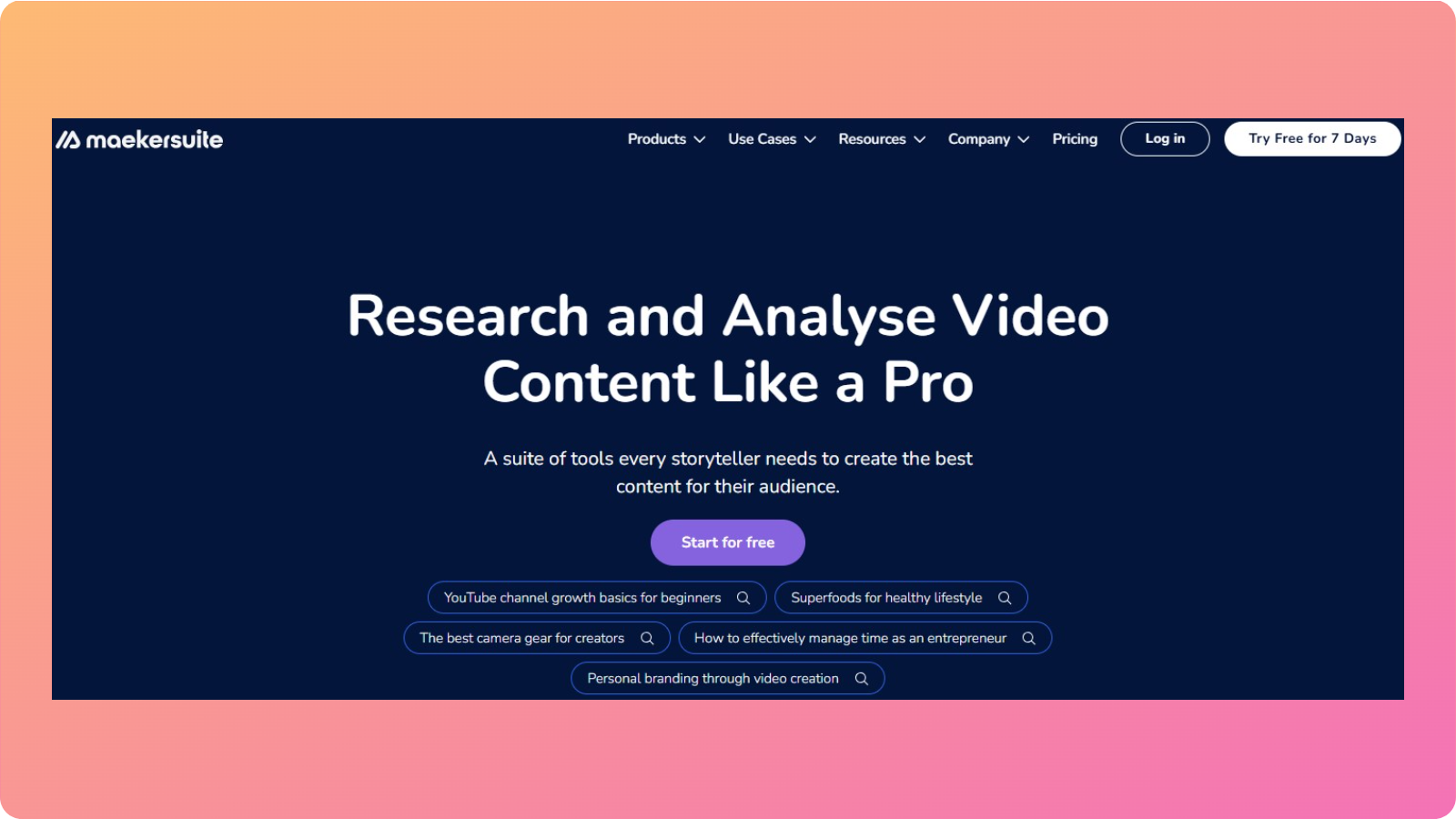
Maekersuite is a research and planning tool built for video-first content strategies.
It helps creators identify trending topics, analyze competitors, and plan videos based on audience demand rather than guesswork.
How we use Maekersuite:
Our team uses the tool to research ideas for short and long-form videos for YouTube, X, LinkedIn, and TikTok. The tool also helps us align our thoughts with the audience’s intent.
What we like about the tool:
Maekersuite bridges the gap between SEO and video content.
The insights make it easier to plan videos that are more likely to perform well, making it particularly useful for YouTube-focused brands.
Cons we found:
The tool is more about planning videos than execution. Additionally, the tool may feel unnecessary for teams producing very limited video content.
Pricing:
Prices start at $23/month.
Project management and collaboration tools
Strong content programs rely on more than just great creative spirits; they need organized processes. These tools help keep projects and people aligned to maximize productivity.
24. Notion: An all-in-one workspace for everyone
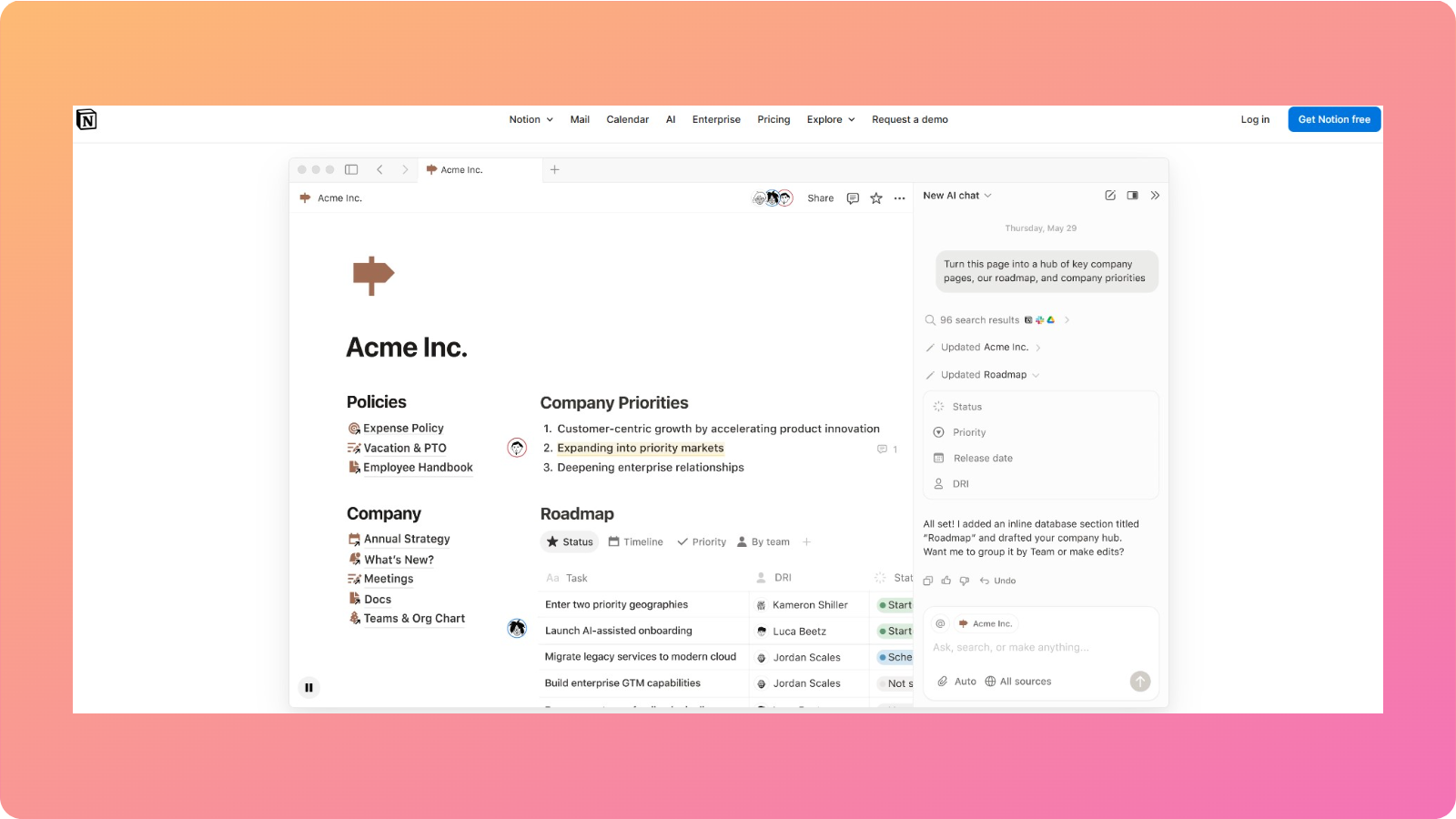
Over the years, Notion has become synonymous with project management and collaboration.
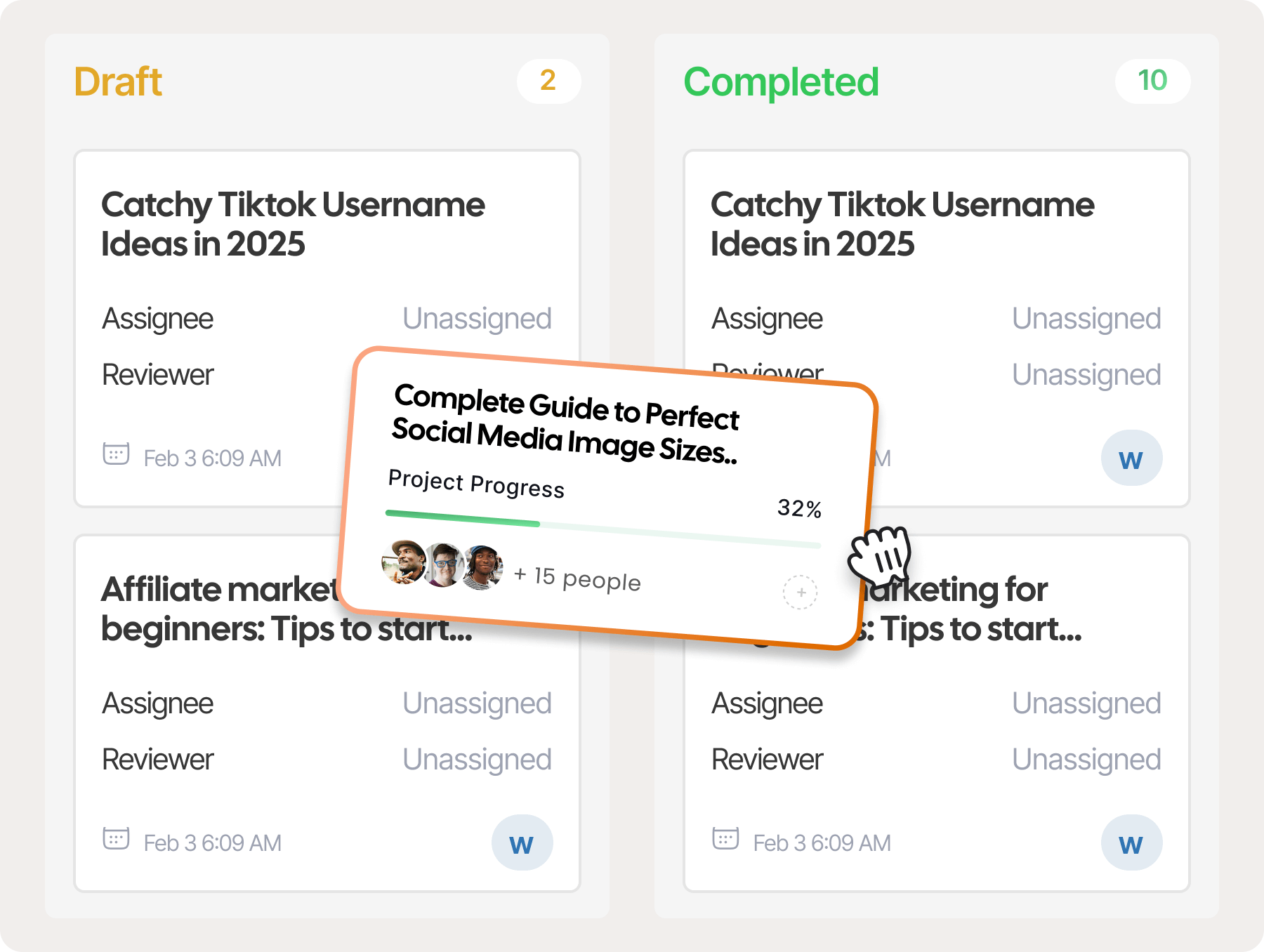
The tool provides drag-and-drop workflow builders and unifies data in one place, helping content teams plan, execute, and document their work better.
How we use Notion:
We used Notion in the past to manage blog pipelines and status updates. Writers can easily track tasks and deadlines on the dashboards, helping them stay on track with their publishing schedules.

What we like about the tool:
Notion’s flexibility is its biggest advantage. You can shape it to match your exact workflow.
The tool also provides the ability to combine docs, databases, and project boards for easy access. It also works well for both small teams and growing organizations.
Cons we found:
Setting up a workspace or custom workflows takes a lot of time and effort.
You will have to spend considerable time making everything work and training your team to use the system.
This is one of the reasons why we shifted to other alternatives like Jira for our project management and collaboration needs.
Pricing:
Free access with basic functionality. The price starts at $12/member/month.
25. Google Workspace: Best for team collaboration

Google Workspace is a collection of productivity tools, including Docs, Sheets, Slides, Gmail, and Drive. It remains one of the most reliable collaboration platforms for content teams in 2026.
Its real-time editing and sharing features make teamwork effortless, especially when you’re juggling multiple deadlines, clients, or projects.
How we use Google Workspace:
Our team loves Google Workspace for collaboration. Writers and marketers share blog drafts through Google Docs. The development and social media teams share essential data in Drive to keep content production moving.
What we like about the tool:
Real-time collaboration is where Google Workspace shines. Multiple team members can work on the same document simultaneously without version conflicts.
The ecosystem is stable, fast, and widely adopted, which makes onboarding new collaborators easy.
Cons we found:
The biggest challenge with Google Workspace is organizing data. All members must collectively contribute to proper folder management, which is not a realistic expectation.
The result is scattered files, which can lead to inefficient workflows.
Pricing:
Google Workspace is free to use. However, upgrading to the Starter package for $7/user/month unlocks Gemini access and extensive cloud storage.
26. Jira: Visual kanbans, sprints, and more
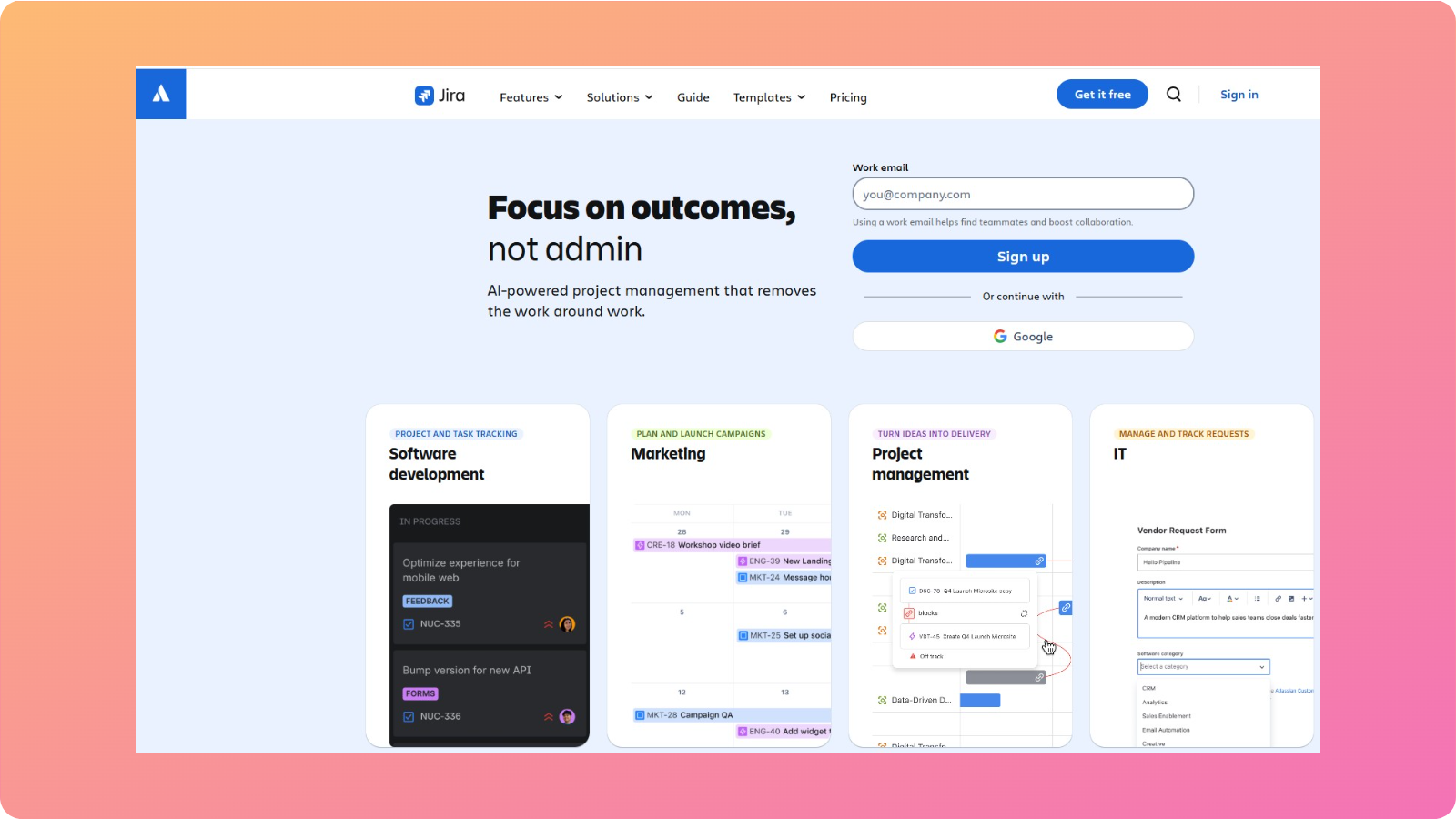
Jira is a project management tool built initially for software teams, but it has proven valuable for content operations that follow structured workflows.
How we use Jira:
Jira powers our general-purpose project management. The tool helps track progress through sprints, enabling the decision-makers to view our bottlenecks and take the next steps properly.
What we like about the tool:
Jira is quite visual in its approach. You can get attractive dashboards to monitor key metrics and visual Kanban boards to assign ownership and set deadlines.
Cons we found:
Jira works well only for agencies that have repeatable content production flows. Small business owners and freelancers may not find it suitable for their needs.
Pricing:
Jira offers a free plan for small teams. Paid plans start at $7.91/user/month.
27. Airtable: Flexible database platform
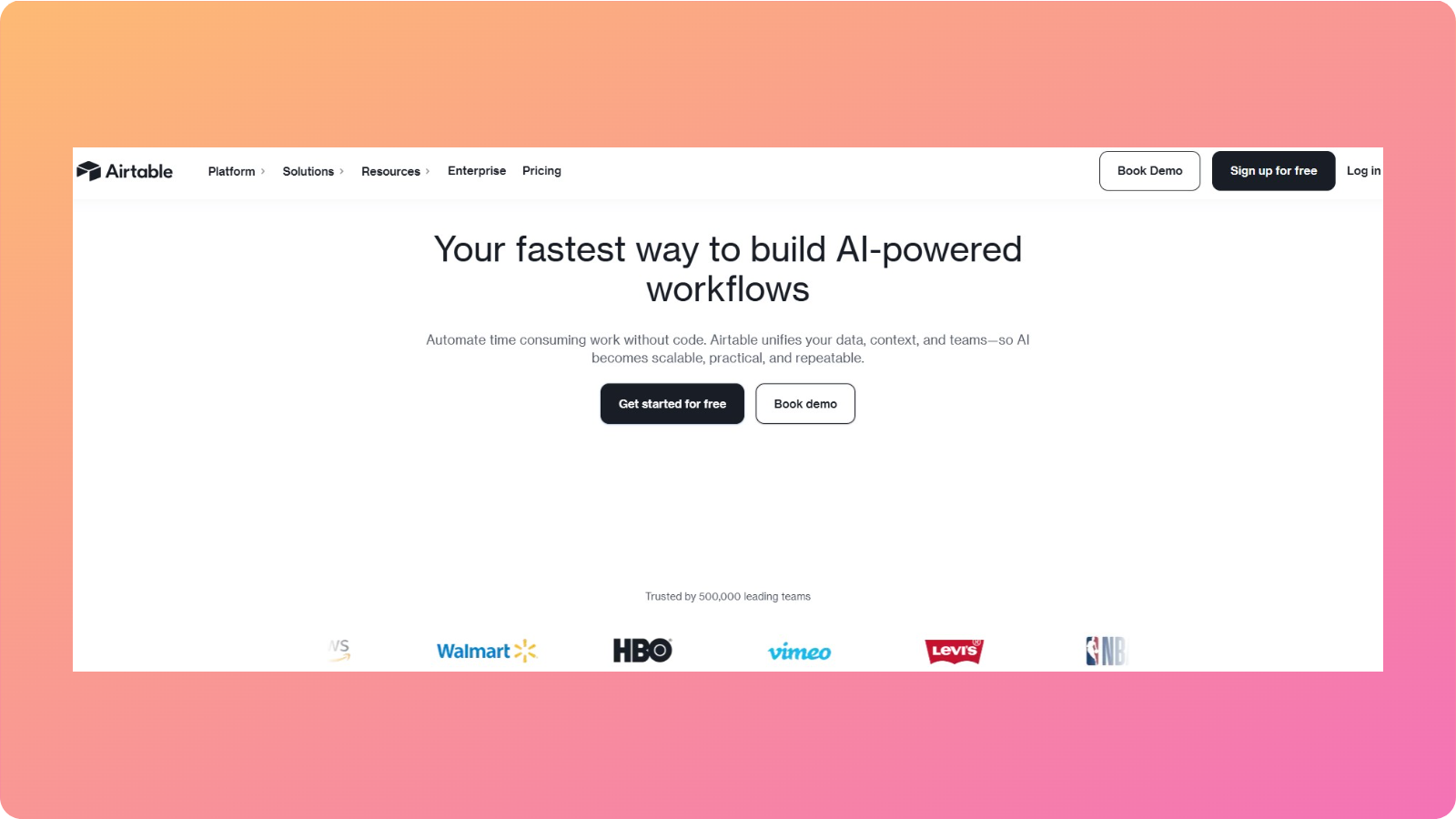
Airtable blends spreadsheets with databases. For content teams, that means one “base” can track ideas, briefs, drafts, assets, and publishing dates in connected tables.
Views such as grid, calendar, and kanban show the same data in different forms depending on the task at hand.
How we use Airtable:
Our team does not currently use Airtable. But we did use it once to view content inventories, manage editorial calendars, and store content metadata.
What we like about the tool:
The visual layouts make Airtable easier to understand. It’s an excellent tool for teams that have outgrown basic spreadsheets due to the scale of their production workflows.
Cons we found:
Airtable’s advanced features require time to set up properly. Also, pricing increases rapidly with team size and usage.
Pricing:
Airtable offers a free plan with limitations. Paid plans start at $24/seat/month.
How to choose the right tool for your content marketing stack
With so many options, it is easy to either overspend or under‑equip a team. A thoughtful process helps match content marketing tools to real needs instead of buying based on buzz.
Assess your team size and workflow
Start by mapping who touches content and how work flows now.
A solo creator running a blog and a newsletter has very different needs from an agency with five writers, two strategists, and several designers.
Also consider skill levels. A tool stack that assumes deep technical knowledge will frustrate non‑specialists and beginner users.
In such a scenario, Contentpen can help standardize processes across mixed teams by providing a clear, guided workspace for everyone.
Budget considerations and ROI calculations
Next, decide how much you can spend on content marketing tools.
A practical way is to estimate the cost of current slowdowns.
Example: If one person spends 10 hours each week copying content between Google Docs and WordPress, then a tool like Contentpen cuts that time to 1 hour. This is clear value.
Think about where paid tools matter most. Avoid stacking tools that duplicate each other’s functionality to save you extra resources.
Integration and compatibility
A good tool stack should behave like one system.
Therefore, you need to check if your tools connect through native integrations, APIs, or platforms like Zapier.
Ask yourself these questions when evaluating integrations and compatibility.
- Can SEO data feed into your marketing content planner?
- Can analytics send data back to a content marketing dashboard that lives in Airtable or Notion?
If WordPress handles publishing, check whether your tool supports one-click publishing.
Publish content directly to your CMS, without copy-pasting
Move from draft to live post in a single step. No hassle, no errors!
Try One-click Publishing →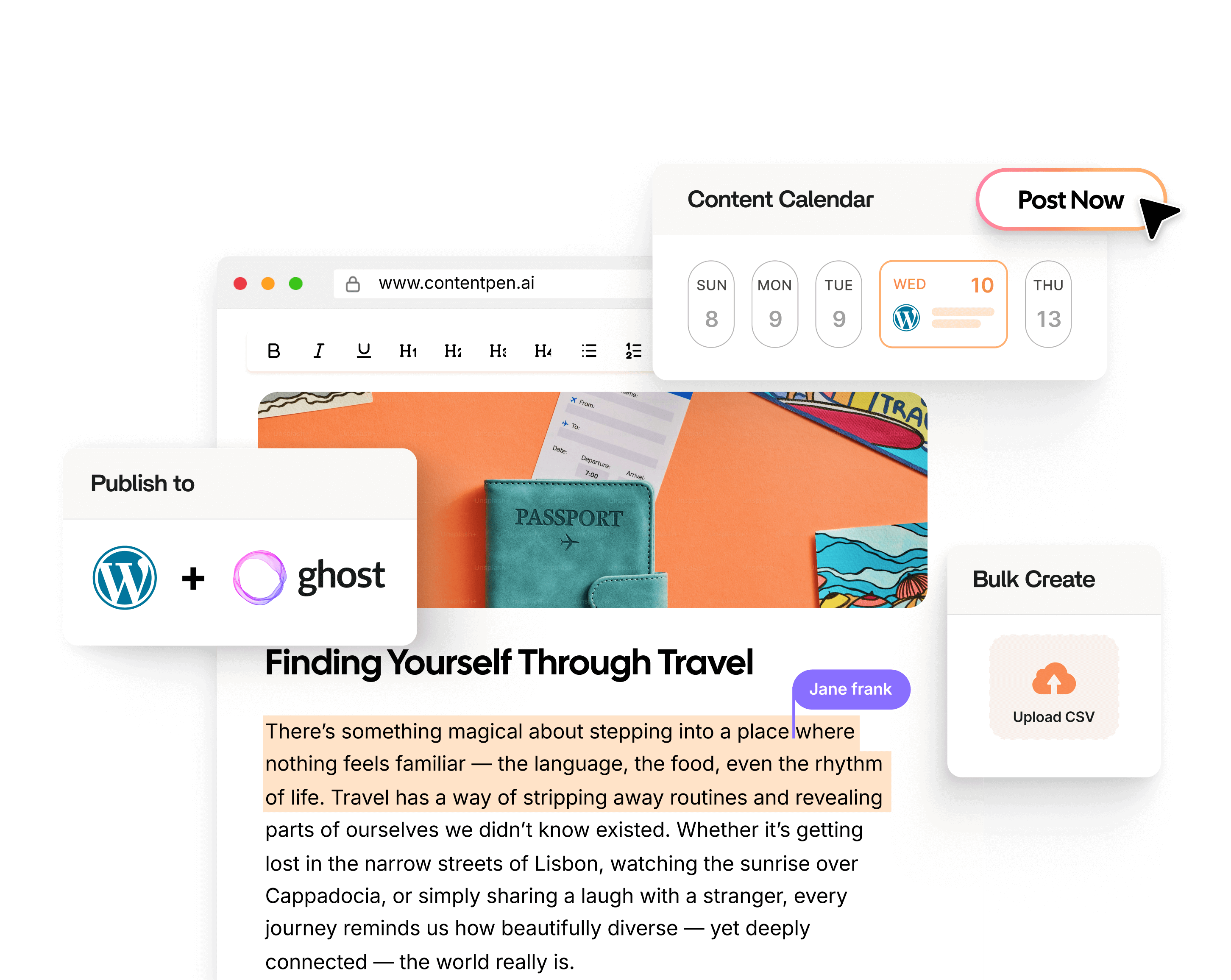
If you want your CRM to function as lead-nurture software, ensure that email, forms, and chat tools integrate seamlessly without extensive customization.
Related read: Recent innovative marketing examples.
Wrapping up
In this post, we saw all 27 of the best content marketing tools in 2026.
The bottom line is that you don’t have to select every single option, but be smart in building the right tech stack.
Assess your content workflow requirements in depth and weigh the pros and cons of every software before choosing.
Now, we hope you can make the right decision by selecting the most suitable content marketing tools to boost your team’s productivity.
Weighing an all-in-one platform against separate tools? See how we compare.
Frequently asked questions
The 7 pillars of marketing are product, price, place, promotion, people, process, physical evidence, and performance. These pillars guide how businesses structure, deliver, and optimize their marketing strategies across channels.
Most small businesses function well with 3–5 tools covering the core pillars: content creation, SEO, social posting and scheduling, email, and one for basic analytics. Start lean and add tools only when a clear gap emerges.
Content marketing tools help you create, optimize, and distribute content. Marketing automation platforms trigger actions based on user behavior across the entire journey. Many modern tools blur this line, but content tools are generally channel-specific while automation platforms are workflow-based.
Not yet, and likely not soon. AI tools excel at speeding up drafts, generating variations, and handling repetitive content tasks. However, original research, nuanced storytelling, brand voice consistency, and subject-matter expertise still require human judgment.
Yes. Free content marketing tools include ChatGPT (free tier), Google Keyword Planner, Canva (free plan), ShareThis, CleanSnap, Google Workspace (basic), and Notion (free). These tools are suitable for beginners and small teams.
Big 4 marketing refers to the four largest global marketing holding companies, including WPP, Omnicom Group, Publicis Groupe, and Interpublic Group. These firms own and operate major advertising, media, and marketing agencies worldwide.
Three clear signals: (1) your team regularly works around the tool’s limitations, (2) you’re duplicating effort between two tools, or (3) the tool’s output quality is creating more editing work than it saves. Reviewing your stack every 6 months with these criteria enables better tool decisions.

Jawwad
Jawwad Ul Gohar is an SEO and GEO-focused content writer with 3+ years of experience helping SaaS brands grow through search-driven content. He has increased organic traffic for several products and platforms in the tech and AI niche. As an author at Contentpen.ai, he provides valuable insights on topics like SEO technicalities, content frameworks, integrations, and performance-driven blog strategies. Jawwad blends storytelling with data-driven content that ranks, converts, and delivers measurable growth.
View all posts by this author