 13 minutes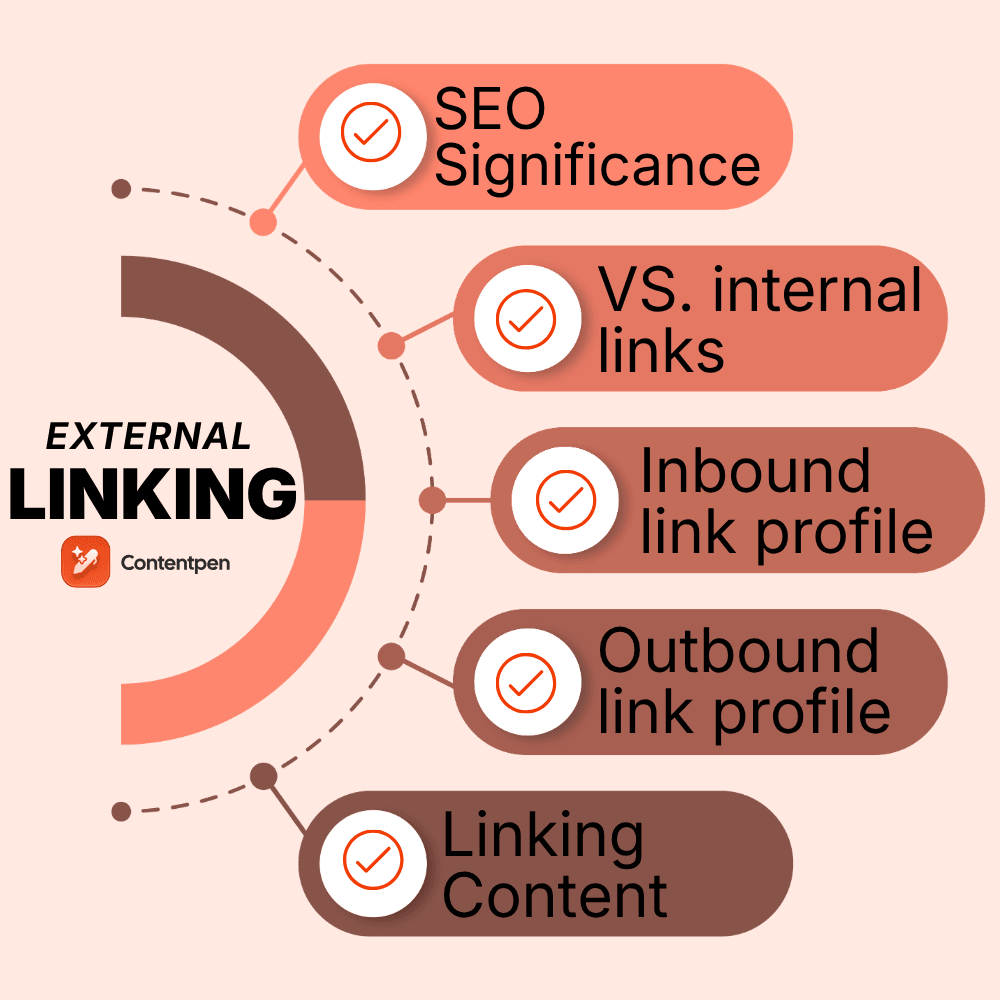
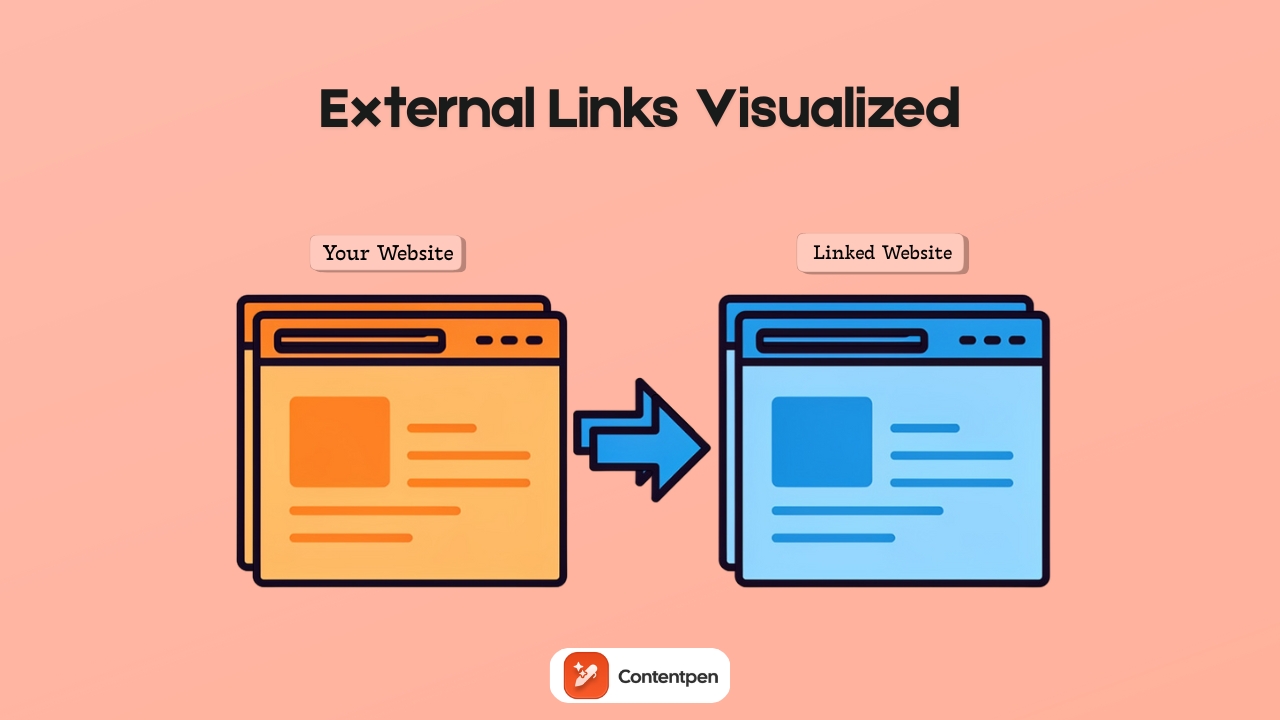
An external link is a hyperlink that points from your website to another domain, or vice versa. It serves as a vote of confidence, endorsing the offerings of the linked platform and signaling to search engines and users that the linked page is worth a visit.
While many users know the basic definition of the term, their external linking strategies are weak and inefficient. The result? They leave a lot of ranking potential on the table.
This guide walks through the basics of what an external hyperlink is, how search engines judge link quality, and how to build a powerful inbound and outbound link profile.
By the end, you’ll also see how Contentpen helps automate external linking.
So, let’s get started.
Table of contents
- Why external links matter for SEO
- External links vs internal links: Understanding the difference
- How search engines evaluate external link quality
- Building a powerful inbound link profile
- Outbound linking best practices for SEO
- Managing and maintaining your external link profile
- How Contentpen helps you create link-worthy content
- Final thoughts
- Frequently asked questions
Why external links matter for SEO
An external link connects one domain to another. When another site links to yours, that’s a backlink (or inbound link). When you link from your content to another site, that’s an off-page link in SEO.
On a technical level, an external link looks like this in HTML:
<a href="https://www.example.com/">Helpful SEO guide</a>The href attribute holds the URL of the page on another domain. The visible part between the tags is the anchor text.
To a user, it is just a clickable phrase. To a search engine, it is a clue about what the linked page covers.
Links became important when Google introduced PageRank. The idea was simple: a link from one page to another counted like a vote. The more quality votes a page earned, the more important it seemed.
Over time, the model grew more advanced, but the core concept stayed. A strong external link from an authoritative source passes link equity and signals that a page has value.
Today, search engines use each external link to judge several things: popularity, trust, and topical relevance. They look at:
- How many high‑quality sites point to a page
- Who is doing the linking
- How closely the topics match
- Which words appear in the anchor text
Together, these factors help search engines decide how a page should rank.
External links vs internal links: Understanding the difference
Internal links connect pages within your own website and help organize content, guide users, and distribute link equity.
On the other hand, external links point from your site to other domains and help provide context, cite sources, and connect your content to the wider web.
As we’ve already highlighted earlier in our internal linking guide, both types of links are essential for SEO.
Also read: How to do SEO?
Internal links strengthen your site’s structure, and external links improve your site’s credibility.
How search engines evaluate external link quality
Search engines evaluate external links based on six core signals:
- Trust level of the linking domain. A link from a long‑standing news site, a respected .edu, or a known industry blog carries more weight than one from a site with thin, duplicated, or spam content.
- Popularity of the source page: A mention from a page that has many strong backlinks passes more link equity than a link buried on an orphan page with no visitors.
- Topical relevance: If a page about technical SEO links to your article on external links for SEO, the match in subject tells search engines that your content belongs in that topic.
- Anchor text: The words used in the anchor text give search engines a hint about what the target page covers.
- Link diversity: Earning links from many domains shows broader support than getting lots of links from a single site.
- Ownership patterns: If several domains are owned by the same company and link heavily to one another, those links often carry less significance than true third‑party mentions.
TL; DR: Search engines have become quite good at spotting clear self‑promotion techniques.
Collectively, these signals tell search engines about the quality of an inbound link earned by a website.
Building a powerful inbound link profile
Modern link building should not feel like tricks or shortcuts. The best approach is to write a blog post that solves real problems or answers real questions that users might have.
Then, you can help the right people discover those pages with SEO and GEO techniques so they can decide to link to your content.
Building a strong inbound link profile starts with:
- Creating linkable assets (blogs, How-To guides, templates, etc.)
- Utilizing broken link building (asking webmasters to replace a bad link on their page with yours)
- Investing in ethical outreach (genuinely inviting similar-niche sites to invest in link-building.)
Let’s discuss these one by one to help you get started.
Creating linkable content assets
Linkable assets are pieces of content that are comprehensive, well-structured, and answer all common user queries for the topic.
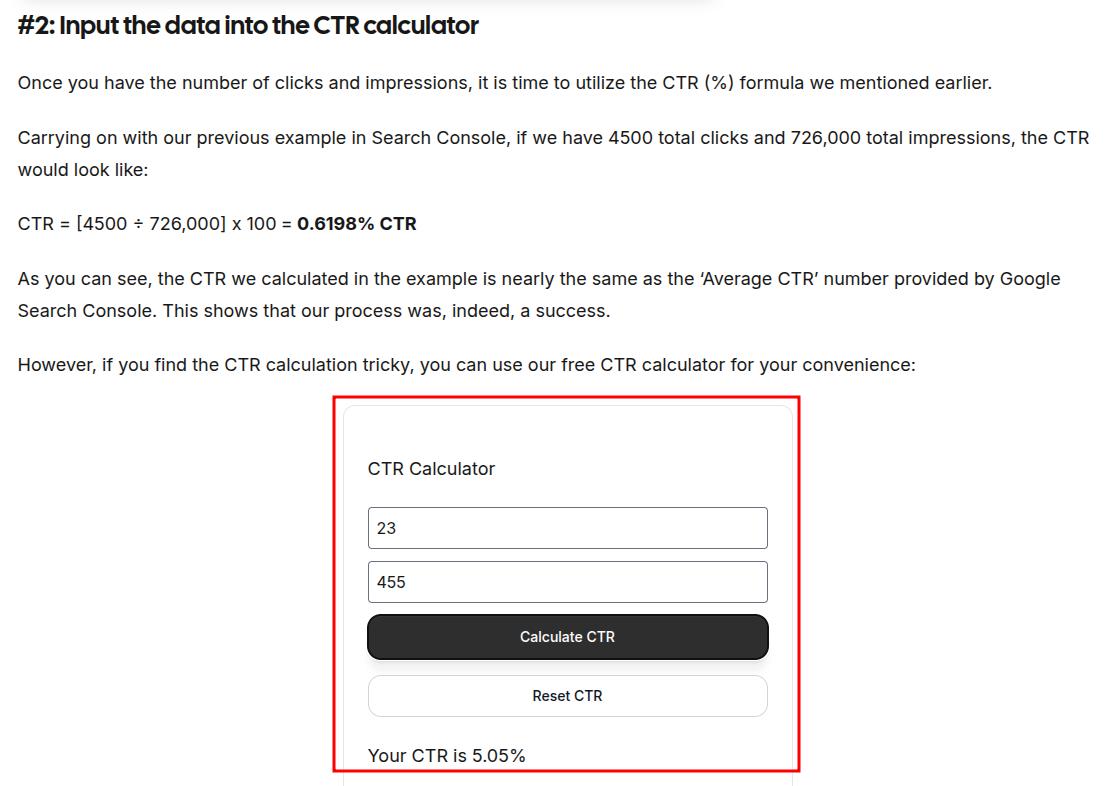
They mostly contain stuff that you cannot find elsewhere, like a CTR calculator, an executive summary template, or internal statistics that people would want to share or link to.
You should also include:
- Clear definitions
- Visual diagrams
- Real-world examples
- Actionable best practices
When a guide becomes the go-to resource for a topic, it can attract backlinks for years.
Also read: What is CTR? Explained for beginners.
Using broken link-building to your advantage
Broken link building involves finding dead outbound links on relevant sites and offering your content as a replacement.
Since you are helping the site owner fix a problem, they are more likely to consider your suggestion.
That said, try to send a personalized message to the site owner. Do not use generic email templates as they won’t help you get noticed.
Investing in ethical outreach
Ethical outreach is about bringing your linkable assets to the right people without sliding into spam.
The mindset should be relationship-first. Editors and creators hear from many people who only want a backlink. Stand out by caring about your work.
In each email, Reddit DM, or LinkedIn message, mention a specific article you liked and why your resource fits their audience.
Explain clearly how linking to your page would help their readers understand a topic better. Keep the note short and respectful of their time.
Timing matters too. Reach out soon after you publish a significant asset, while your own energy and focus are high.
If your content ties into a fresh trend or news story, mention that link. Editors often look for timely resources to share to give their platforms a healthy boost in organic traffic.
A few simple habits keep outreach effective:
- Make the link easy to add by suggesting natural anchor text and where it could fit in their article.
- Avoid pushy follow‑ups. One gentle reminder after a week or two is fine. Daily nags or guilt trips are not. You want to be seen as helpful, not as a constant source of pressure.
- Track your outreach in a simple sheet or CRM. Note who you contacted, when, and how they responded. This helps you avoid sending repeat messages and lets you see which approaches work best.
When done well, healthy outreach turns strangers into partners and external links into the natural next step of a real connection. This practice also helps improve your share of voice in the niche.
Outbound linking best practices for SEO
When people hear “external links and SEO,” they often think only about getting backlinks.
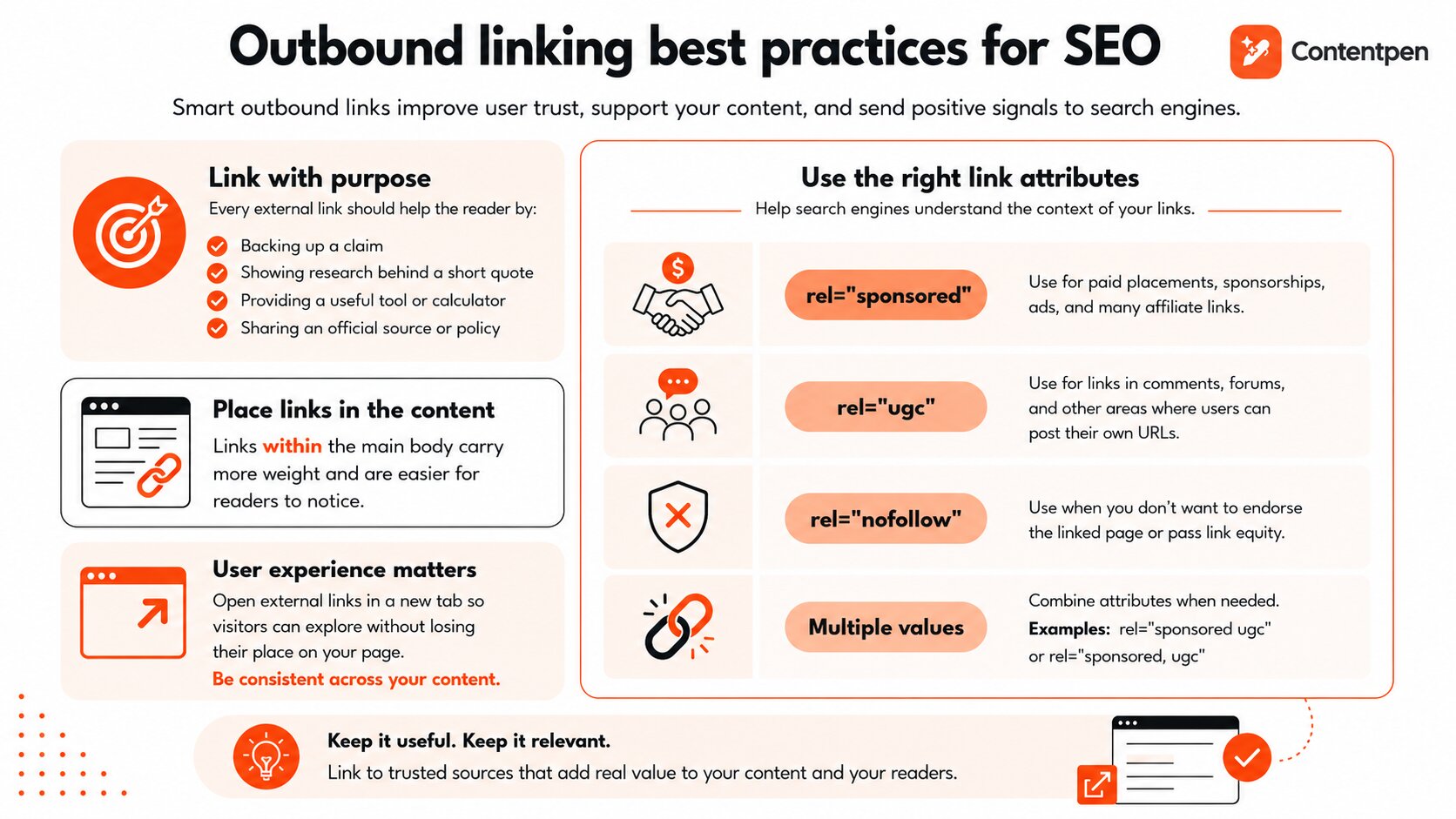
Outbound links matter as well. How you link from your content to other sites affects user trust, search engine signals, and even how other publishers see your brand.
The starting point is simple. Every external link on your website should help the reader clearly. It might:
- Back up a claim
- Show comprehensive research behind a short quote
- Provide a useful calculator or tool
- Share an official source or policy
Anchor text placement matters too. Links that appear inside the main body of your content usually carry more weight than a long list of references at the bottom. They are easier for readers to notice and feel more natural.
Setting up proper rel attributes
Link attributes provide search engines with more information about the nature of each external link.
rel= ”dofollow”
For most editorial links to trusted sources, a normal dofollow link is fine. It lets you pass on a vote of confidence to the site that you endorse its offerings.
In HTML, they look like the following:
<a href="https://example.com/">Standard Dofollow Link</a>Most modern content management platforms, like WordPress, have built-in options to manage these link rel attributes. So, chances are that you won’t see these HTML codes written like that, ever. But you should know their details, regardless.
rel= ”sponsored”
Use this rel attribute if you want to tell the crawler that the page you’re linking to is a sponsorship, not a free third-party endorsement.
<a href="https://example.com/" rel="sponsored">Affiliate Product Link</a>This includes sponsorships, ads, and many affiliate links, which are quite popular in blogging.
rel= ”ugc”
The rel=”ugc” attribute stands for user‑generated content. Use it for external links in comments, forums, and other areas where visitors can post their own URLs.
<a href="https://example.com/" rel="ugc">User Posted Link</a>This tells search engines that you did not place those links yourself.
rel= ”nofollow”
These types of rel attributes are used when you don’t want to endorse the external linked page or its services.
<a href="https://example.com/" rel="nofollow">Nofollow Link</a>Site owners also use nofollow to avoid leaking link equity to their competitors in the same niche.
rel = “multiple values”
You can assign multiple rel attributes to a single link to give search engines clearer signals about its purpose.
For example, if a link is both paid and user-generated, you can combine attributes like this: rel= ”sponsored ugc”.
<a href="https://example.com/" rel="nofollow sponsored">Paid + Nofollow Link</a>

OR

<a href="https://example.com/" rel="nofollow ugc">User Content + Nofollow Link</a>
These tags can also be listed together using commas, like rel= ”sponsored, ugc”.
From a user experience perspective, open links to external sites in a new tab. That way, visitors can explore the resource without losing their place on your page.
Whatever you choose, keep the behavior consistent across your content.
Managing and maintaining your external link profile
External links are not a ‘set it and forget it’ task. Over time, pages move, domains expire, and once‑helpful resources turn into spam.
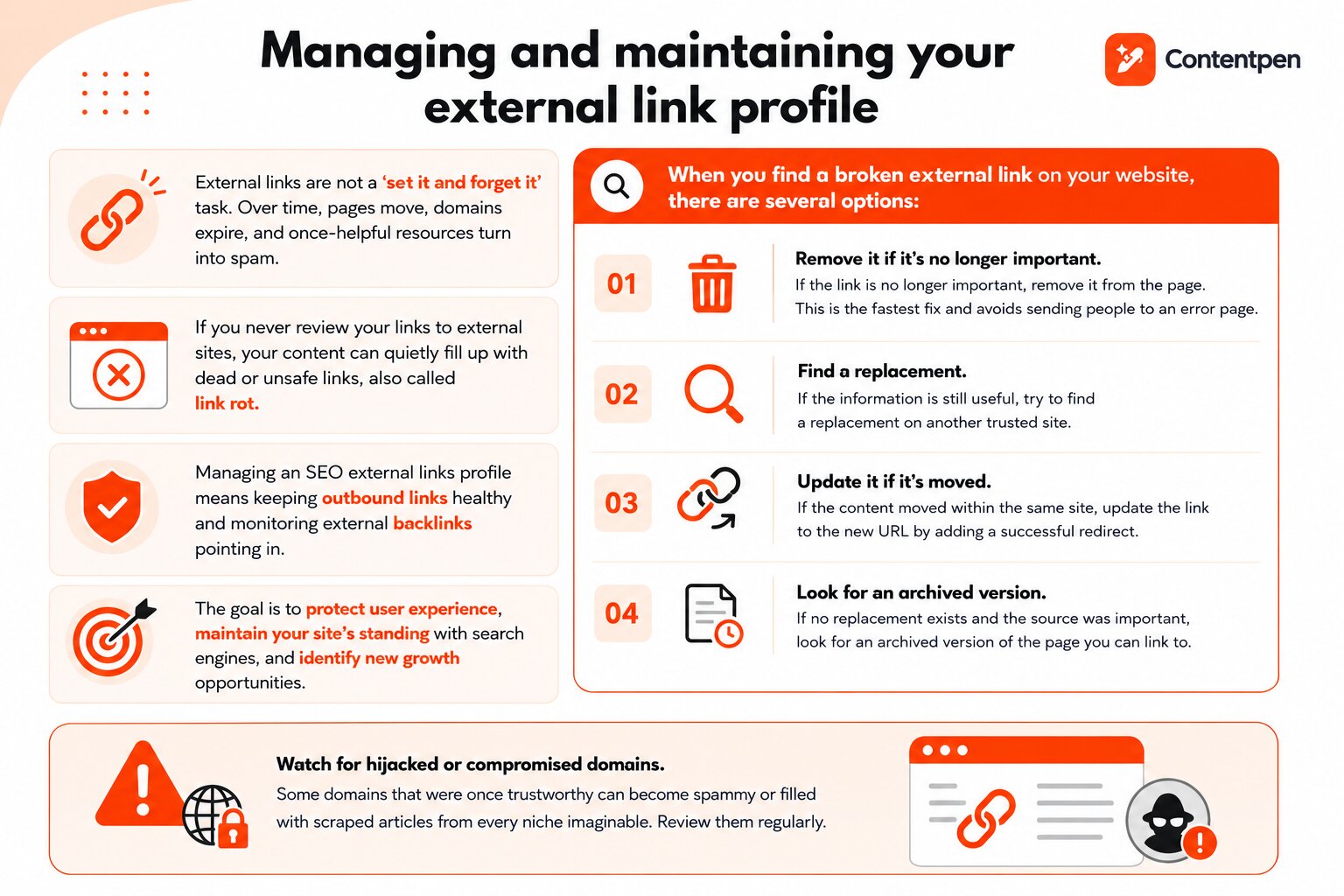
If you never review your links to external sites, your content can quietly fill up with dead or unsafe links, also called link rot.
Managing an SEO external links profile means keeping outbound links healthy and monitoring external backlinks pointing in.
The goal is to protect user experience, maintain your site’s standing with search engines, and identify new growth opportunities.
When you find a broken external link on your website, there are several options:
- If the link is no longer important, remove it from the page. This is the fastest fix and avoids sending people to an error page.
- If the information is still useful, try to find a replacement on another trusted site.
- If the content moved within the same site, update the link to the new URL by adding a successful redirect.
- If no replacement exists and the source was important, look for an archived version of the page you can link to.
You also need to watch for hijacked or compromised domains that were once trustworthy but are now spammy or filled with scraped articles from every niche imaginable.
Remove or replace all the unsafe external links to avoid penalties to your rankings. Use tools like Screaming Frog for a deep technical SEO audit of your links.
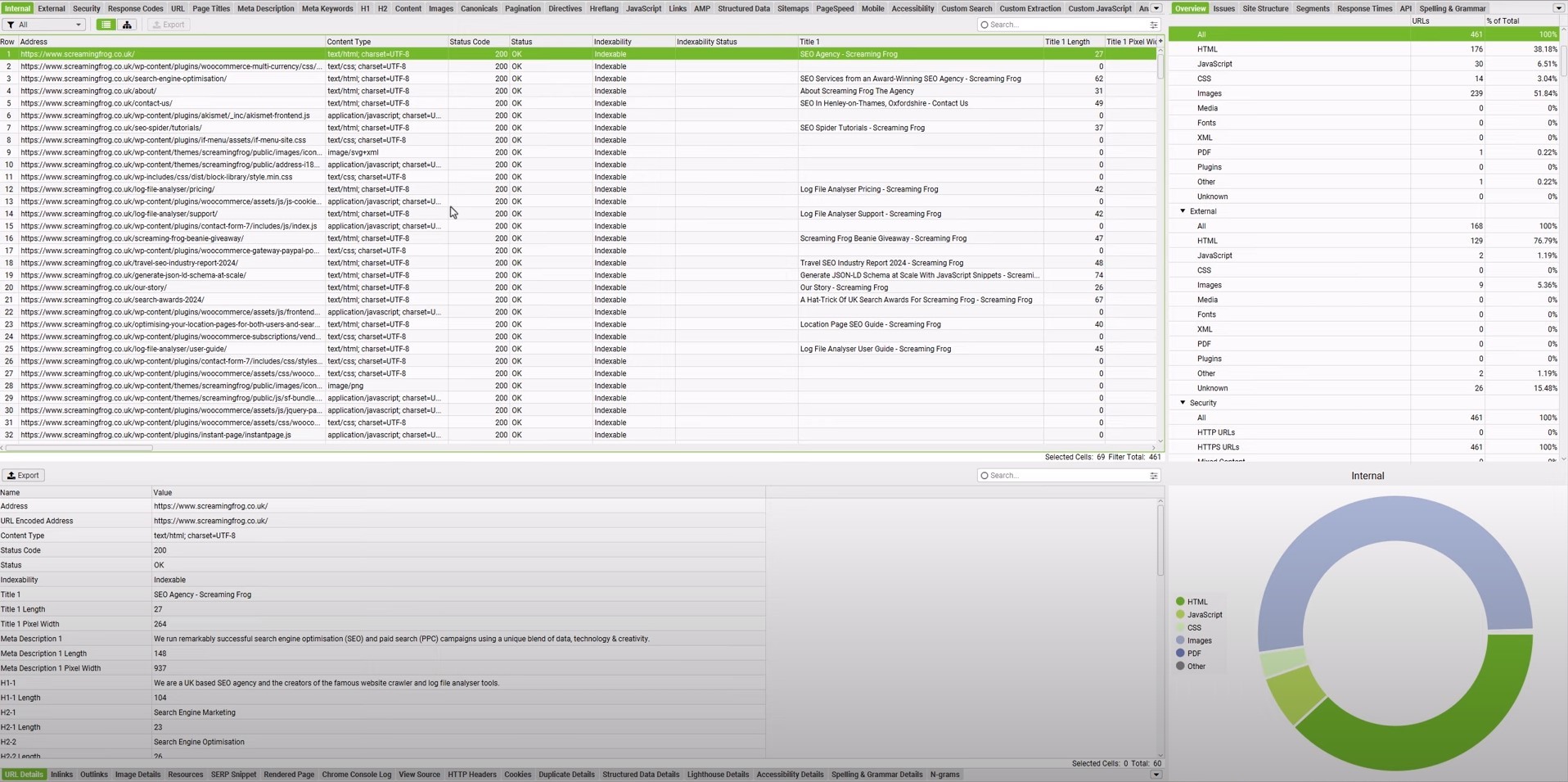
The tool will show you error codes for all your links. Then, you can promptly resolve the issues to keep your link profile clean and healthy.
Other important tools for monitoring and analyzing external links
Manually tracking external links doesn’t scale. The right tools help you monitor backlinks, audit outbound links, and catch problems before they affect rankings.
- Google Search Console is the best free starting point. It shows who links to your site, which pages earn backlinks, and how Google views your domain.
- Ahrefs and Semrush are powerful paid tools for deep backlink analysis, broken link discovery, and outreach research.
- Wayback Machine lets you review archived versions of dead pages and recover lost references when needed.
For most solo creators, Google Search Console plus one paid backlink tool is enough. Larger teams may use multiple tools for analysis, outreach, and link audits.
How Contentpen helps you create link-worthy content
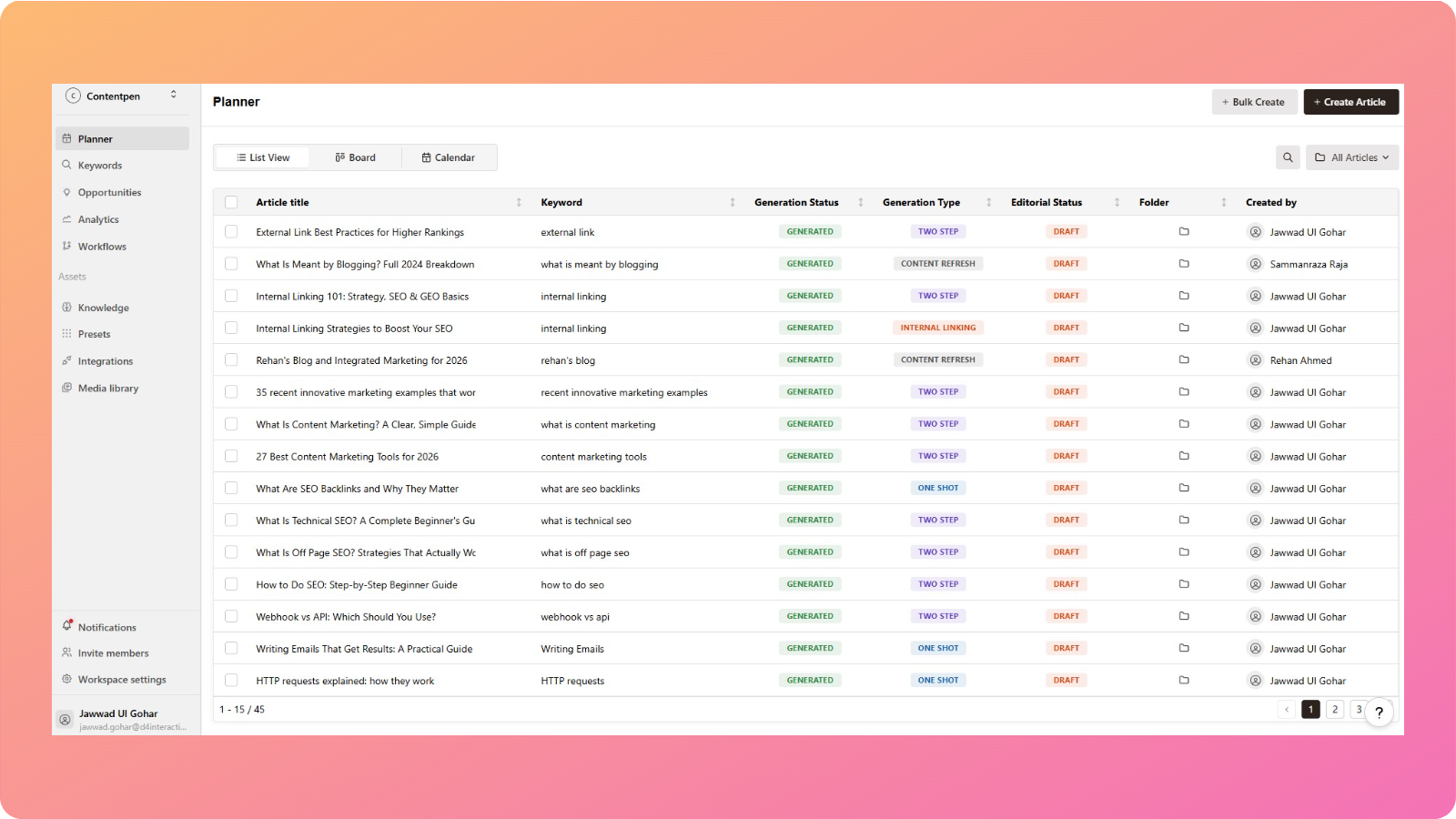
Every strong external link strategy starts with content worth linking to. Without that, even the best outreach plan struggles.
This is where Contentpen becomes a powerful partner and helps you rank on Google.
Contentpen is an end‑to‑end AI blog creation platform. It helps marketing teams, agencies, and solo creators produce high‑quality, long‑form content with minimal effort.
The platform’s integrated SEO scoring and AI optimization guide you while you write to rank better in search engines and get cited by AI.
It takes care of essential on‑page SEO factors such as headings, keyword usage, structure, and readability, and provides you with content that is easily discoverable.
Contentpen can also automate internal and external linking to help site owners finish their drafts with confidence and successfully implement their link-building strategies.
Contentpen brings research, drafting, optimization, publishing, and post-publish analytics into a single workflow. Therefore, you spend less time bouncing between tools and more time on link-building efforts.
Final thoughts
External links are one of the clearest signals search engines use to decide which pages deserve to rank.
Success with SEO external links is not about tricks. It blends solid technical understanding with consistent content creation and real relationships.
Tools and platforms such as Contentpen help you use AI to write blog posts and produce the kind of content that naturally attracts external links.
A simple next step is to start small and concrete. Audit your current outbound links, fix obvious problems, and improve weak content. Then plan one or two new linkable assets and start reaching out to others.