Content publisher

Publish and distribute content to streamline your workflow
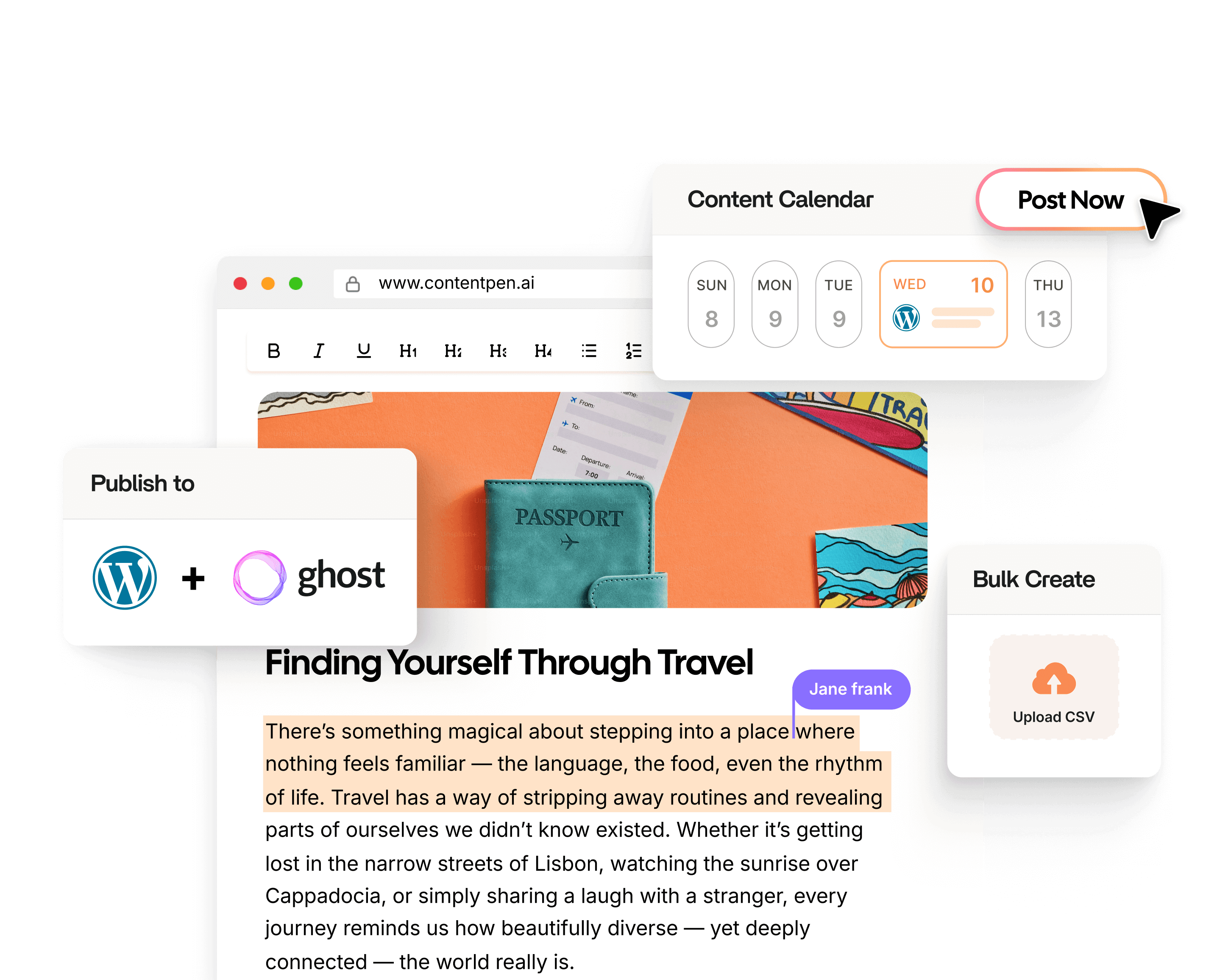
Contentpen connects with WordPress, Ghost, Shopify, Wix, Webflow, and ContentStudio, letting you plan, approve, and publish content directly from one place without switching tabs.





80K+ blogs generated
Publish where you already work
One-click publishing to major CMS platforms
Distribute updates across social media channels
Keep content formatting and structure consistent
See how content publishing works in Contentpen
Watch how a finished blog moves from the Contentpen editor to your connected CMS in one click, with formatting and metadata already in place.

1. Connect your publishing stack
Integrate your preferred platforms like WordPress, Webflow, Wix, Ghost, Shopify, and ContentStudio. Once connected, your publishing destinations are always ready inside Contentpen.
2. Generate and review content
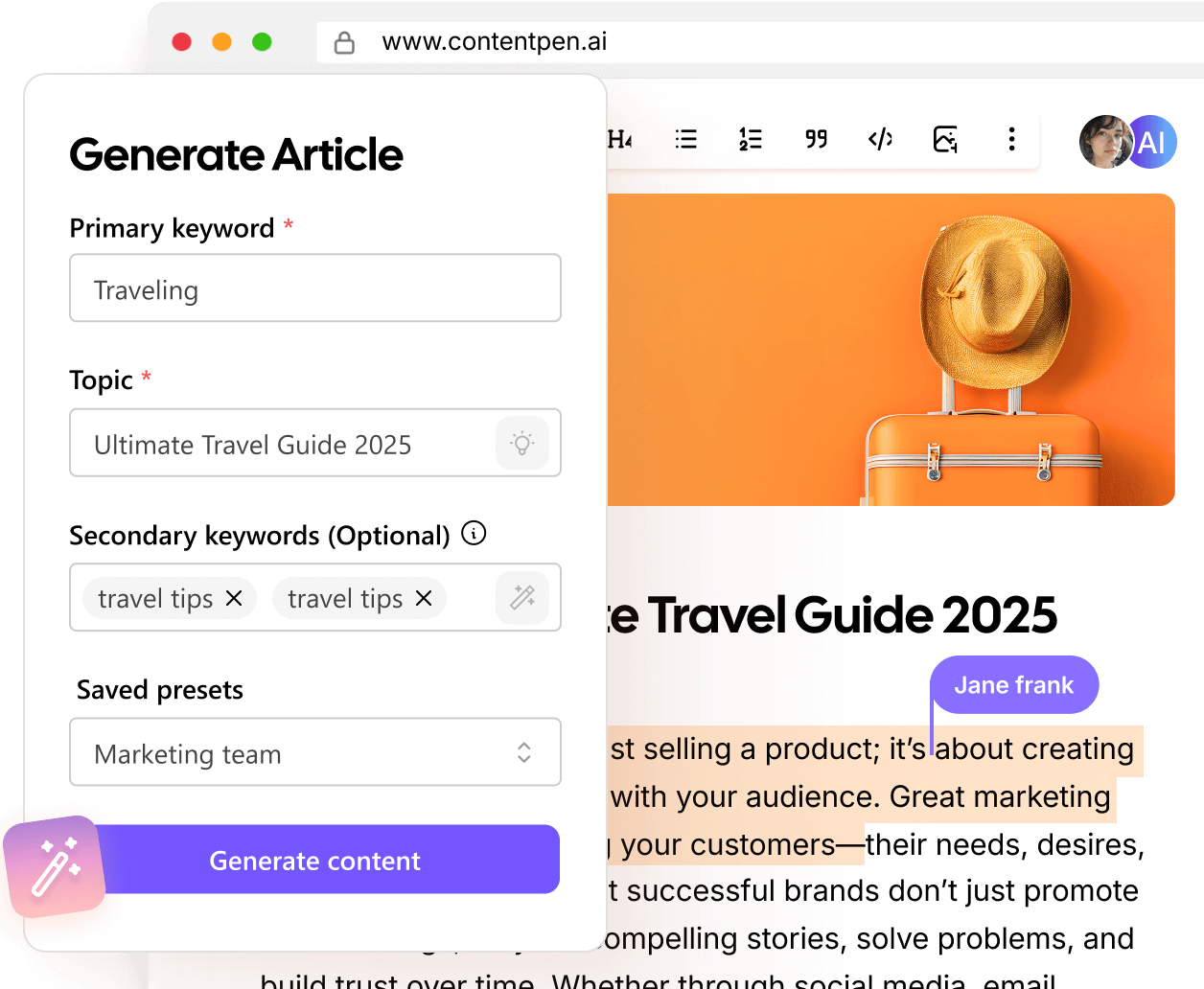
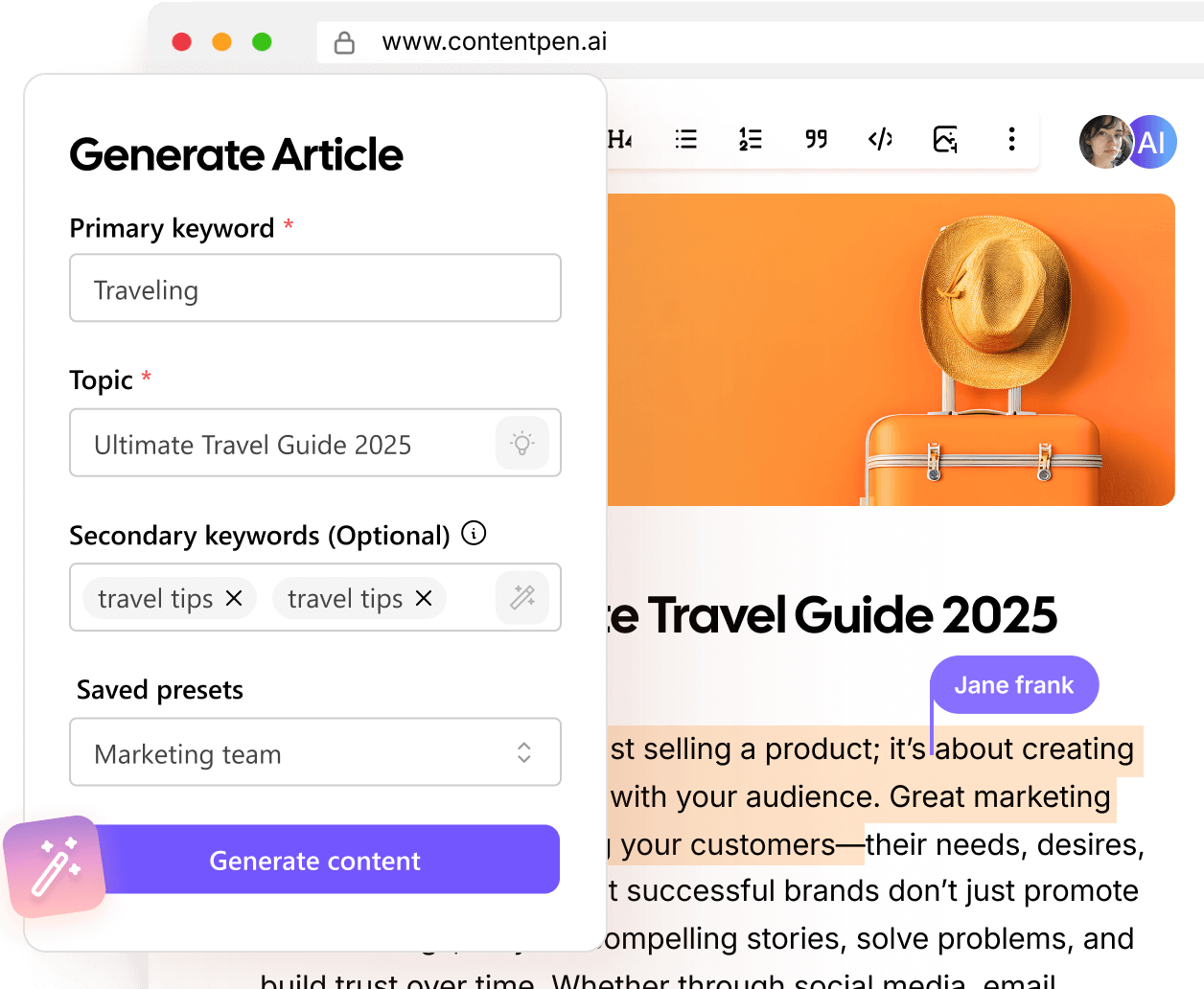
Create SEO- and AEO-optimized blogs and articles with the AI writer online with full editorial control. Make edits, adjust formatting, and finalize content before publishing.
3. Publish instantly or schedule
Push content live in one click or schedule it for a later date with the content planner. Your blogs go directly to your connected platforms without any manual uploads involved.
Publish without losing what you’ve built
Every blog you generate in Contentpen reaches your CMS with its formatting and structure intact. Headings, paragraph structure, internal links, external links, and metadata all transfer exactly as is without any extra steps required.
Webhooks for custom workflows
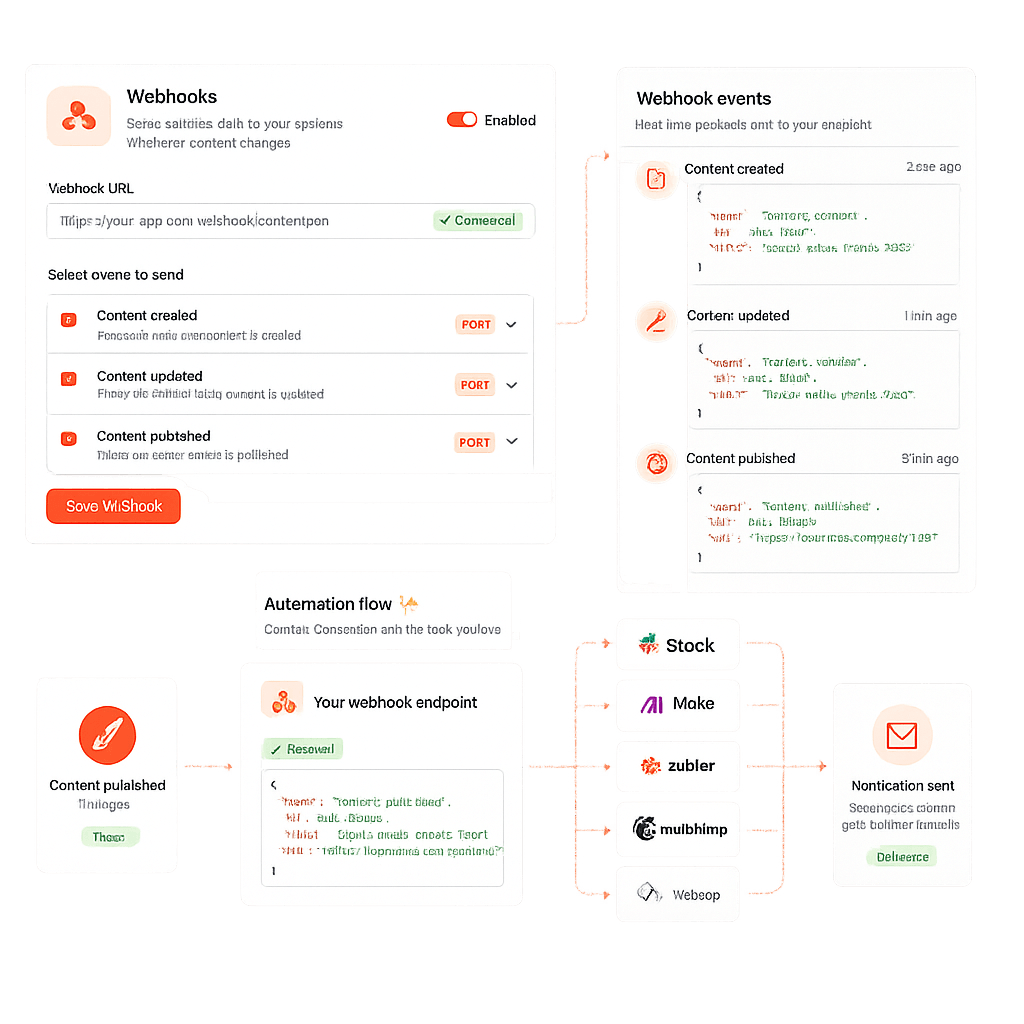
With the content publisher tool, you can set up webhooks to trigger notifications, workflows, or third-party automations whenever content is created, updated, or published inside Contentpen.
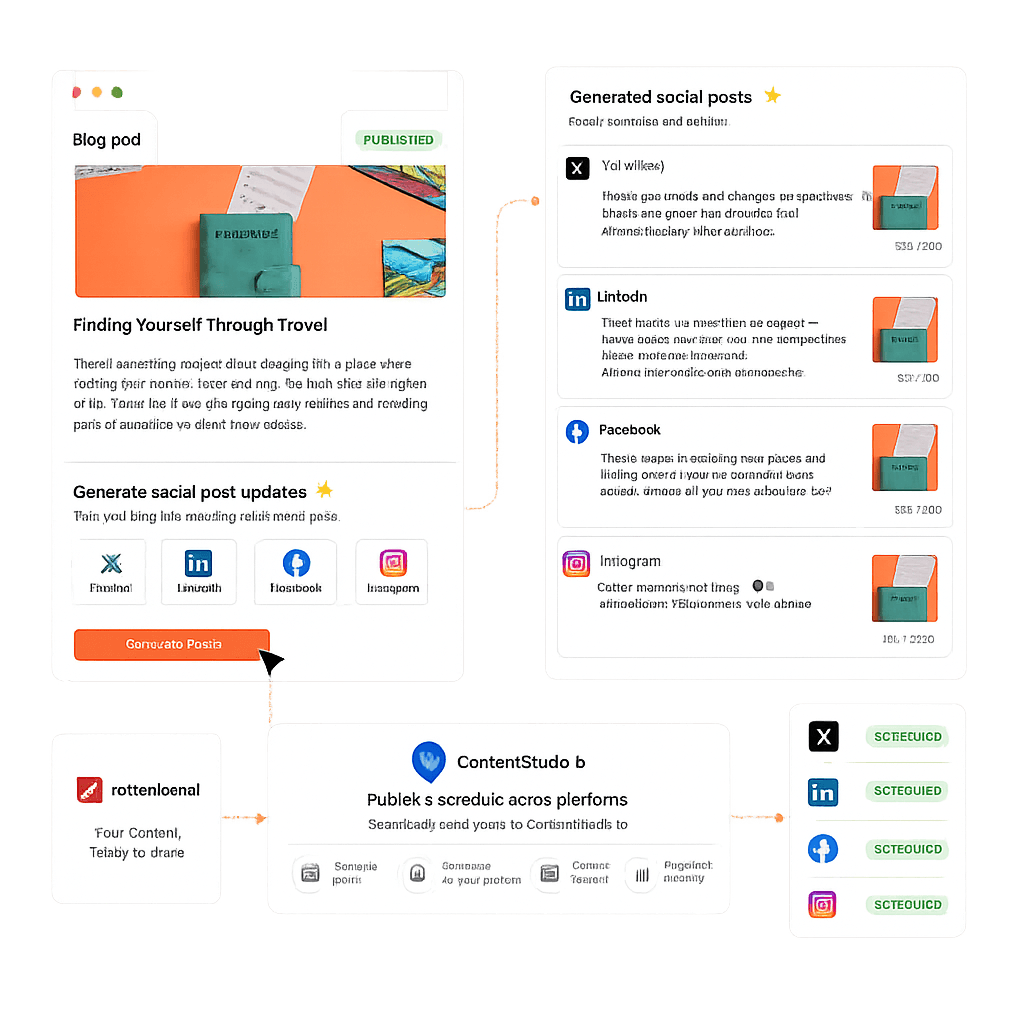
Social publishing built in
Turn blogs into social media post updates and distribute them through the ContentStudio integration. Keep your content ecosystem active without duplicating effort.
Automate content publishing workflow
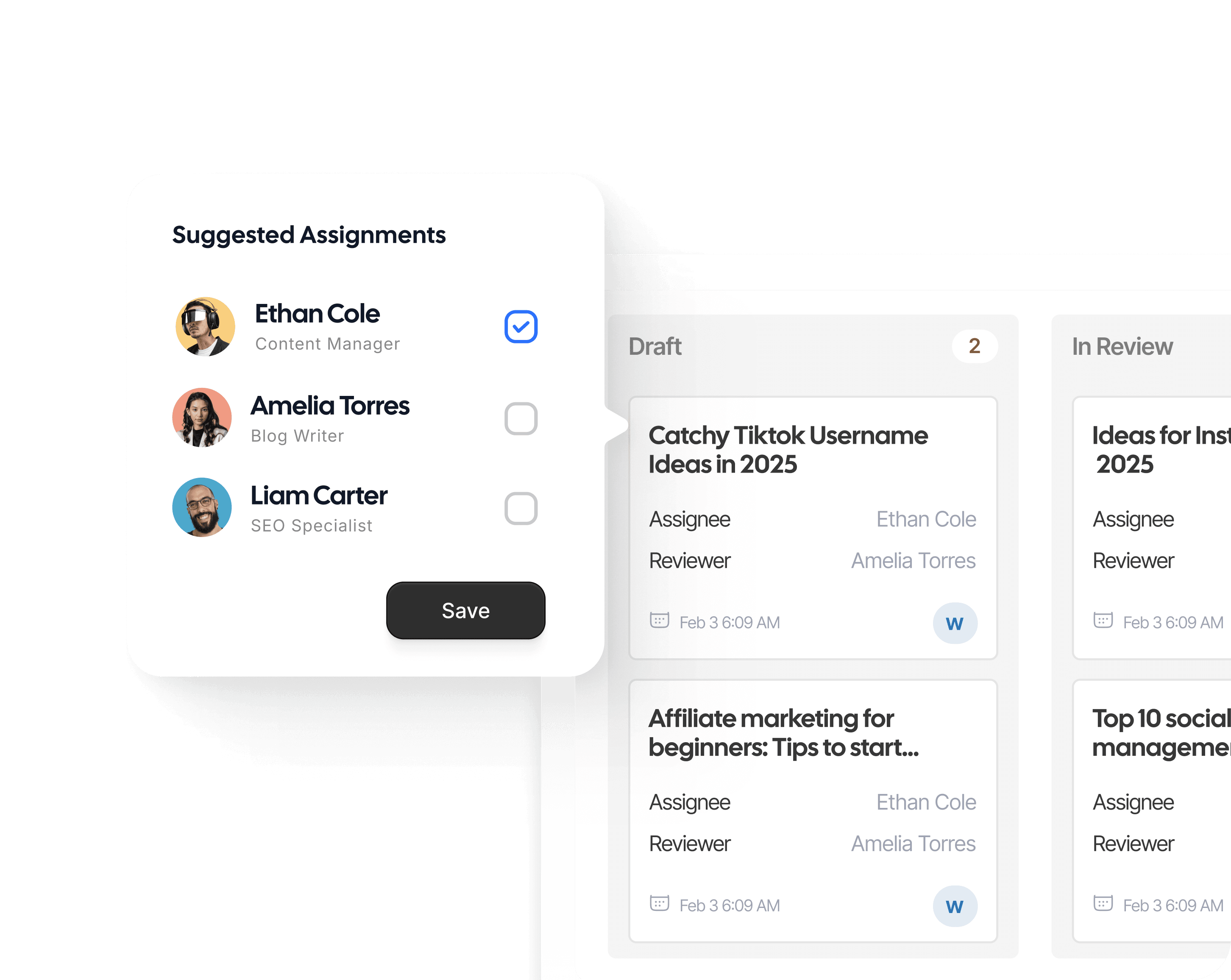
Scheduled posts go live exactly when planned in the content publisher across every connected platform. No human intervention or reminder needed.
Error-free publishing checks
Conteptne runs automated checks before publishing to ensure links, metadata, structure, and platform compatibility are correct, so every post goes live perfectly.
Media asset syncing
Your media library stays in sync across every platform. Images, videos, and embeds added in Contentpen automatically appear with the right formatting everywhere.

One content publishing tool. Every publishing benefit covered.
Contentpen's digital publishing platform works for all types of teams. It brings the following key advantages to the table:
Saves copy-pasting from AI writing tool to CMS
The blog you write in Contentpen is the blog that goes live. There is no intermediate step in between, so no copy-paste needed from the tool to your content management system.
Connects blog publishing workflow to social content distribution
The ContentStudio integration means your blog going live can trigger a social post about it without opening another tool or logging into another platform.
Keeps your external systems informed automatically
Webhook support means your internal tools, Slack notifications, or custom dashboards can receive instant content status updates without checking the tabs manually.
Let your team publish from their own workspace
Writers, editors, and managers can publish or schedule directly from their assigned workspace depending on their permissions. Publishing does not require a separate login or interface access.
Trusted by teams who publish smarter
From setup to scheduling, here’s how Contentpen keeps content flowing across every platform.
“I wrote a blog post for one of my hospital clients using Contentpen. Once it got indexed, it started ranking at position 4 on the first page of Google. What's interesting is that I didn't build a single backlink.”
#4position0backlinks Ankit PrajapatiCEO at Consultant Ankit
“Contentpen helped us establish our presence both on SEO and AI search. Top-Quality content at the speed of thought.”
 Alban TaraireGeneral Manager at NETK5 Technology Group
“Contentpen delivers amazing quality blog posts and saves hours of research. It's fast, reliable, and perfect for efficient content creation.”
 Raj KandelMortgage Broker at Everest Home Loans
“I spend my time saved from blog writing and SEO tasks on building relationships with my clients, which actually benefits my business.”
$1000saved3-8h/weeksaved Keith HillPresident at Go Smart Mortgage
 AlaminMarketing content creator
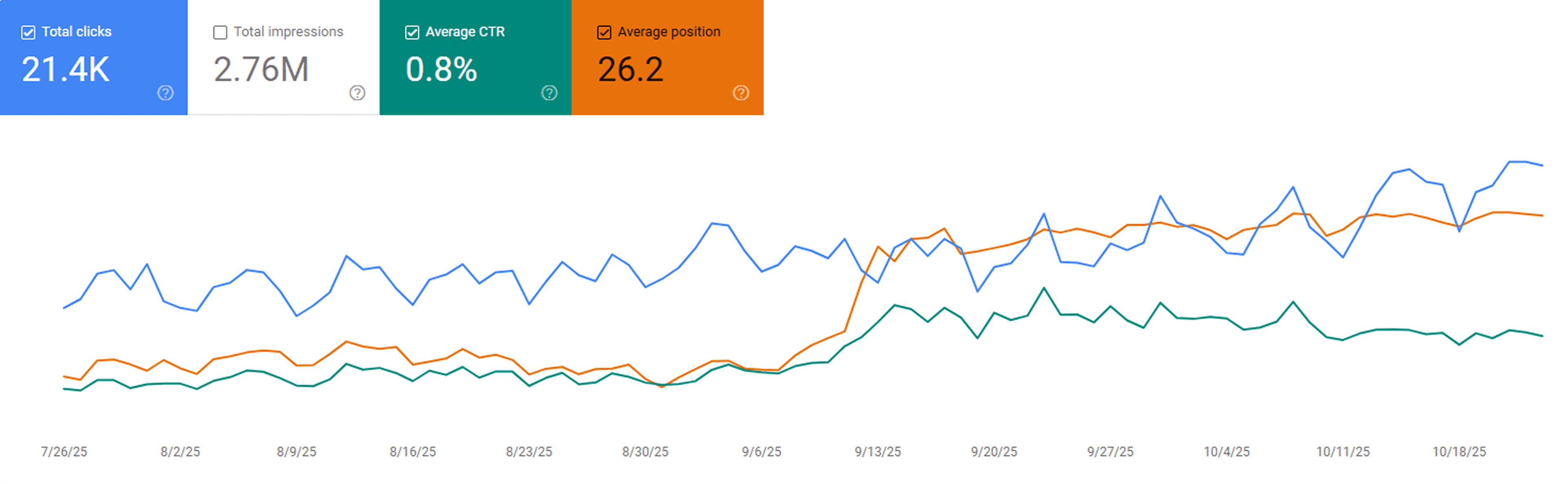
“After publishing our first 23 blogs through Contentpen, we noticed steady keyword growth in Google Search Console within three weeks. Impressions and clicks doubled, and a few articles started ranking on page one without paid promotion.”
 Sarah MalikSEO manager at GrowthHive
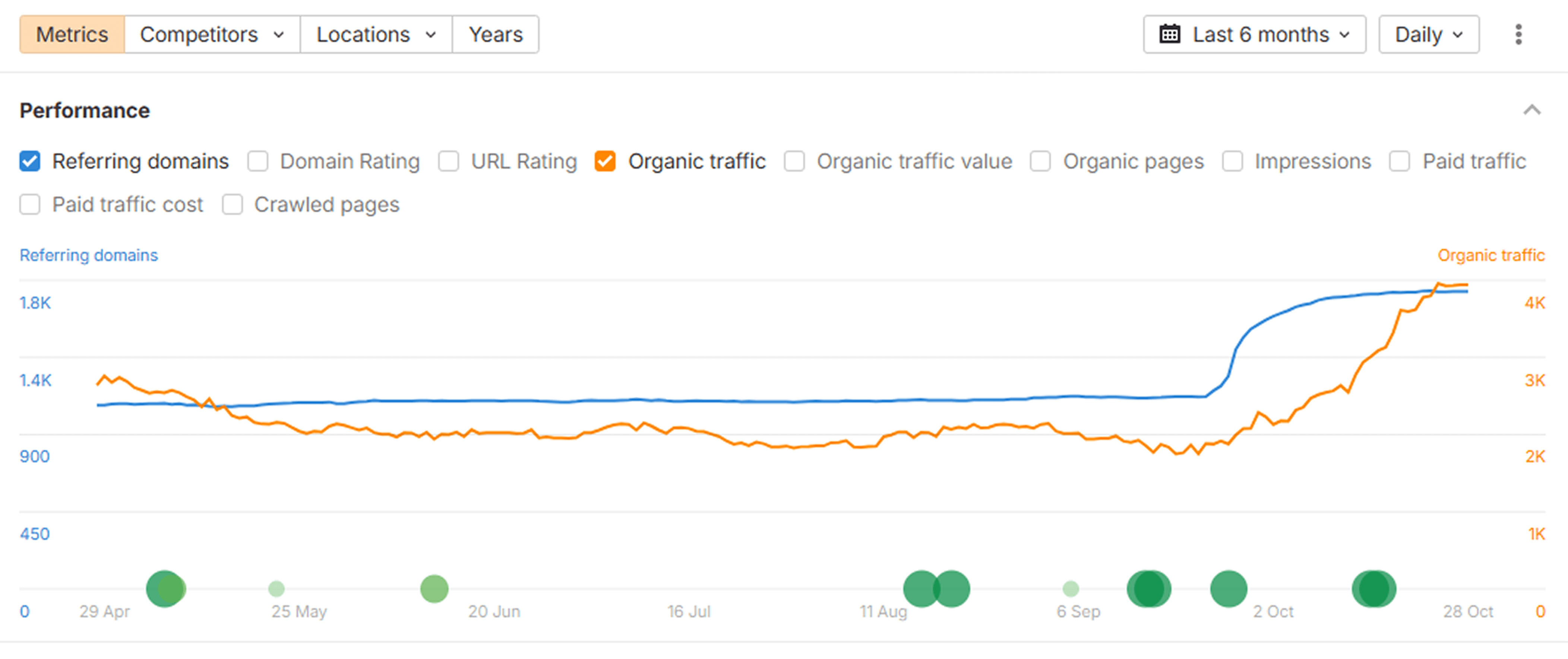
“We analyzed our new posts in Ahrefs and saw a clear lift in organic keywords and referring domains. The internal link suggestions from Contentpen helped us strengthen our site structure, which improved our overall domain visibility.”
 Daniel LeeContent strategist at BrightScale Media
“Before Contentpen, writing and publishing a blog took us a full day. Now we handle topic research, writing, and publishing in under an hour. Our organic traffic has grown 40% since streamlining our content process.”
 Ayesha KhanMarketing lead at CloudNest Solutions
“Tried Contentpen’s SERP and gap analysis before our next content sprint and found topics we’d completely missed. Rankings started moving within weeks.”
 Priya MalhotraSEO manager, CloudStack
“Contentpen spotted 7 keyword gaps our client’s top competitor was owning. Instant clarity on what to create next.”
 @JeremyHillsFounder, Rankline Agency
Publishing efficiency that scales
See the measurable impact of unified publishing and platform integrations powered by Contentpen.
Faster publishing
Workflow efficiency
Manual uploads
Platform accuracy
From draft to live instantly
Turn finished blogs into published posts in seconds. With Contentpen integrations, your team never needs to copy, paste, or reformat again.
Frequently asked questions
Find answers to how Contentpen connects, publishes, and manages your content across platforms without any manual setup.
You can integrate platforms like WordPress, Ghost, Shopify, Webflow, Wix, ContentStudio, or set up custom workflows via webhooks directly from your Contentpen dashboard.
Absolutely. You can define custom publishing rules, like manual approval or auto-publish for specific categories, to fit your workflow preferences.
Contentpen instantly alerts you and logs the issue. If a CMS integration fails, you can troubleshoot or reconnect in seconds without losing your post. Meanwhile, webhooks continue to notify you about blog generation success or failure.
Of course. You can generate and review a live preview before publishing to ensure everything, from visuals to metadata, looks exactly right.
All integrations use encrypted tokens and secure API connections, ensuring your publishing credentials and data stay protected at every step.
No. You can schedule as many posts as needed. Contentpen’s queue system ensures each post is published on time according to your content calendar.
Yes. You can create and manage posts in multiple languages, assigning specific locales or websites to each for regional publishing.
Yes. Depending on permissions, writers, editors, or managers can publish or schedule content directly from their assigned workspace.
Learn more about content publishing and distribution with Contentpen
What is a content publisher?
A content publisher tool is a platform that takes finished content and delivers it to the destination where your audience reads it. The tool handles the transfer of formatting, metadata, and structure to the target CMS to help eliminate manual steps.
Content publisher meaning can also be discussed in the context of businesses and teams that produce and distribute content at scale.
What are digital publishing platforms?
Digital publishing platforms are systems that allow teams to create, manage, and distribute content across online channels. They range from general-purpose CMS tools like WordPress and Ghost to specialized platforms built for specific content types or distribution needs.
For blog-focused content teams, the most relevant digital publishing platforms are the ones where their audience already reads. This can be their own website or a blog, typically running on WordPress, Webflow, Ghost, Shopify, or Wix.
The distinction between a content creation tool and a digital publishing platform is that the creation tool is where the content is generated, and the publishing platform is where it goes live. Contentpen connects both ends for small businesses, agencies, freelancers, and content marketers.
How Contentpen compares to other content publisher tools
Most content publishers are either too difficult to use or do not retain the formatting, linking, or other media assets properly when exporting content to platforms.
Use this table below to find the best content publisher tool on the market:
|
Feature |
Contentpen |
Jasper |
Frase |
Scalenut |
Copy.ai |
Pantheon |
|
Direct CMS publishing |
✅ |
❌ |
❌ |
✅ |
❌ |
✅ |
|
WordPress integration |
✅ |
❌ |
❌ |
✅ |
❌ |
✅ |
|
Ghost, Wix, Webflow, Shopify support |
✅ |
❌ |
❌ |
❌ |
❌ |
❌ |
|
ContentStudio integration |
✅ |
❌ |
❌ |
❌ |
❌ |
❌ |
|
Webhook support |
✅ |
❌ |
❌ |
❌ |
❌ |
✅ |
|
Built-in AI blog generation |
✅ |
✅ |
✅ |
✅ |
✅ |
❌ |
|
SEO and GEO scoring built in |
✅ |
❌ |
✅ |
✅ |
❌ |
❌ |
|
Content scheduling by date |
✅ |
❌ |
❌ |
❌ |
❌ |
❌ |
|
Pre-publish checks |
✅ |
❌ |
❌ |
❌ |
❌ |
✅ |
|
Free trial available |
✅ |
✅ |
✅ |
✅ |
✅ |
✅ |
Get a free digital publishing platform with Contentpen's trial
Trying a content publisher is a good idea before committing to it. With Contentpen, you can access the full publishing integrations during a 7-day free trial to make sure your writing workflow is properly adjusted inside the content planner app.
This free trial includes all CMS connections (WordPress, Ghost, Shopify, Wix, Webflow), the ContentStudio integration, webhook support, and the complete AI content generation pipeline.
Build the rest of your content workflow
You've seen this part of the process, here are other features that help you research, plan, write, and improve content on autopilot.
Blog creation
Generate high-quality, SEO-optimized blog articles in minutes using AI trained for ranking content.
Keyword Research
Get high-intent keywords, search trends, and ranking opportunities tailored to your niche.
Organic traffic optimizer
Continuously analyze and optimize content to improve rankings and grow organic search traffic.
SERP & gap analysis
Identify ranking gaps and competitor opportunities to create content that outranks the competition.
SEO scoring
Get audit scores and suggestions for keyword usage, readability, and ranking signals before publishing.
Content planning & scheduling
Build content calendars, automate workflows, and plan topics that drive organic growth.
Bulk content creation
Produce large volumes of consistent, SEO and GEO-optimized content at scale with batch generation.
Built-in media library
No more asset hunting, everything you need is built in.
AI linking assistant
Turn every article into a traffic network with AI-powered linking.
SEO opportunities
Automatically uncover quick wins, content decay, and CTR gaps, and turn insights into actions with one-click content refreshes.
Website analytics
Track clicks, impressions, CTR, and rankings directly from Google Search Console to understand what's driving your organic performance.
AI search optimization tool
Make your content AI-ready, structured, and easy to surface