 4 minutes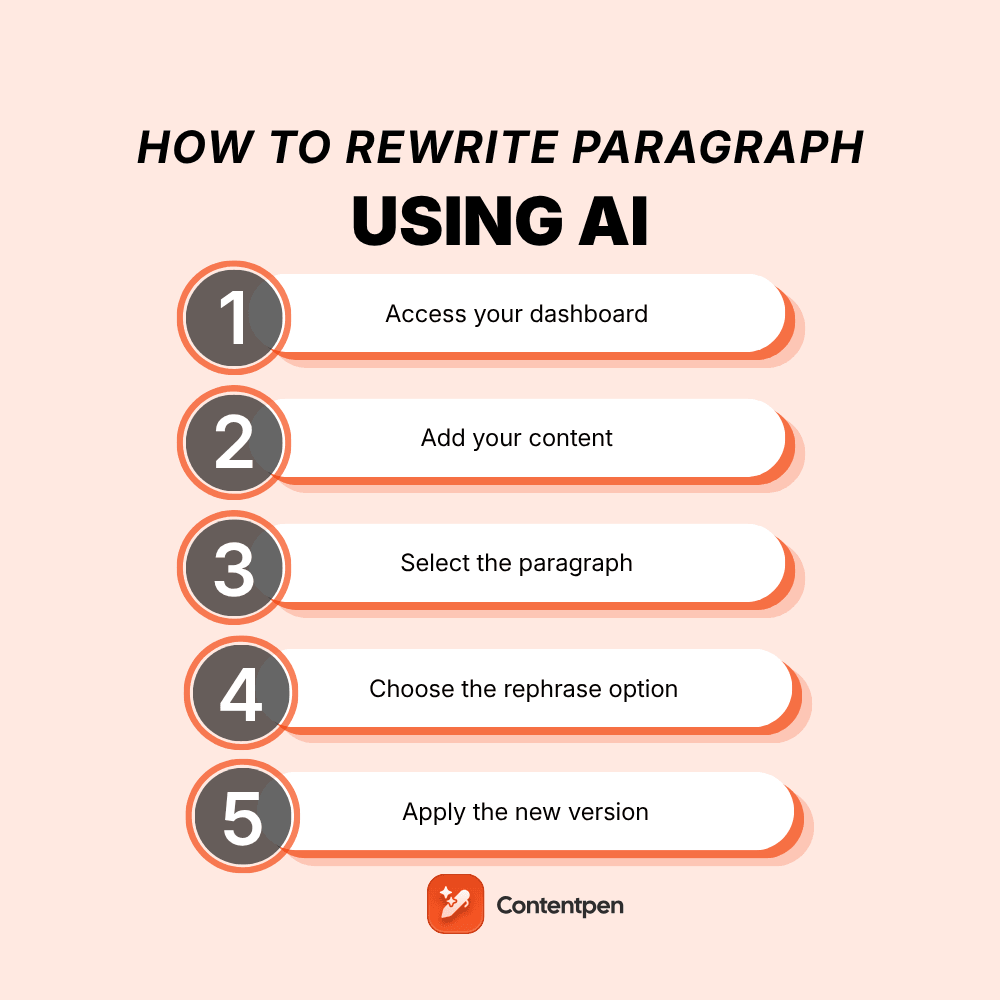
Rewriting content is a super important part of the writing process; it helps you fine-tune your tone, make things easier to understand, and keep your readers hooked.
But doing it manually can be time-consuming and often overwhelming, especially when you’re short on time or creativity. That’s where AI tools come in handy.
AI-powered writing assistants help you rewrite paragraphs quickly while maintaining the original meaning.
One such easy-to-use tool is Contentpen,
| An ultimate AI blog generator that combines deep research with your brand’s voice to craft high-impact, SEO-optimized articles that outperform your competition. |
Let’s walk through how you can use Contentpen to rewrite a paragraph in just a few clicks.

Step 01: Access your dashboard
- Go to your Contentpen dashboard and click on “Create Article”
- Choose the “Start blank” option to begin a new article from scratch.

Step 02: Add your content
- You’ll be redirected to the editor window, where you can paste or write your content.

Step 03: Select the paragraph
- Highlight the paragraph you want to rewrite. Once selected, a small “Ask AI to edit or rephrase” bar will appear above it.

Step 04: Choose the rephrase option
- Click on the bar and select “Rephrase text” from the available options, such as “Improve writing,” “Make longer,” “Simplify,” or “Change tone.”

- Press Enter, and the AI will rewrite the selected paragraph.

Step 05: Apply the new version
You can click “Replace section” to update the original or choose to add it below the existing paragraph, whichever suits your workflow.

Also read: How to write an article using Contentpen?
Conclusion
Rewriting pragraphs doesn’t have to be time-consuming. With Contentpen’s AI-powered editor, you can enhance your writing instantly. Whether you’re editing for clarity, tone, or variety, the rephrase tool helps you polish your content with just a few clicks.