12 minutes
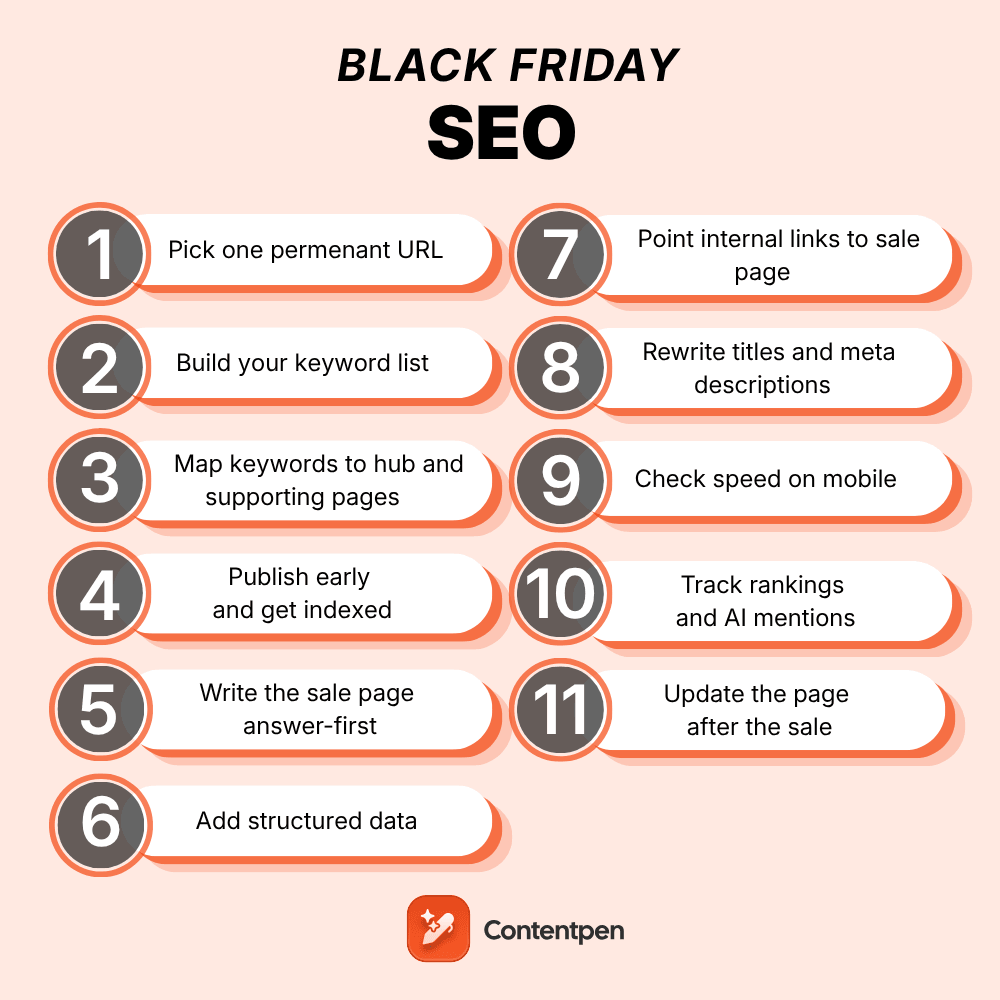
Black Friday SEO is the work of getting your sale pages found in Google and quoted in AI answers before shoppers start looking. In practice, that means one permanent URL, keywords picked by buying intent, pages published, and linked together weeks before the sale actually starts.
Most stores and SaaS teams do the opposite. They build a fresh Black Friday page the week of Thanksgiving, give it a new URL, delete it on December 1, and wonder why it never ranks.
This guide walks through how to do Black Friday SEO in 11 steps, with a checklist at the end you can hand to whoever owns your site. By the end, you will be able to rank on Google and get cited by AI engines, turning more visitors into buyers.
So, let’s get started.
Key takeaways
- Use one permanent URL, like /black-friday, and update it every year. Google itself recommends this practice.
- Start six to eight weeks before Black Friday if you can. If you’re late, internal links, titles, and answer-first copy may still help you, but it’s not the recommended way.
- Target “[brand] Black Friday” and “Black Friday [category] deals” terms, not the generic “Black Friday deals” that big retailers and businesses own.
- AI engines cite pages that state the offer, dates, and terms plainly. Write the answer first, then your pitch.
- Never delete the page after the sale. Update it and keep it alive so its links and rankings carry into next year.
What is Black Friday SEO?
Black Friday SEO is seasonal search optimization for your sale pages and the content around them. The goal is to attract cold or warm buyers to your Black Friday deals through traditional search or higher-intent buyers through AI citations (check out our answer engine optimization blog for more information on how AEO leads to better conversions).
The AI part matters more every year. Online buyers are increasing each year, with a 95% rise in Black Friday shoppers this year. So black Friday SEO becomes critical for anyone who wants to cash in on the holiday season and make more sales.
The fundamentals of what is SEO still apply. Black Friday just squeezes them into a tighter window with a hard deadline.
When to start Black Friday SEO
This year, Black Friday is November 27, and Cyber Monday is November 30. To understand when to start Black Friday SEO, start working backwards from the deadline.
| Timing | What to get done |
|---|---|
| 8 to 6 weeks out | Pick your URL, research keywords, map them to pages, audit last year’s page |
| 6 to 4 weeks out | Publish or refresh the sale page and supporting content, add internal links, submit for indexing |
| 4 to 1 week out | Open early access, update titles and meta descriptions, add structured data, check speed on mobile |
| Sale week | Update the page with live prices and dates, track rankings and AI mentions daily |
| After the sale | Update the page to “sale ended,” keep it live, review what ranked and what didn’t |
Reading this in mid-November? Skip to steps 4, 5, 7, and 8 down below. They’re the ones that still pay off inside a week.
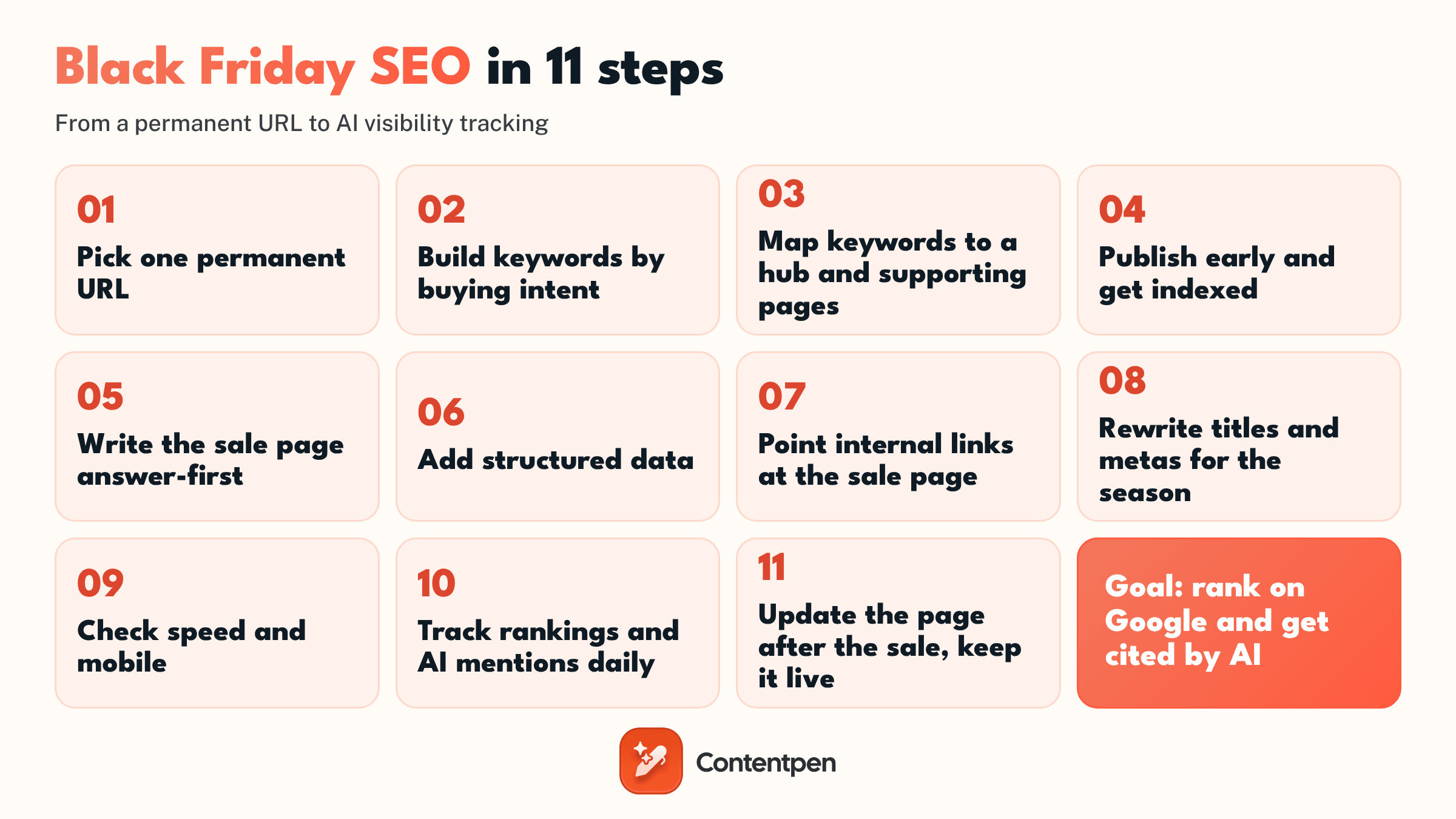
How to do Black Friday SEO in 11 steps
Now, let’s start with the steps and how you can put your Black Friday and Cyber Monday deals in front of the people to gain more conversions.
Step 1: Pick one permanent URL and keep it forever
Use a short, evergreen address like /black-friday or /black-friday-deals without a year in it. Every year, update the content on that same URL instead of making a new page.
Google has recommended exactly this since 2020. Its best practices for Black Friday and Cyber Monday pages say to use a recurring page with a consistent URL, keep it live after the event, and link to it from your site so its signals build year over year.
A new URL every year starts from zero links and zero history. A permanent one walks into November with everything it earned last year. Our own Black Friday software deals roundup works this way: same URL, refreshed every season.
Step 2: Build your keyword list by buying intent
Generic terms like “Black Friday deals” belong to giant retailers and deal sites. Your realistic wins sit in three groups:
- Brand terms: “[your brand] Black Friday,” “[your brand] Black Friday 2026,” “[your brand] BFCM discount.”
- Category terms: “Black Friday [category] deals,” like “Black Friday SEO tools” or “Black Friday hiking boots.”
- Question terms: “Does [brand] have a Black Friday sale?” “When does [brand] Black Friday start?”
Begin by opening your Google Search Console. Filter last November’s queries for “black friday” and “cyber monday” to see what people already search to find you.
Then, expand the search with a keyword tool of your choice. If you’re new to this, our guide on how to do keyword research covers the process, and our posts on keyword intent and long-tail keywords explain why the narrow terms convert better.
Brand and question terms are worth more than they look. In Contentpen’s own Search Console data for our Black Friday roundup, question-style queries averaged around position 6.5, while broad “AI tool deals” queries sat around position 34. This shows you where your content investments are going to be later on.
Step 3: Map keywords to a hub and supporting pages
Don’t stuff every term onto one page. Build a small cluster instead:
- The hub: Your permanent Black Friday page, targeting brand and “Black Friday [category]” terms.
- Supporting pages: Buying guides, comparisons, and category pages, each targeting one narrower intent and linking back to the hub.
Remember to keep one target keyword (also known as Primary keyword) for one page. If two of your pages chase the same term, they compete with each other, and both rank worse.
This post is part of a cluster built the same way, alongside our SEO Black Friday deals post.
Step 4: Publish early and get indexed
Google has to find, crawl, and index your page before it can rank it. So, it is important that you publish early and wait for the rankings to shift in your favor.
- Publish or refresh the page four to six weeks before the sale, even if it only says “coming soon” with an email sign-up.
- Make sure it’s in your XML sitemap and not blocked by robots.txt or a noindex tag.
- Use URL Inspection in Search Console to request indexing after big updates.
A teaser page with real content (what’s coming, when, who it’s for) is far better than a hidden page that appears overnight. Our own Black Friday page went up early with the headline, the dates, and an early-access form.
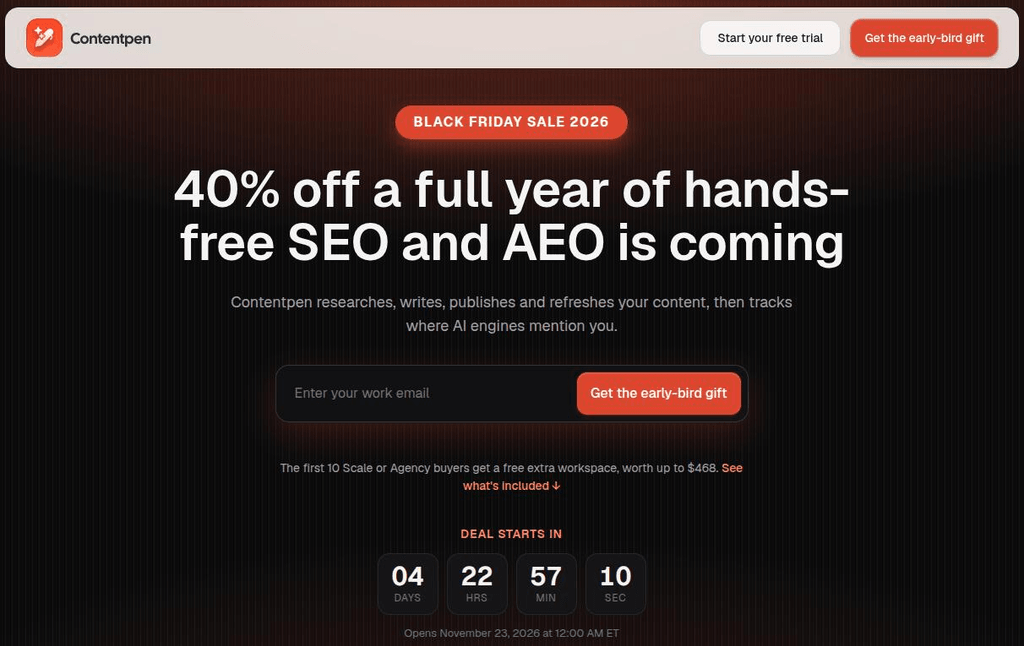
Step 5: Write the sale page answer-first
This is the step that matters most for AI answers. Open the page with the facts, stated plainly, before any hype:
- What the offer is (exact discount and which plans or products)
- When it starts and ends, with time zone
- Who it’s for, and any limits (new customers only, first-year only)
- How to claim it (automatic, or a code)
Then add a short FAQ with the questions people actually ask. Answer queries like, “Does the discount apply to existing customers?” “What does the offer renew at? Can the coupon code be combined with other codes?”
AI engines prefer pages where the answer is sitting in one clear sentence they can quote. Vague copy like “huge savings on everything” gives them nothing to cite.
Step 6: Add structured data
Structured data helps search engines understand prices, dates, and products without guessing.
For a sale page, the useful types are Product with an Offer (including price and priceValidUntil values), Organization, and BreadcrumbList. Our guides to schema markup and types of schema markup cover how to add each one.
A reality check: Google says no special markup is required to appear in its AI features. Schema won’t get you cited on its own. However, it does help keep your facts consistent.
Step 7: Point internal links at the sale page
Internal links tell Google which page matters right now. So, you must add links to your Black Friday page from:
- A homepage banner or announcement bar
- Your main navigation during the sale window
- Your top-traffic blog posts and pricing page, from sentences that already mention the offer
Use descriptive anchor text like “Black Friday deal on [product],” not “click here.” See our guide to internal linking for more information on how to tie up your pages together smoothly.
Step 8: Rewrite titles and meta descriptions for the season
Your title tag and meta description are like your ad in the search results. During the sale, put the year and the actual offer in them, like “Black Friday 2026: 40% off yearly plans.” Then, don’t forget to update them again once the sale ends.
Specific numbers earn more clicks than vague promises, and a title that matches what the page actually says improves click-through rate and chances of your visitors becoming your buyers.
Step 9: Check speed on mobile before traffic spikes
Adobe expects 63% of online spend in the peak holiday period to happen on mobile. A slow or broken mobile page loses both rankings and sales on the days that matter most.
- Run the page through PageSpeed Insights and fix the biggest Core Web Vitals issues.
- Compress hero images and countdown graphics.
- Test the full path to checkout on a real phone with mobile data.
If you haven’t looked under the hood in a while, our guide on how to do an SEO audit covers the wider technical checks for your site health.
Step 10: Track rankings and AI mentions daily during the sale
Rankings for seasonal terms move fast in November. Check your brand and category terms daily during sale week, and see whether AI engines mention you when someone asks about deals in your category or niche.
This is where Contentpen comes in. It’s an SEO tool and an AEO tool in one, helping you create search-optimized content and track prompts in 7 answer engines. With the AI visibility tool, you can see if you get mentioned in AI answers or not.
Its SEO and GEO scoring grades your content before they go live, so you fix weak spots before the rush, not after.
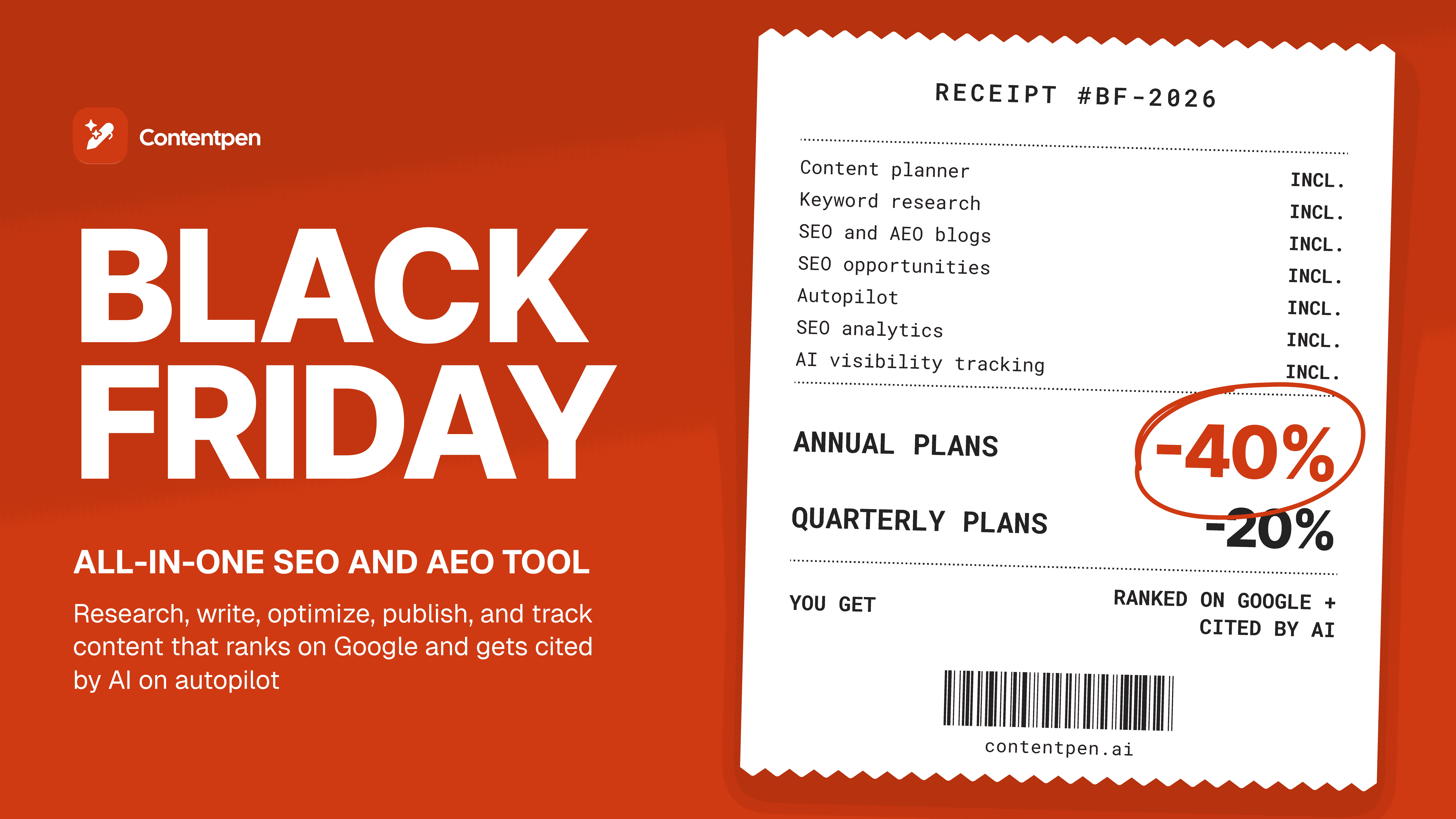
This Black Friday, you can get our annual plans for 40% off and our quarterly plans for 20% off, from November 23 to 30.
Step 11: After the sale, update the page and keep it live
Don’t delete your Black Friday page once it’s live and don’t redirect it to your homepage. Instead:
- Change the top of the page to say the sale has ended, and add a sign-up for next year’s early access.
- Remove it from your main navigation, but keep a link to it from somewhere crawlable, like your footer or blog.
- Note which queries, pages, and AI prompts brought traffic, so next year’s plan starts from data instead of guesswork.
Next October, you’ll update the same URL and start the season with a year’s worth of links and history behind it.
How to get your Black Friday page cited by AI answers
Ranking and getting cited overlap, but they’re not the same. AI engines pull answers from several sources at once and favor the ones that agree with each other.
There are a few things that you can do to push the odds in your way:
- Push consistent facts everywhere: Your discount, dates, and plan names should match on your sale page, pricing page, emails, and social posts. Conflicting numbers make AI engines skip you or quote the wrong values to readers.
- Gain mentions on third-party roundups: AI answers about “best Black Friday deals for X” often lean on curated lists. Getting your offer into the roundups your buyers already read puts you in the sources AI trusts.
- Write Quotable sentences: One sentence that states the offer in full, like “Contentpen’s Black Friday sale gives 40% off yearly plans from November 23 to 30, 2026,” is easy to lift. Write such quotable sentences throughout your Black Friday marketing campaign to ensure better AI citations.
- Keep the content fresh: Update the page with the current year and live prices, as old dates or data stall both readers and bots.
Getting cited is the SEO side of a bigger campaign. For the offers, emails, and channels that sit around it, see our guide to Black Friday marketing.
Black Friday SEO checklist
Before you go, read this checklist one last time, so that you don’t miss out on anything important before the event goes live.
| Check | Done when |
|---|---|
| Permanent URL | The page lives at an evergreen address with no year in it |
| Keywords mapped | Brand, category, and question terms each have one target page |
| Indexed early | The page is in the sitemap, indexable, and showing in Search Console |
| Answer-first copy | Offer, dates, eligibility, and how to claim details are stated in the opening lines |
| FAQ section | Real buyer questions are answered on the page |
| Structured data | Product/Offer and Organization markup validate without errors |
| Internal links | Homepage, navigation, and top posts link to the sale page |
| Titles and metas | They include the year and the actual offer |
| Mobile speed | The page and checkout load quickly on a phone |
| Tracking | Rankings and AI mentions are checked daily during sale week |
| Post-sale plan | The page will be updated, not deleted, on December 1 |
Final thoughts
Black Friday SEO isn’t a sprint you start on Thanksgiving. It’s a page you keep, improve, and reuse every year.
Get the URL right once, publish early, write the offer so a human and an AI can both understand it, and keep the page alive after the sale.
Do that, and next November you’re updating a page that already ranks instead of building one from scratch.
In a nutshell, Black Friday SEO is all about getting your content in front of people, and what better tool to do that than Contentpen. Its 7-day free trial is available to all users, where you can see how SEO and AEO tasks are handled on autopilot.
Frequently asked questions
Usually not. If your offer runs across both days, one page covering both is simpler and avoids two pages competing for the same searches. Make a separate Cyber Monday page only if the offer is different.
Not directly. Google says no special markup is required to appear in its AI features. Structured data still helps search engines read your prices and dates correctly, but clear on-page content is what gets you quoted.
No. AI answers still draw on pages that search engines can crawl, understand, and trust. What’s changing is how success is measured: alongside rankings and clicks, you now want to know whether AI engines mention and cite you.
Yes, because the page doesn’t last one week. A permanent Black Friday URL builds rankings and links over years, so the work you put in this season keeps paying off every November after.

Jawwad
Jawwad Ul Gohar is an SEO and GEO-focused content writer with 3+ years of experience helping SaaS brands grow through search-driven content. He has increased organic traffic for several products and platforms in the tech and AI niche. As an author at Contentpen.ai, he provides valuable insights on topics like SEO technicalities, content frameworks, integrations, and performance-driven blog strategies. Jawwad blends storytelling with data-driven content that ranks, converts, and delivers measurable growth.
View all posts by this author