 26 minutes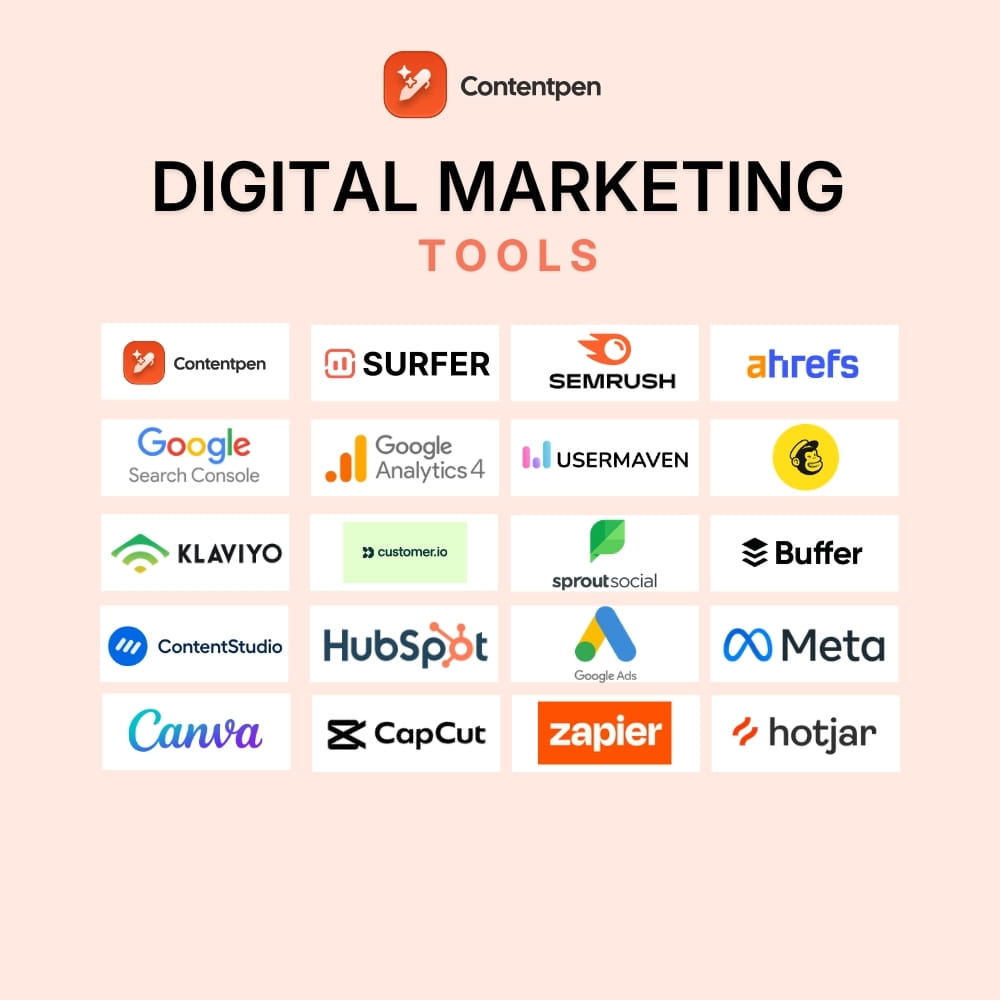
The best digital marketing tools in 2026 cover 7 core functions: SEO, analytics, content creation, email marketing, social media management, paid advertising, and design. This guide breaks down 20+ tools across those categories, with verified pricing details and a simple explanation of what gap each one fills.
Every business running a digital strategy is essentially running a collection of tools. From search engine optimization and email marketing to social media scheduling and website analytics.
The right digital marketing tools determine how efficiently your team works and how consistently your brand grows.
The real challenge is not finding tools. It is not knowing which tools actually earn their spot in your stack and which ones overlap, bloat, or slow you down.
In this guide, we will break down the 20 best digital marketing tools that our marketing team at Contentpen has tried and tested in 2026.
So, let’s get started, shall we?
Table of contents
- Content marketing tools
- SEO tools
- Website analytics tools
- Email marketing platforms
- Social media marketing tools
- CRM and lead generation platforms
- Paid advertising platforms
- Design and visual content tools
- Marketing automation tools
- Conversion and UX optimization tools
- How to build your digital marketing tool stack
- Frequently asked questions
Content marketing tools
Content marketing tools are the foundation of any digital marketing strategy. Without a steady output of search-optimized content, the rest of your stack has nothing to distribute, promote, or measure. These two tools cover the creation and optimization side of that workflow.
1. Contentpen
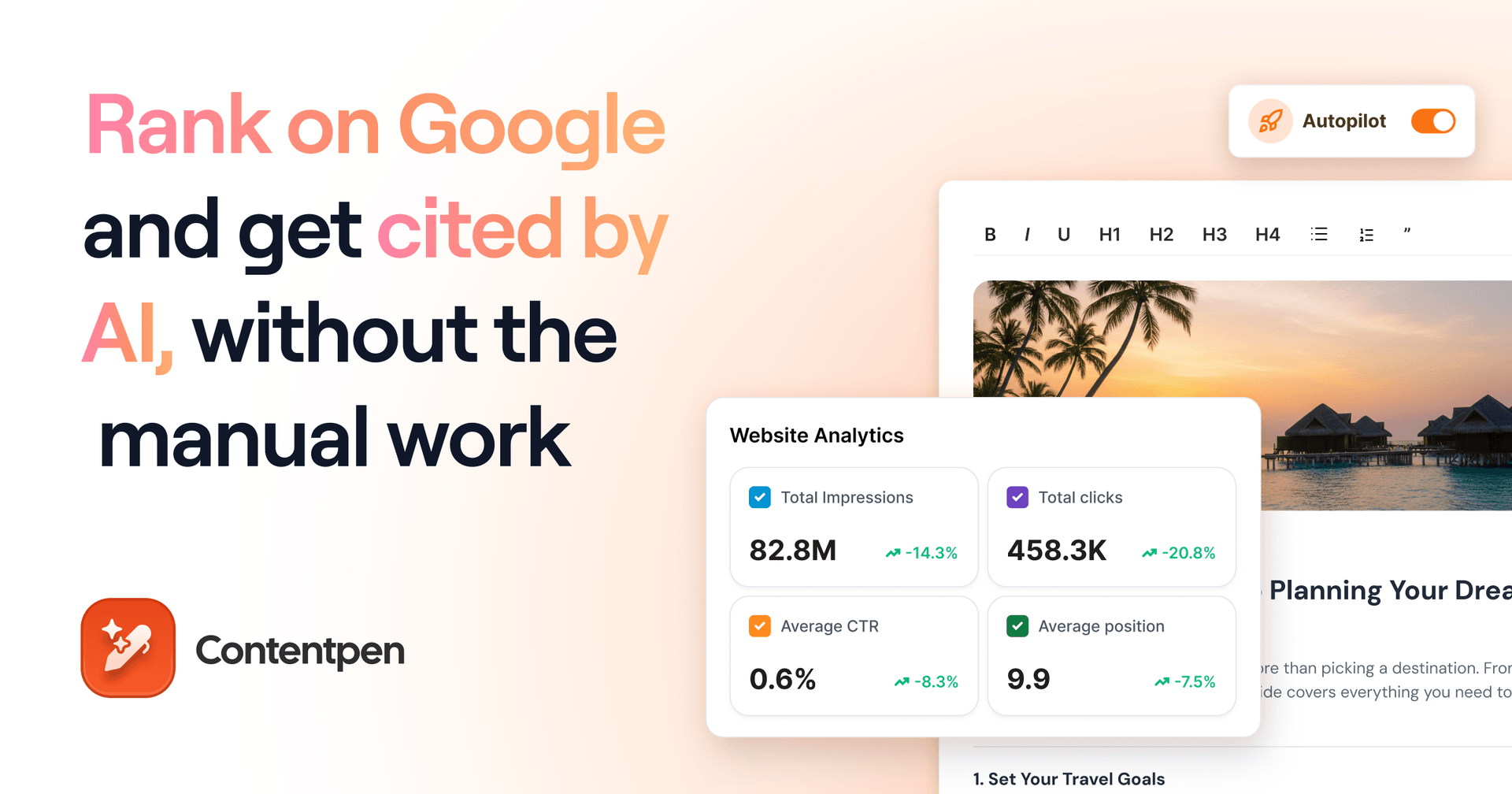
Contentpen is an all-in-one SEO and AEO platform. It automates the research, writing, internal linking, and publishing processes.
The tool also handles media management, website analytics, AI visibility tracking across up to seven AI engines, and SEO opportunity detection, all in one platform.
Where it fills a gap
Most content tools either write content or optimize it. Contentpen handles both and goes further by scoring content for AI search alongside traditional search, then tracking whether AI engines actually cite your brand.
For brands that need to rank in both Google and AI-generated answers, this dual-scoring approach addresses a gap that standalone SEO writers or keyword tools cannot fill.
Pros
- Automated internal linking reduces manual effort and improves site architecture
- Built-in media management within the writing workflow for blog visuals
- Bulk content creation to ensure you can scale with ease
- SERP and gap analysis to create content that outranks others
- Content scheduling makes it easy to post consistently
- AI visibility tracking shows your share of voice and sentiment across ChatGPT, Gemini, Perplexity, and other AI engines
- Autopilot handles topic planning, writing, and publishing on a schedule
Cons
- You may have to spend some time learning the features
- The free trial only lasts for 7-days
Pricing
- Starter: $49/month ($39 billed annually)
- Growth: $99/month ($79 billed annually)
- Scale: $249/month ($199 billed annually)
- Agency: $449/month ($359 billed annually)
- Enterprise: custom pricing
2. Surfer SEO
Surfer SEO is a content optimization tool that scores your article in real time as you write, based on keyword usage, content structure, heading density, and word count.
It is designed to help writers optimize content for search without needing a separate SEO manager to review every draft. The tool can be added to any content marketing stack, but it requires other powerful content creation tools to close the loop.
Pros
- Content outlines and NLP-driven keyword suggestions reduce guesswork
- Integrates with Google Docs, WordPress, and several AI writing tools
- SERP Analyzer gives side-by-side competitive benchmarking for a given keyword
- Content Audit tool identifies existing pages that need optimization
Cons
- Optimization recommendations are based on correlation, not direct Google ranking signals
- Pricing can be restrictive for high-volume content teams on lower plans
- The Content Editor only focuses on text. Structured content like tables or schema markup is not directly addressed
Pricing
- Standard: $119/month
- Pro: $219/month
- Peace of Mind: $359/month
SEO tools
Search engine optimization tools help you research keywords, audit your site’s technical health, track rankings, and analyze what your competitors are doing. Each tool below serves a distinct SEO function.
3. Semrush
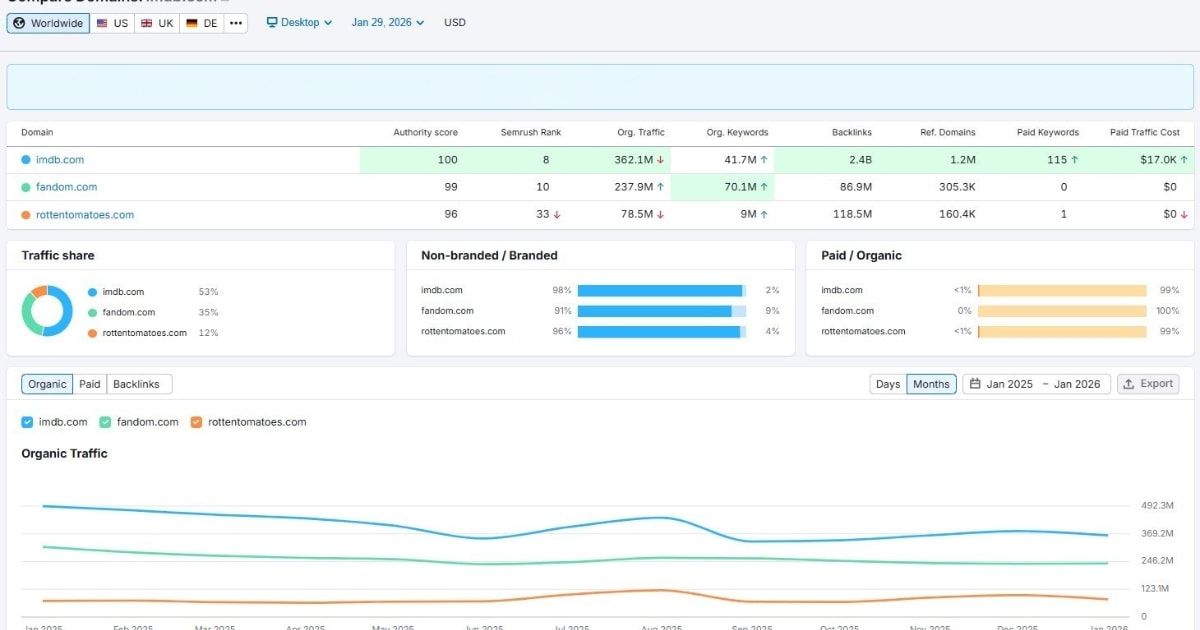
Semrush is an all-in-one SEO and competitor analysis platform used by content teams, SEO specialists, and performance marketers for on-page analysis and off-page tracking.
Its core strength is the breadth of data it surfaces in one place for keyword research, backlinks, site auditing, rank tracking, competitor benchmarking, and paid search insights.
For teams that want a single tool to own SEO research and local search engine optimization without switching between multiple platforms, Semrush is the most complete option available.
Pros
- Covers keyword research, site audits, rank tracking, and competitor analysis in one dashboard
- Content Marketing Toolkit (Guru+) adds topic research and SEO writing assistant features
- Strong local SEO and PPC data alongside organic SEO tools
- Semrush Copilot AI assistant is included for free across all paid plans
Cons
- Significant pricing jump between paid plans ($139.95 to $249.95)
- Data accuracy for niche or low-volume keywords can vary
- API access requires the Business plan or above
- Additional user seats cost extra on every tier
Pricing
- Pro: $139.95/month
- Guru: $249.95/month
- Business: $499.95/month
- Enterprise: custom pricing
- Free plan available with limited daily queries
4. Ahrefs
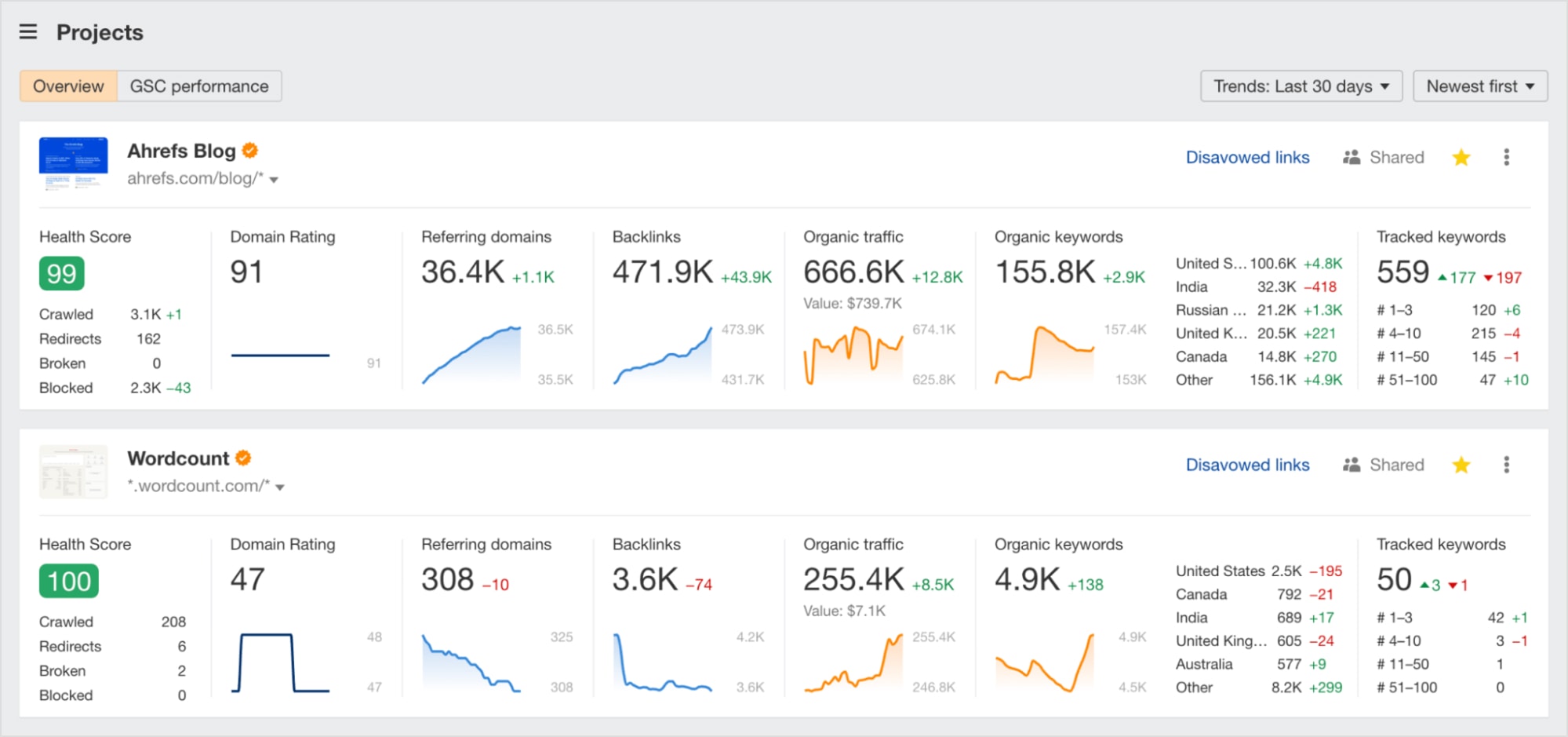
Ahrefs is an SEO toolset built around one of the largest and most frequently updated backlink indexes in the industry. It is particularly strong for link building, content gap analysis, and understanding why competitors rank where they do.
Site Explorer, Keywords Explorer, Content Explorer, and Rank Tracker are its core modules. For teams where link building and backlink monitoring are a daily priority, Ahrefs is the go-to tool because of its index depth and data refresh speed.
Pros
- One of the largest and most up-to-date backlink databases available
- Content Explorer helps identify high-performing content by topic or organic keyword
- Ahrefs Webmaster Tools (free) gives verified site owners basic backlink and keyword data
Cons
- No free trial
- API access requires the Enterprise plan or a separate subscription
- PPC data is less comprehensive than Semrush
Pricing
- Starter: $29/month
- Lite: $129/month
- Standard: $249/month
- Advanced: $449/month
- Enterprise: from $1,499/month
5. Google Search Console
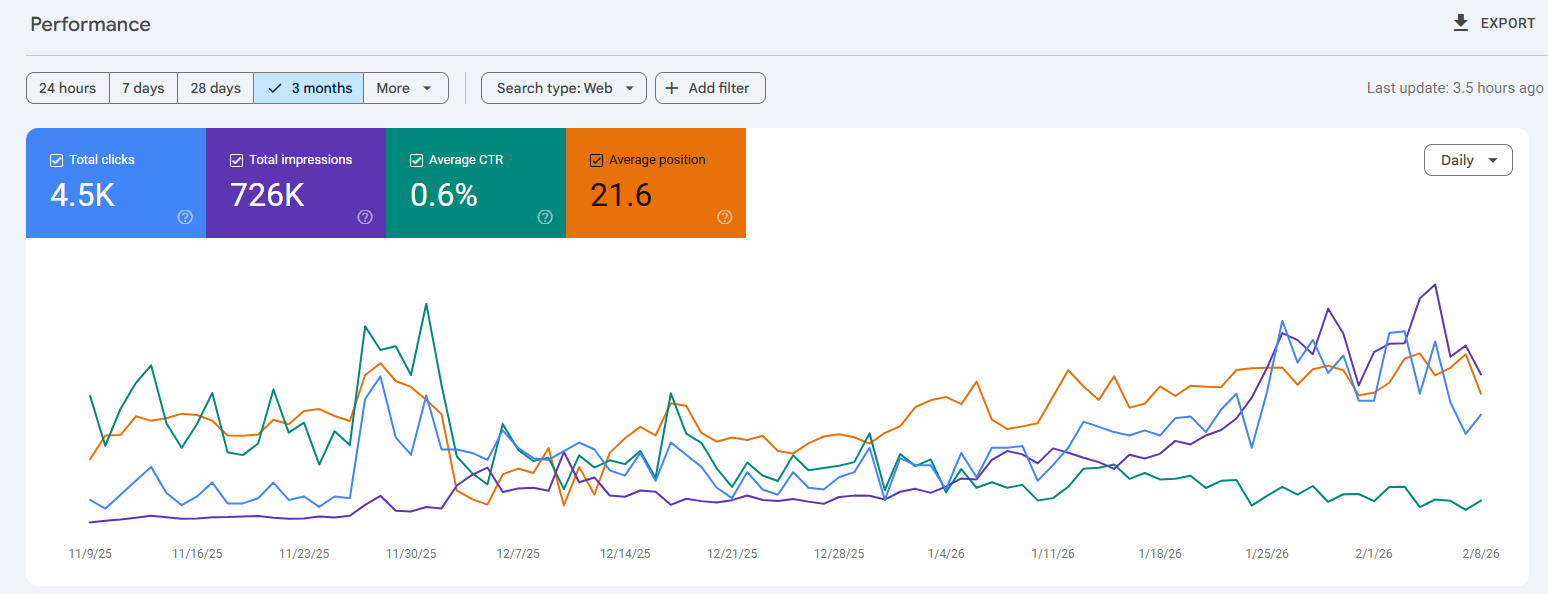
Google Search Console (GSC) is a free digital marketing tool that shows you exactly how your site performs in Google Search.
It reports on search queries that bring users to your site, click-through rates, average ranking positions, indexing status, and Core Web Vitals.
For any brand running an SEO strategy, GSC is non-negotiable because it is the only source of direct, verified data from Google itself.
Pros
- Completely free, no usage limits for most website owners
- The only tool that gives you real Google search query data, not estimates
- Flags crawl errors, indexing issues, and manual actions directly
- Integrates natively with Google Analytics 4 for cross-referencing traffic and search data
Cons
- Data is limited to your own site, so no competitor analysis is available
- Keyword data is sometimes grouped or sampled for privacy
- No historical data beyond 16 months
- Requires verified site ownership to access
Pricing
- Free
Website analytics tools
Analytics tools help you adjust your digital marketing campaigns by providing you with key performance metrics. These tools are your starting point for monitoring and adjusting your strategies.
6. Google Analytics 4
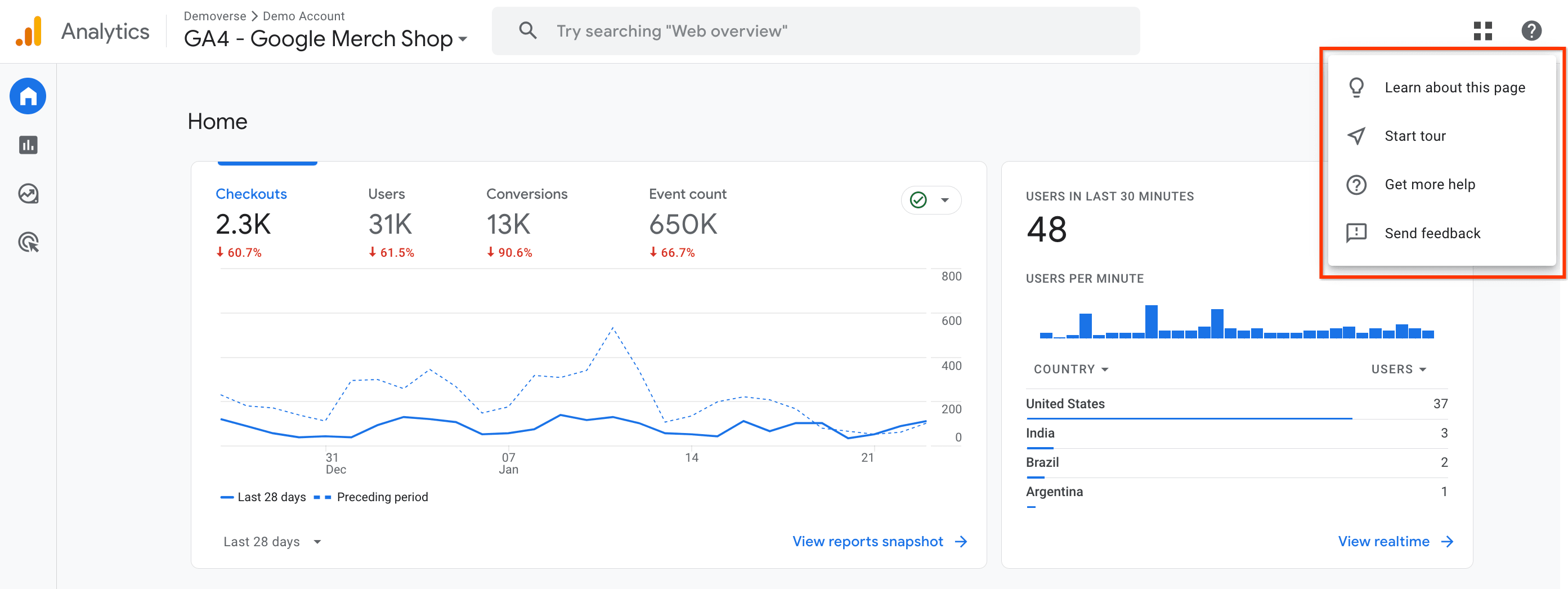
Google Analytics 4 (GA4) is Google’s current web and app analytics platform. It replaced Universal Analytics in 2023 and introduced event-based tracking, cross-device measurement, and predictive metrics.
GA4 shows you how users find your site, how they behave once they are there, which pages and campaigns drive conversions, and how audiences move across devices before converting.
The digital marketing analytics tool integrates natively with Google Ads, Google Tag Manager, and BigQuery for teams that need to export raw data.
Pros
- Free for the vast majority of businesses
- An event-based model gives granular control over what counts as a conversion
- Cross-device tracking through Google Signals
- Looker Studio integration enables custom, shareable dashboards
Cons
- Data sampling applies at high traffic volumes in Exploration reports on the free tier
- No dedicated customer support as issues are handled via community forums
Pricing
- GA4 Standard: Free
7. Usermaven
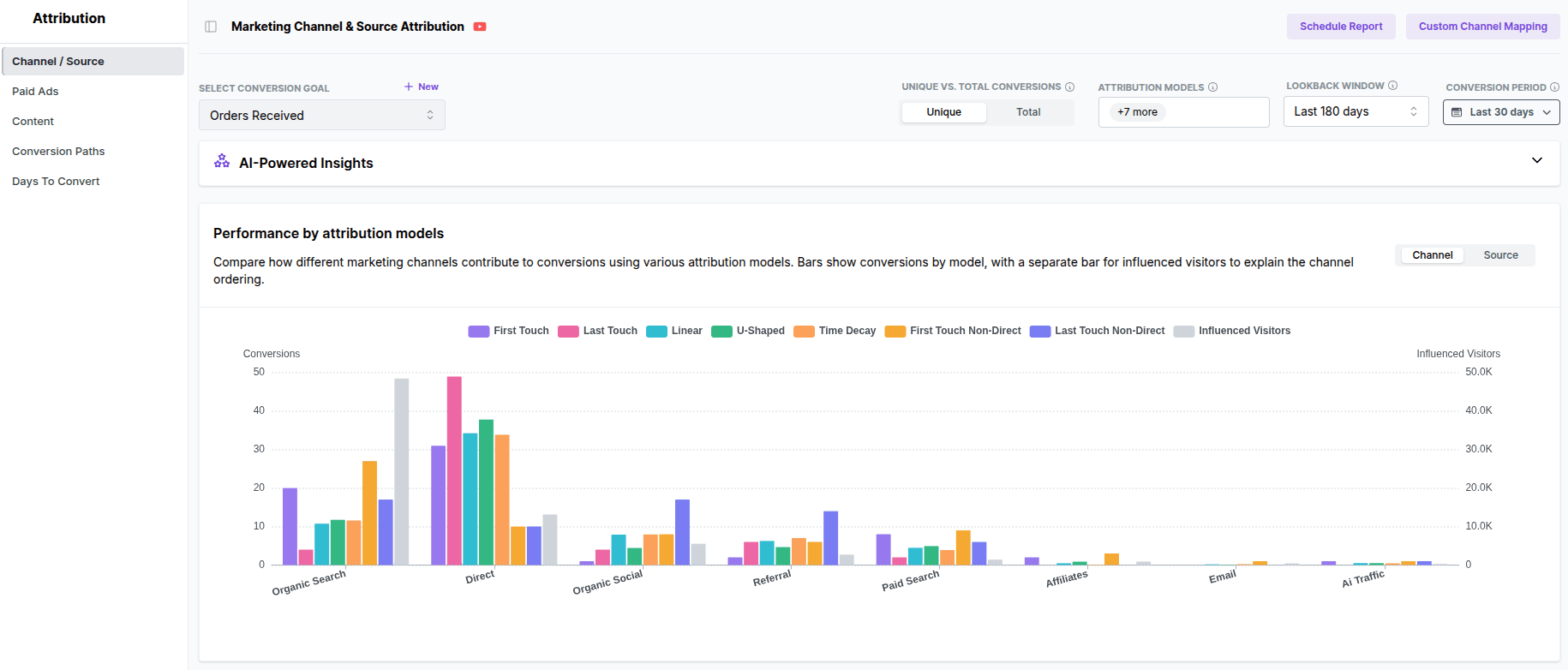
Usermaven is an AI-powered analytics and attribution platform that combines website analytics, product analytics, and multi-touch marketing attribution in a single tool.
It uses first-party, cookieless tracking hosted in the EU, combined with tracking pixels that bypass ad blockers, keeping data GDPR and CCPA-compliant from the start.
Pros
- Multi-touch attribution with seven models, including paid ads, channels, and content attribution
- White-labelling available for small businesses and agencies
- Real-time, accurate data
- Maven AI surfaces natural-language insights and recommendations
Cons
- Growth plan only supports 3 users and 3 workspaces
- No discounts for monthly plans
Pricing
- Growth: $84/month (3 users, 3 workspaces, 5 years of data history)
- Scale: $199/month (unlimited users, 5 workspaces, 7 years of data history)
- Enterprise: custom pricing
- 14-day free trial available
Email marketing platforms
Emails are the best form of marketing to generate leads, close customers, and keep existing users in the loop for product updates, new drops, and more. The following tools make this work much easier, so you can focus on digital marketing strategies without getting overwhelmed.
8. Mailchimp
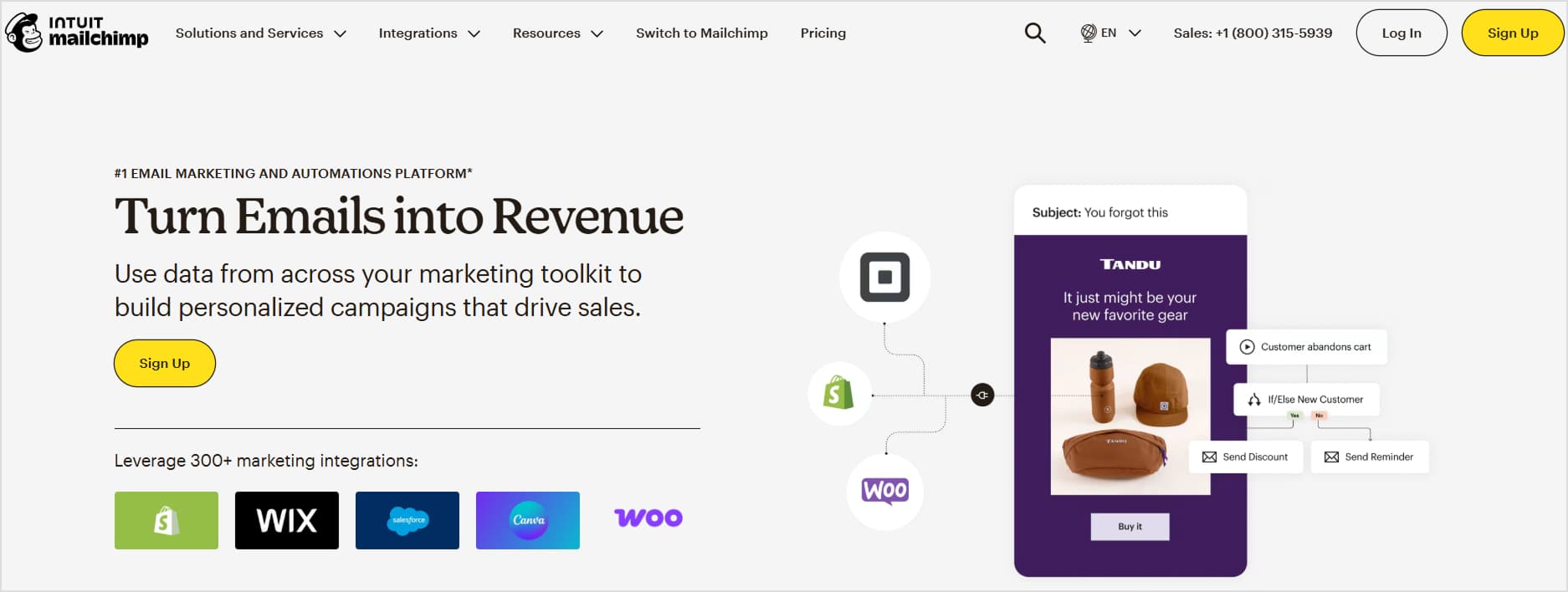
Mailchimp is one of the most widely used email marketing platforms for small and mid-sized businesses. It covers email campaign creation, audience segmentation, basic automation workflows, and landing page building through a drag-and-drop interface.
The tool is a practical entry point for teams that want to manage emails without a steep technical learning curve.
Pros
- Intuitive drag-and-drop email builder with a large template library
- Includes landing page builder and basic Facebook/Instagram ad management across all plans
- A/B testing on subject lines, send times, and content
- Integrates with most major e-commerce and CRM platforms
Cons
- Pricing scales quickly as your contact list size grows
- Deliverability can be affected by the shared IP pool on lower plans
Pricing
- Free: up to 250 contacts, 500 sends/month
- Essentials: from $6.50/month (500 contacts)
- Standard: from $10/month (500 contacts)
- Premium: from $175/month (500 contacts)
9. Klaviyo
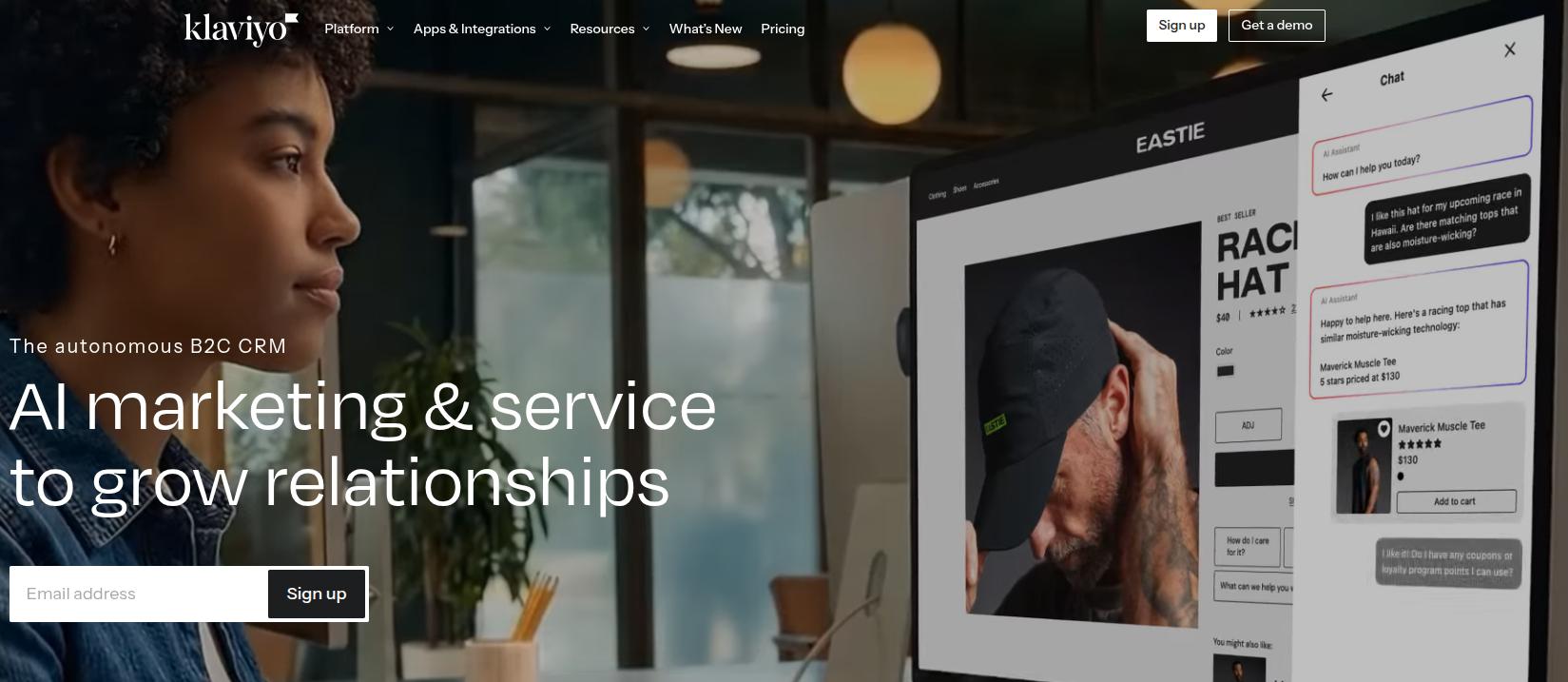
Klaviyo is an email and SMS marketing platform built for ecommerce. It has recently also started offering AI customer agent support, along with marketing analytics. However, all of these features are priced separately.
The tool pulls data directly from storefront platforms like Shopify and WooCommerce to support behavior-triggered flows. These include abandoned cart sequences, post-purchase follow-ups, win-back campaigns, and product recommendation emails based on purchase history.
For D2C or B2C brands and online retailers, Klaviyo’s native ecommerce data integration makes it significantly more targeted than a general-purpose email tool.
Pros
- Native integrations with Shopify, WooCommerce, Magento, and BigCommerce
- Powerful behavioral segmentation based on real purchase and browse data
- Combined email and SMS campaigns managed in one platform
- Pre-built ecommerce flow templates for common automation scenarios
Cons
- Pricing is contact- or profile-based, which can become confusing for a lot of users
- Less useful for non-ecommerce businesses that lack the purchase data
- The interface has a steeper learning curve than Mailchimp for non-technical users
- SMS, AI customer support, and marketing analytics are priced separately, adding to the total cost
Pricing
- Free: up to 250 active profiles (email only, 500 monthly sends)
- Email: from $25/month (1000-1500 contacts)
- Email + SMS: from $80/month (up to 1500 contacts + 2900 SMS)
- Marketing Analytics: from $100/month (1000-1500 contacts)
- Customer Agent: from $140/month (200 AI conversations)
10. Customer.io
Customer.io is a lifecycle messaging platform built for SaaS companies, app developers, and product-led growth teams.
It triggers email, SMS, push notifications, and in-app messages based on real behavioral events from your application, not just marketing activity. You define events in your product, and Customer.io sends the right message at that exact moment.
Pros
- Visual workflow builder for complex multi-channel automation across email, SMS, push, and in-app
- Event-based triggers or webhooks use live application data
- Parcel, a free email coding tool, is included for teams that hand-code templates
- Supports HIPAA compliance for healthcare-adjacent SaaS products
Cons
- Requires technical setup
- Not suited for ecommerce or simple newsletter use cases
Pricing
- Essentials: from $100/month
- Premium: from $1,000/month
- Enterprise: custom pricing
Also read: Webhooks vs API.
Social media marketing tools
Social media marketing and management tools are essential for any business to succeed by today’s standards. This is why you should consider using the following options for your daily workflow.
11. Sprout Social
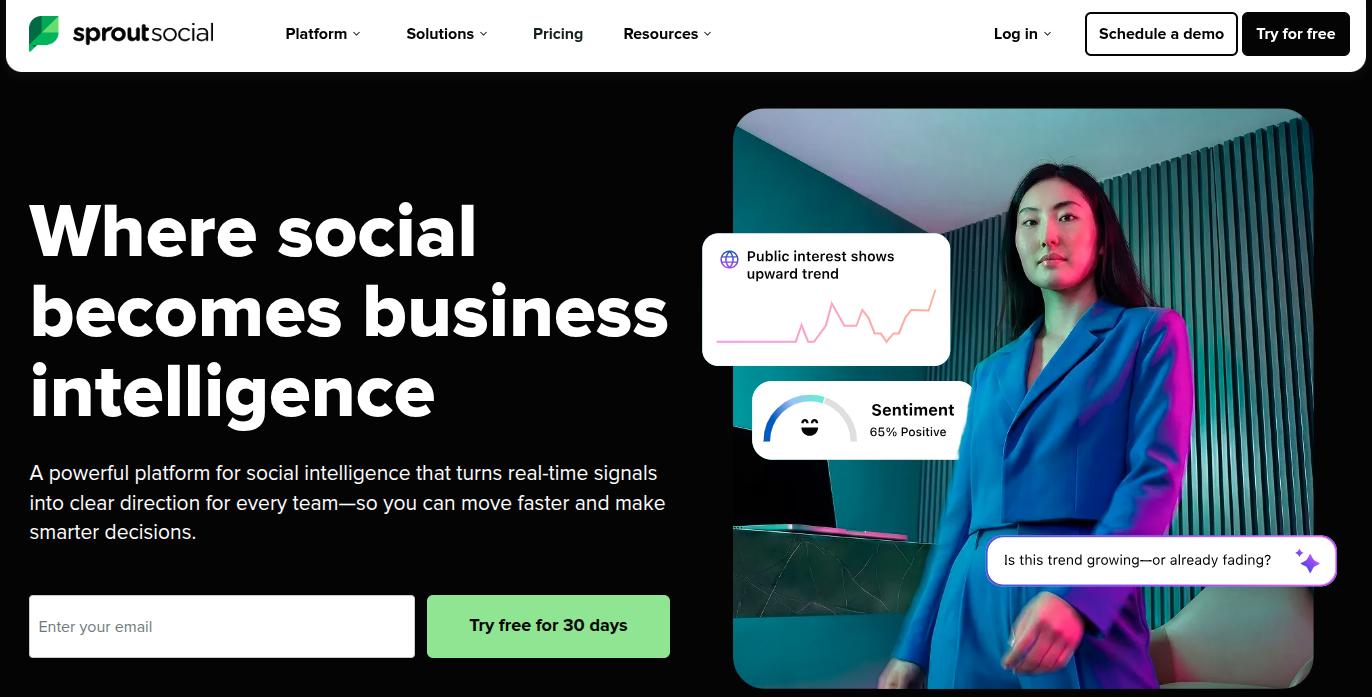
Sprout Social is a social media management platform that consolidates publishing, scheduling, community management, and social analytics across multiple networks in one place.
Its Smart Inbox pulls together messages, comments, and mentions from all connected profiles so teams can respond without platform-switching. The Advanced tier adds sentiment analysis, message spike alerts, and AI-assisted replies as well.
Pros
- Robust analytics and custom reporting across all major networks
- Social listening add-on available for brand monitoring and competitor intelligence
- Supports Instagram, Facebook, X, LinkedIn, TikTok, YouTube, Pinterest, and more
- Employee Advocacy add-on available for brand content amplification through staff networks
Cons
- Per-seat pricing makes it expensive for larger teams
- No month-to-month billing option as all plans require an annual commitment
Pricing
- Essentials: $79/seat/month
- Standard: $199/seat/month (5 social profiles)
- Professional: $299/seat/month (unlimited profiles)
- Advanced: $399/seat/month
- Enterprise: custom pricing
- 30-day free trial available
12. Buffer
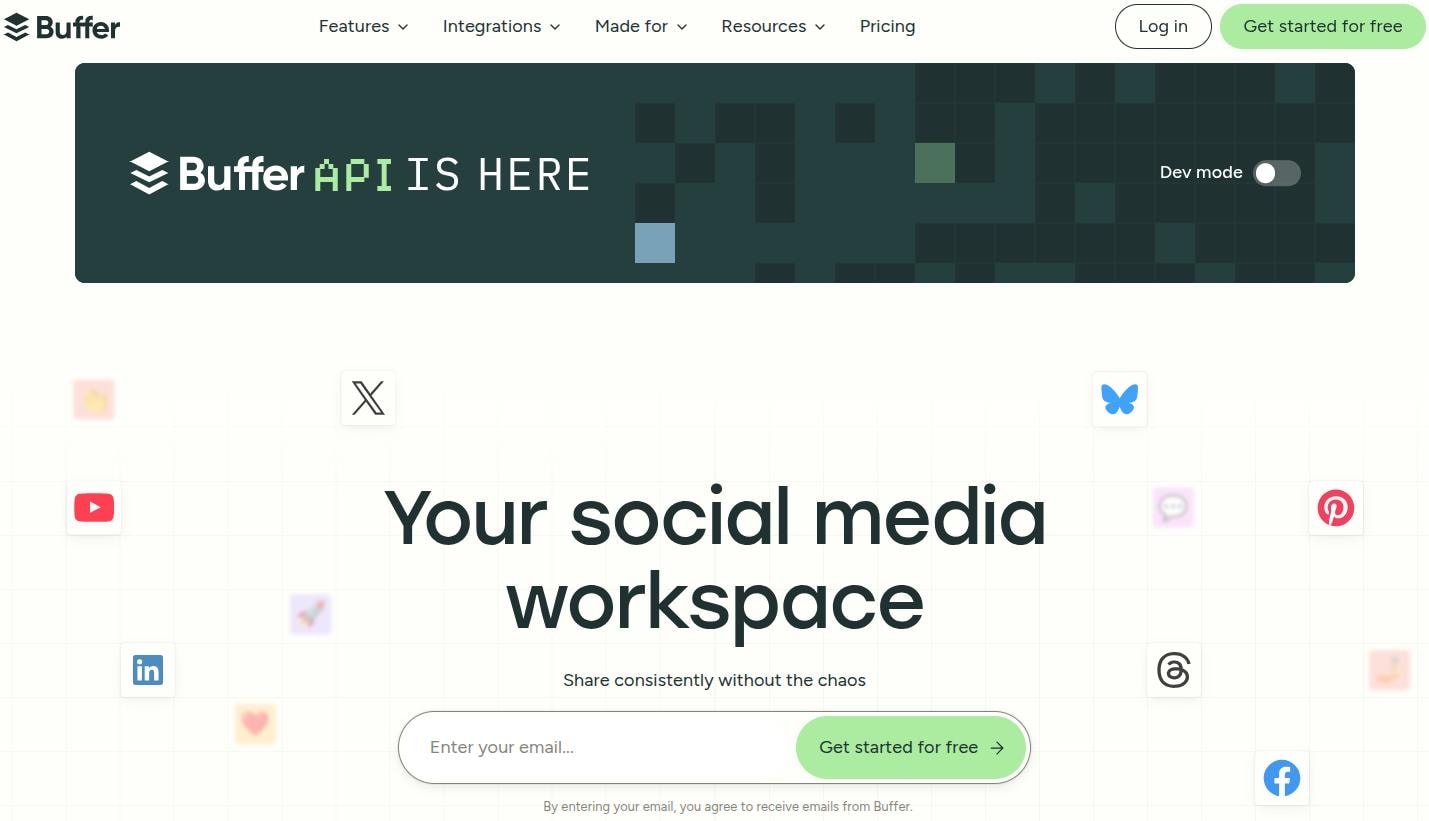
Buffer is a social media scheduling and publishing tool designed for lean teams and individuals managing multiple social accounts. It supports scheduling posts, creating a content calendar, and reviewing basic post-level analytics across major platforms.
Buffer’s straightforward interface is its main selling point. Teams that need reliable scheduling without the complexity of a full social suite can be up and running in minutes.
Pros
- Clean, minimal interface with a very low learning curve
- Free plan available for up to 3 channels and 10 scheduled posts per channel
- Supports Instagram, Facebook, X, LinkedIn, TikTok, Pinterest, YouTube, Mastodon, and Google Business Profile integrations
- AI writing assistant included to generate post captions
- Content calendar view makes it easy to review planned posts at a glance
Cons
- Analytics are basic, with no deep engagement reporting or competitor analysis
- No social inbox or community management features
- Not designed for large teams or agencies managing multiple clients
Pricing
- Free: up to 3 channels, 10 scheduled posts/channel
- Essentials: from $6/channel/month
- Team: from $12/channel/month
13. ContentStudio
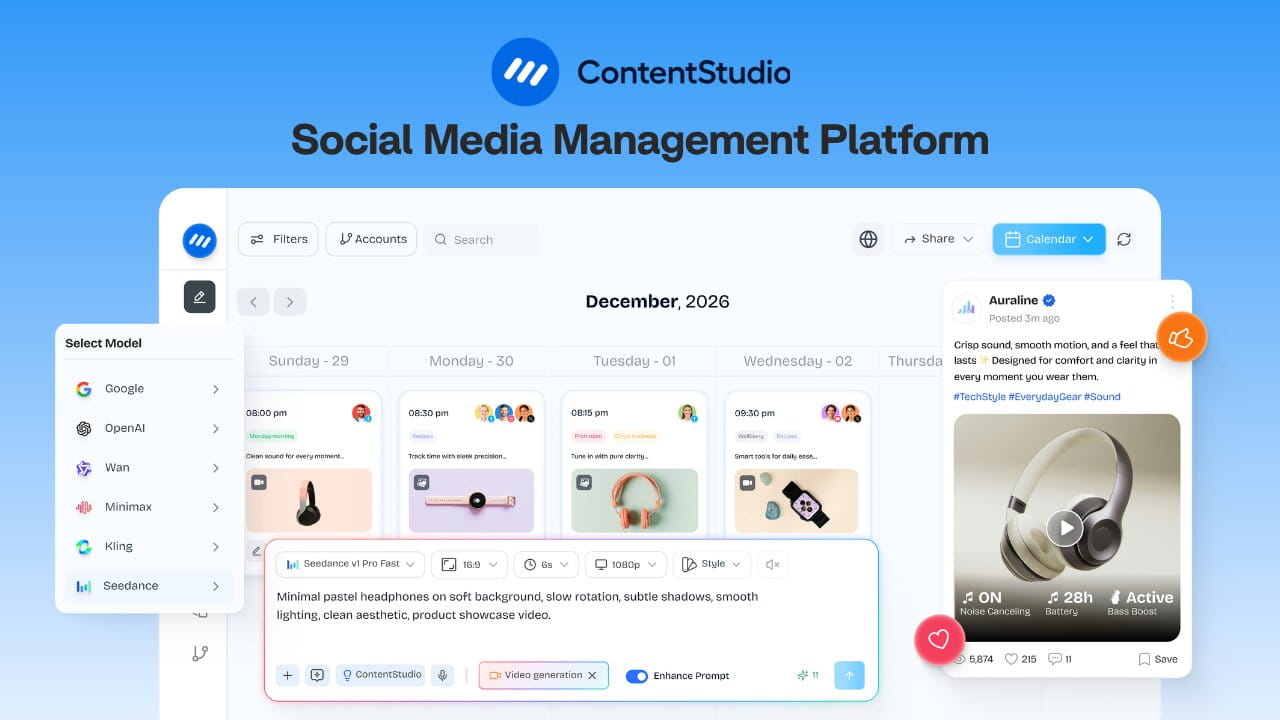
ContentStudio is a social media management platform that combines content creation, scheduling, and publishing in one place. The tool also offers a social inbox and analytics to guide your social media marketing strategies without guesswork.
Apart from these features, ContentStudio offers video generation and image-to-video creation capabilities, which allow you to easily create viral short videos, product showcases, and much more.
Pros
- AI inbox automation to manage replies to user comments
- Video clipping makes it easy to make short videos
- AI writing assistant for captions, hashtags, and short-form content
- White-label reports and client management
- Supports Facebook, Instagram, LinkedIn, TikTok, YouTube, Pinterest, X, Google Business Profile, and WordPress integrations
Cons
- API has limited integrations
- Free trial only lasts 7 days
Pricing
- Standard: $19/month
- Advanced: $49/month
- Agency Unlimited: $99/month
CRM and lead generation platforms
Email and social media marketing can create brand awareness and leads. But how will you manage those leads who are interested in your products? These tools help you take care of that exact problem.
14. HubSpot
HubSpot is an inbound marketing and CRM platform that brings contact management, email marketing, landing pages, forms, live chat, marketing automation, and sales pipeline tracking into one system.
It is particularly useful for B2B teams and growing businesses that need their marketing and sales data to share a single source of truth.
Pros
- Visual workflow builder for multi-step lead nurture automation
- Over 1,500 integrations with third-party tools
- A/B testing, custom reporting, and lead scoring are available
- Strong onboarding resources and a large user community
Cons
- Pricing scales quickly with an increasing number of contacts
- Social media scheduling, SEO tools, and advanced automation are all gated behind the Professional plan
Pricing
- Free: basic sales, marketing, service, and content tools
- Starter: from $10/seat/month
- Professional: from $1450/month (6 seats, 2,000 contacts)
- Enterprise: from $4,700/month (8 seats, 10,000 contacts)
Paid advertising platforms
Sure, organic traffic is great, but paid traffic becomes a necessity for a lot of brands after they’ve achieved a certain share of voice in their industry. If that sounds like you, pay attention to the paid advertising platforms we’ve covered for 2026 in this list.
15. Google Ads
Google Ads is the platform for running paid search ads, display ads, YouTube video ads, shopping ads, and app campaigns across Google’s network.
It is the largest pay-per-click (PPC) advertising platform in the world and is typically the primary channel for capturing users with active purchase or research intent.
For performance marketers, Google Ads delivers the highest intent-based targeting available at scale because ads appear precisely when users are searching for what you offer.
Pros
- Unmatched reach across Google Search, YouTube, Gmail, and the Display Network
- Smart Bidding automatically adjusts bids using machine learning signals in real time
- Shopping Ads allow product-level advertising directly in search results
- Detailed keyword, device, location, and audience targeting controls
Cons
- Misconfigured campaigns can waste significant budget quickly
- Data does not automatically sync to other platforms, as integration with analytics tools requires a detailed setup
- Constant platform changes require ongoing learning to stay up-to-date
Pricing
- No platform subscription fee; you pay only for ad spend
16. Meta Ads Manager

Meta Ads Manager is the advertising platform for Facebook, Instagram, Messenger, and the Meta Audience Network. It is the leading platform for social advertising and is built around interest-based, behavioral, and demographic targeting rather than keyword intent.
For brands running brand awareness campaigns, prospecting new audiences, or retargeting website visitors, Meta Ads Manager gives access to a massive user base with highly granular segmentation options.
Pros
- Detailed audience targeting using demographics, interests, behaviors, and life events
- Custom Audiences allow retargeting based on your CRM data or website visitors
- A/B testing and dynamic creative tools built directly into the campaign manager
- Broad creative format support: static images, video, carousels, stories, and reels
Cons
- Attribution accuracy has been significantly impacted by Apple’s App Tracking Transparency (ATT) framework
- The default 28-day attribution window can overstate reported conversions relative to other platforms
- Reported performance can be harder to reconcile with actual business results without a third-party attribution tool
- Ad fatigue can develop quickly on high-frequency campaigns, requiring frequent creative refreshes
Pricing
- Pay-per-click or pay-per-impression; no platform subscription fee
Design and visual content tools
Successful digital marketing campaigns accompany visuals that make their messaging stand out from others. For that to happen, you need to learn about these important design and visual content tools that you can use for your daily tasks.
17. Venngage AI
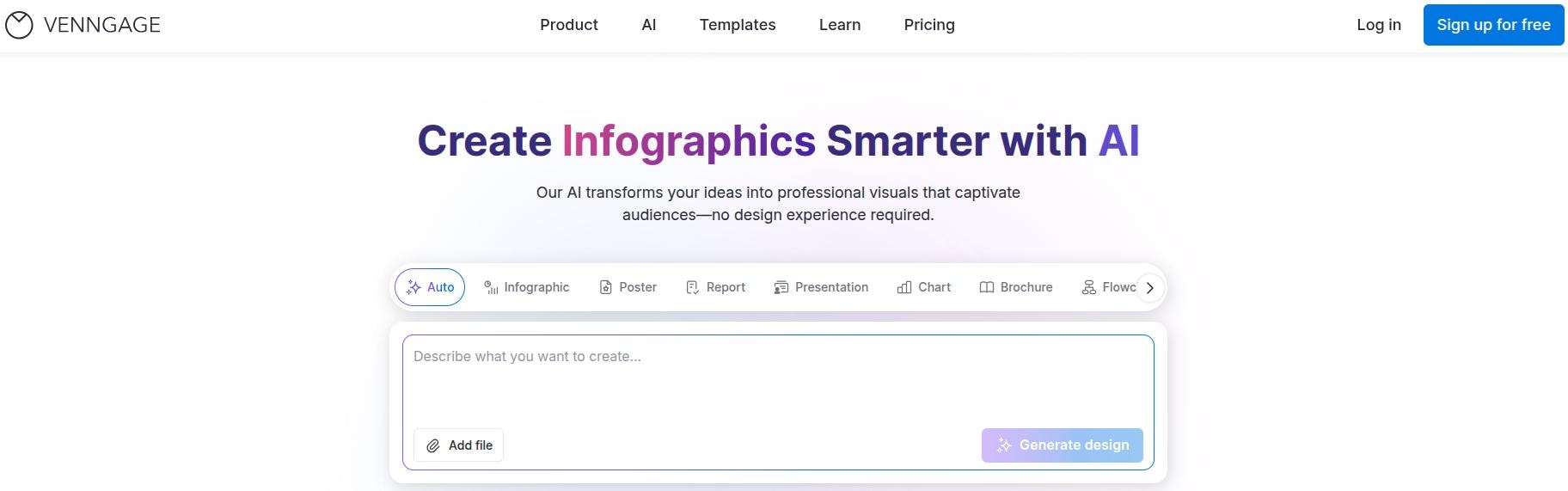
Venngage AI is an AI-powered design platform for marketers who need to create campaign visuals without having to send every request to the design team.
With Venngage AI, you can turn a simple prompt or existing content into an editable infographic, presentation, report, social media graphic, or other marketing asset, giving you a solid first draft instead of starting from scratch.
The AI Designer helps fine-tune your design without having to edit manually, while the AI Image Generator and AI Icon Generator help further with visuals.
Pros
- AI Design Generator turns prompts or existing content into editable marketing visuals
- AI Image Generator and AI Icon Generator create custom visuals without having to search through stock libraries
- Brand Kit and auto-branding keep fonts, colors, and logos consistent across campaigns and team-created content
- Accessibility tools like the color contrast checker, alt text generator, and accessibility checker help you create marketing content that more people can interact with
Cons
- The free plan comes with limited designs and export options
- Brand Kit and advanced collaboration features are available on higher-tier plans
- Advanced export options, including PDF and PowerPoint, require a paid plan
Pricing
- Free: $0/month
- Premium: Starts at $10/month
- Business: $24/user/month, billed annually
- Enterprise: Starts at $499/month
18. Canva
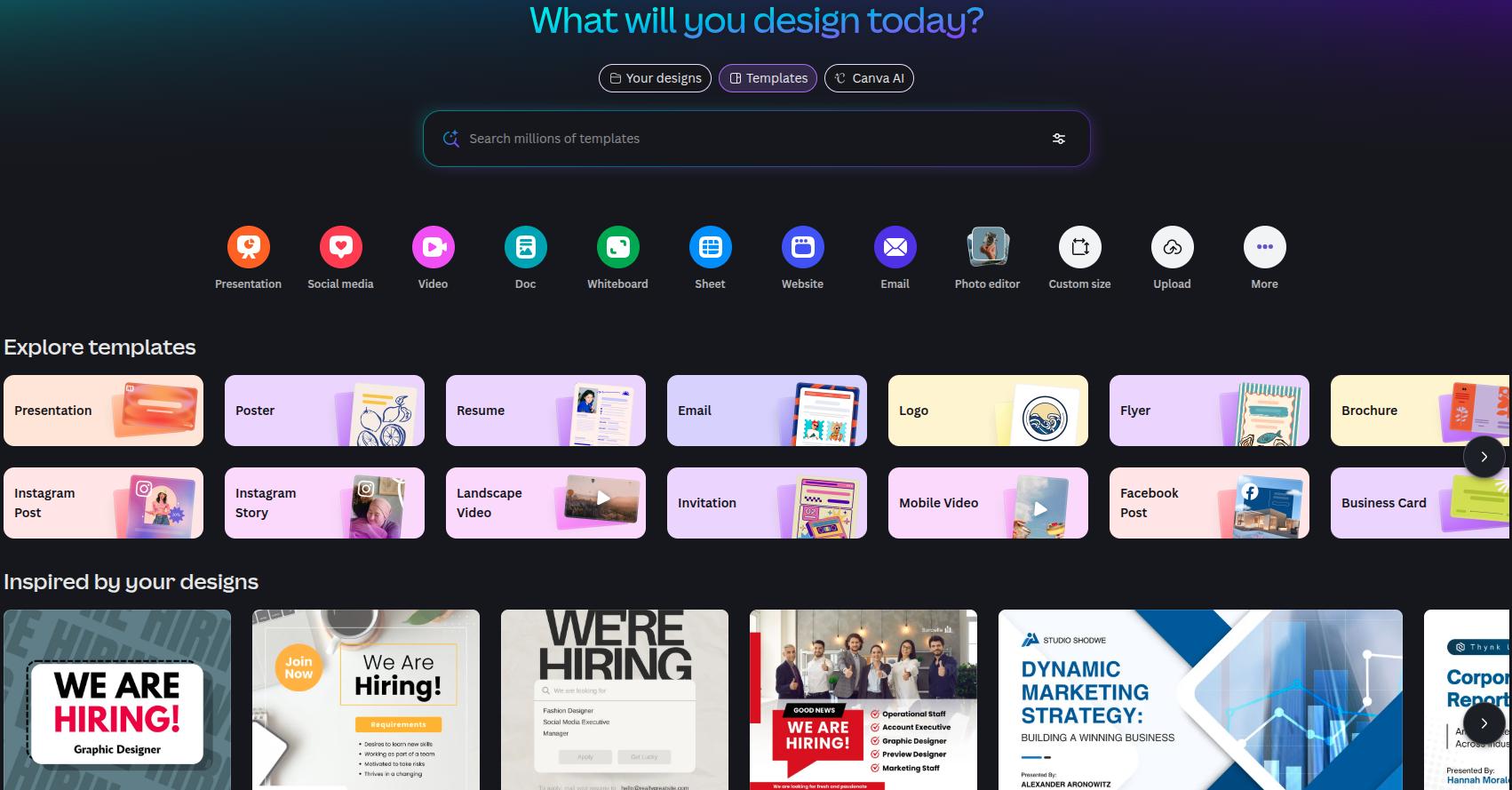
Canva is a browser-based design platform that lets content marketers, creators, and social media teams produce professional graphics, presentations, video clips, and documents without any prior design experience.
Its drag-and-drop interface, a massive pre-built template library, and AI-powered features including background removal and Magic Resize make it the most widely adopted design tool for non-designers in marketing.
Pros
- Brand Kit on Pro plan keeps colors, fonts, and logos consistent across all team designs
- Magic Resize reformats any design for a different platform in seconds
- Teams plan includes shared brand kits, real-time collaboration, and role permissions
Cons
- The free plan is limited in premium assets and AI credits
- Not a replacement for professional design software for complex illustration or photo editing
- Content Planner has limited platform support compared to dedicated content schedulers
Pricing
- Free: permanent, includes 1.6M+ templates and 5 GB storage
- Pro: $15/user/month
- Business: $21/user/month
- Enterprise: custom pricing
- Education and nonprofit plans are available for free for qualifying users
19. CapCut

CapCut is a video editing platform from ByteDance (the same company that owns TikTok) designed for creating short-form content for TikTok, Instagram Reels, YouTube Shorts, and similar formats.
It offers timeline-based video editing, auto-captions, background removal, AI voiceover, text-to-speech, speed ramping, and a large library of templates.
Pros
- Free plan includes a full editing toolkit with timeline editing, auto-captions, keyframe animation, chroma key, and basic AI features
- Templates are pre-sized for all major social platforms
- Auto-caption generation reduces post-production time for tutorial content
- Available on mobile (iOS and Android), desktop (Windows and macOS), and browser
Cons
- Finding the right animations can be a hassle with no easy search functionality
- No copyright-free music available for YouTube
- Video effects are limited in the free plan
Pricing
- Free: full basic editing toolkit with watermark on exports
- Pro: from $9.99/month (AI Magic Studio is an add-on)
Marketing automation tools
When teams have to write, visualize, and distribute content, they need marketing automation tools, like the ones we’ve introduced in our digital marketing tool list here. Let’s take a closer look at them for more details.
20. Zapier
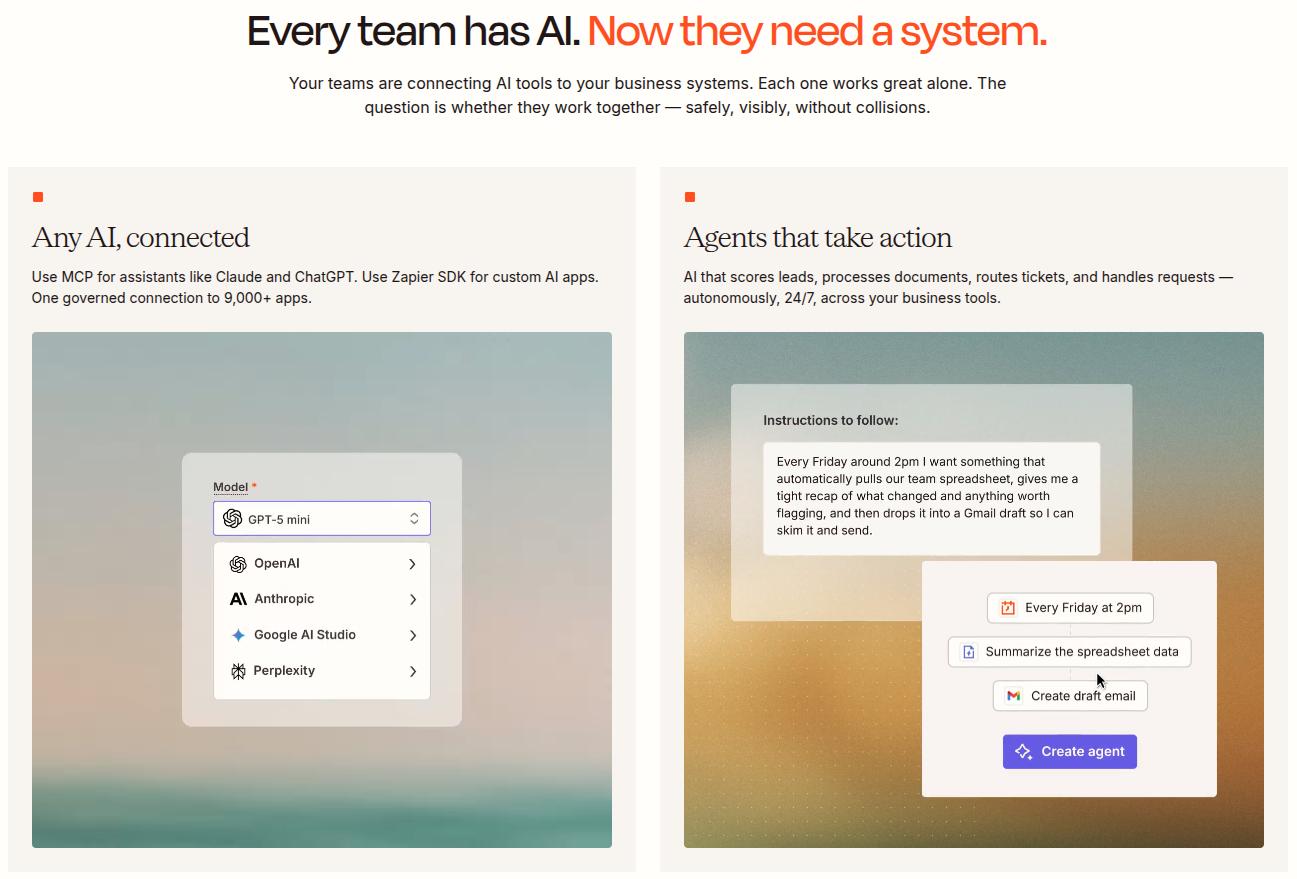
Zapier is a no-code automation platform that connects over 8,000 apps and automates workflows between them without hassle.
The tool can route new leads into your CRM, send Slack notifications upon deal closure, sync email subscribers between platforms, or trigger sequences based on events in other apps.
Pros
- Multi-step “Zaps” allow complex conditional workflows with branching logic
- AI automation layer (Zapier AI) enables agents and intelligent workflow orchestration
- Tables, Forms, and Chatbots are built-in tools that reduce the need for additional standalone products
Cons
- Complex workflows can become difficult to maintain over time without documentation
- Debugging failed Zaps requires some technical support to function
Pricing
- Free: 100 tasks/month
- Professional: from $19.99/month
- Team: from $69/month
- Enterprise: custom pricing
Conversion and UX optimization tools
Optimizing for user experience is a core part of any digital marketing strategy. UX optimization and conversion tools make it simple to make your efforts fruitful without any guesswork involved.
21. Hotjar
Hotjar is a behavioral analytics and user feedback platform that reveals how visitors interact with your website through heatmaps, session recordings, and on-site surveys.
It shows where users click, how far they scroll, and where they drop off in conversion funnels. Hotjar provides the qualitative evidence for teams working to improve conversion rates or reduce bounce rates.
Pros
- Heatmaps (click, scroll, move) visualize user attention and interaction patterns
- Session recordings let you watch real user journeys and identify friction points
- On-site polls and survey widgets capture qualitative feedback from actual users
Cons
- Session recording storage is limited on lower plans
- Does not provide traffic source or campaign-level data
- Heatmap accuracy can be affected by dynamic content or single-page app architectures
Pricing
- Free: basic recording capabilities
- Growth: from $49/month
- Pro: custom pricing
- Enterprise: custom pricing
How to build your digital marketing tool stack
Most brands struggle with their digital marketing tool stack not because they picked the wrong tools, but because they picked too many.
A stack built to solve every possible problem at once becomes expensive to run, difficult to manage, and hard to measure. Therefore, you need a practical approach to build the right digital marketing tool stack for your business.
#1: Start with your marketing priorities, not the tools
Before signing up for anything, identify the 2 – 3 channels that drive the most growth for your business right now.
Also read: How to start digital marketing in 2026.
If organic search is your primary channel, start with a solid SEO tool and an analytics layer. If you are an ecommerce brand growing through email, then a specialized email platform and a behavioral analytics tool are your first two additions.
Your stack should reflect your actual channel mix, not an abstract list of “must-have” tools that do not fulfil any requirements.
#2: Build around a data layer
Every stack needs a source of truth for performance data. Google Analytics 4 and Google Search Console together form a free, reliable analytics and search data foundation that all other tools can sit on top of.
However, before adding more tools, make sure you can actually measure what each one contributes. If that’s not the case, consider a different set of tools altogether before committing to a particular framework.
#3: Fill gaps one category at a time
We have seen a lot of agencies commit the mistake of fixing all problems at once. Don’t do that.
Instead, work through the categories in which we listed our digital marketing tools in order of priority for your business. Then, resist adding a new category until the previous one is functioning properly.
For example, a small local food business may not need email marketing tools for now. They can add them later on when they’re starting to grow into a franchise or looking to expand further in the region.
A lean, well-integrated stack of 6 – 8 tools consistently outperforms a bloated collection of 15 partially connected ones.
#4: Watch for functionality overlap
Several tools in this list have features that overlap with each other. HubSpot includes email marketing, but Klaviyo does it better for ecommerce. On a similar note, Sprout Social includes analytics, but GA4 goes deeper into website behavior.
Thus, before renewing or adding a tool, audit whether a tool you already own has made another one redundant. If that’s the case, there’s no point in extending your budget when you don’t need a particular set of functionality.
#5: Automate the connections
Once your core tools are in place, use Zapier, n8n, or a similar automation layer to connect them.
If you are a content-first brand, you can use Contentpen’s integrated publishing to post directly to WordPress, Webflow, Shopify, Ghost, Wix, or EmDash, and connect it to the rest of your stack through webhooks or the Public API. You can even create social media posts for your blogs through the ContentStudio integration.
If you’re comparing content platforms, see why teams switch.
Publish content directly to your CMS, without copy-pasting
Move from draft to live post in a single step. No hassle, no errors!
Try One-click Publishing →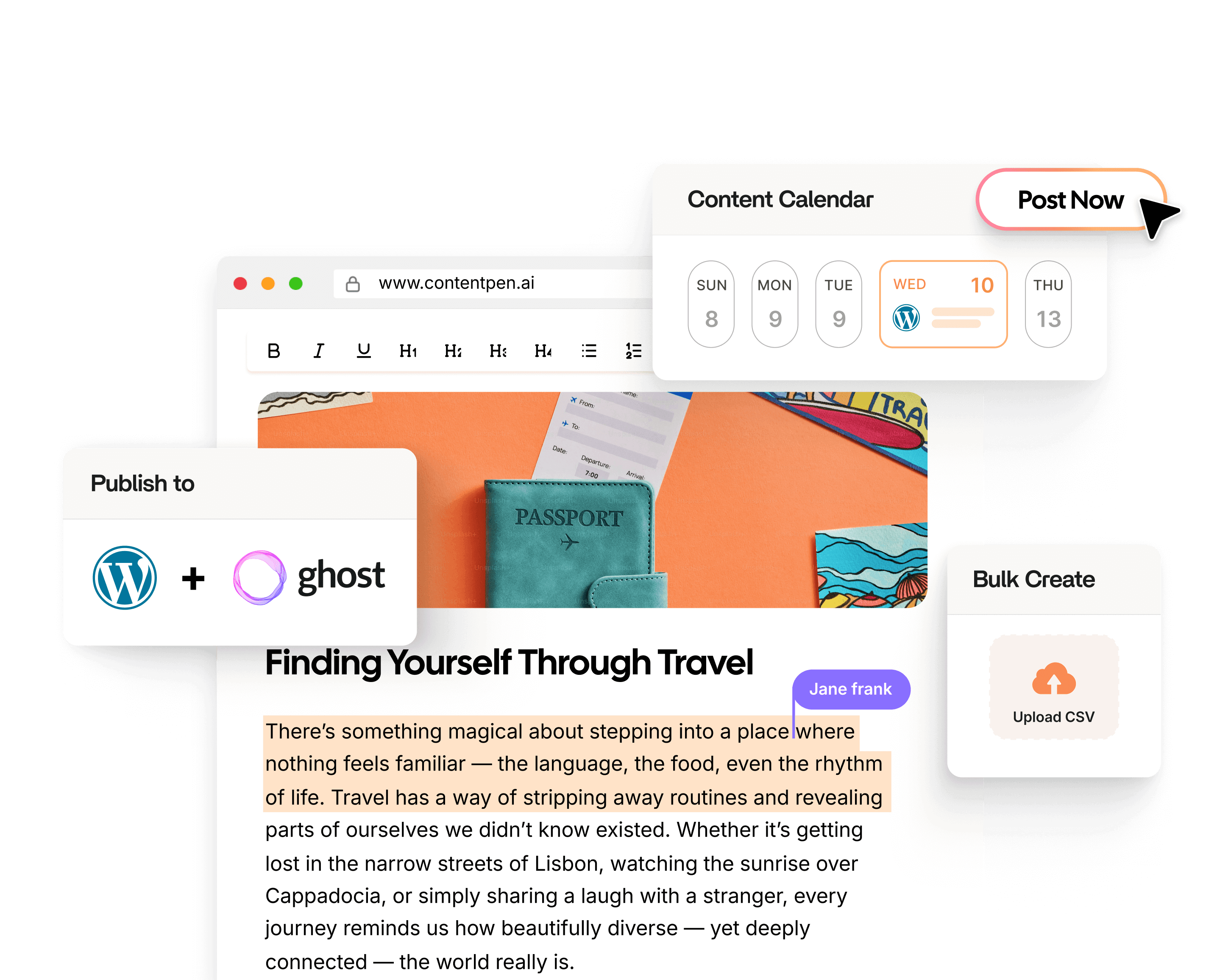
The goal is to have data and actions flow automatically between tools without manual effort. This will keep your team focused on strategy rather than the administration of how tools will connect and speak to each other.
Frequently asked questions
A digital marketing tool supports writing content, running ads, scheduling social posts, or tracking analytics. A marketing automation tool specifically handles the automated execution of repetitive marketing tasks, such as sending triggered emails, routing leads, or syncing data.
Most small businesses operate effectively with 4-6 tools. All you need is a website analytics platform, an SEO tool, an email marketing platform, a social media scheduler, and a design tool. A CRM becomes necessary as lead volume grows.
Free tools like Google Analytics 4 and Google Search Console are a reasonable starting point. As traffic, contacts, and team size grow, paid plans from more powerful tools typically become necessary for automation, higher data limits, and advanced data reporting.
The 7 types of digital marketing are SEO, content marketing, social media marketing, email marketing, PPC advertising, affiliate marketing, and influencer marketing. Each type serves a different stage of the customer journey, which is why most brands use a combination of several rather than relying on just one.
The 3 3 3 rule in marketing is a content guideline that suggests dividing your content output into three equal parts: one-third that promotes your brand or product, one-third that shares useful or educational content, and one-third that engages your audience through conversations, reposts, or community-driven content.
For B2B lead generation, HubSpot is the most commonly recommended starting point because it combines a CRM, landing page builder, email automation, and form capture in one connected platform.
No single tool handles all types of digital marketing effectively. All-in-one platforms like HubSpot cover several functions, but they are generalists. Specialist tools like Klaviyo, Ahrefs for backlink analysis, or Hotjar for UX research each go deeper in their category than any all-in-one tool can.

Jawwad
Jawwad Ul Gohar is an SEO and GEO-focused content writer with 3+ years of experience helping SaaS brands grow through search-driven content. He has increased organic traffic for several products and platforms in the tech and AI niche. As an author at Contentpen.ai, he provides valuable insights on topics like SEO technicalities, content frameworks, integrations, and performance-driven blog strategies. Jawwad blends storytelling with data-driven content that ranks, converts, and delivers measurable growth.
View all posts by this author